Back to Index
HOLD Function
This function causes the unit to ignore short, accidental button presses.
The HOLD function prevents the following :
•The unit is powered on accidentally when not in use, causing the batteries to run down.
•A button is accidentally pressed during play, interrupting the operation.
To use the HOLD function
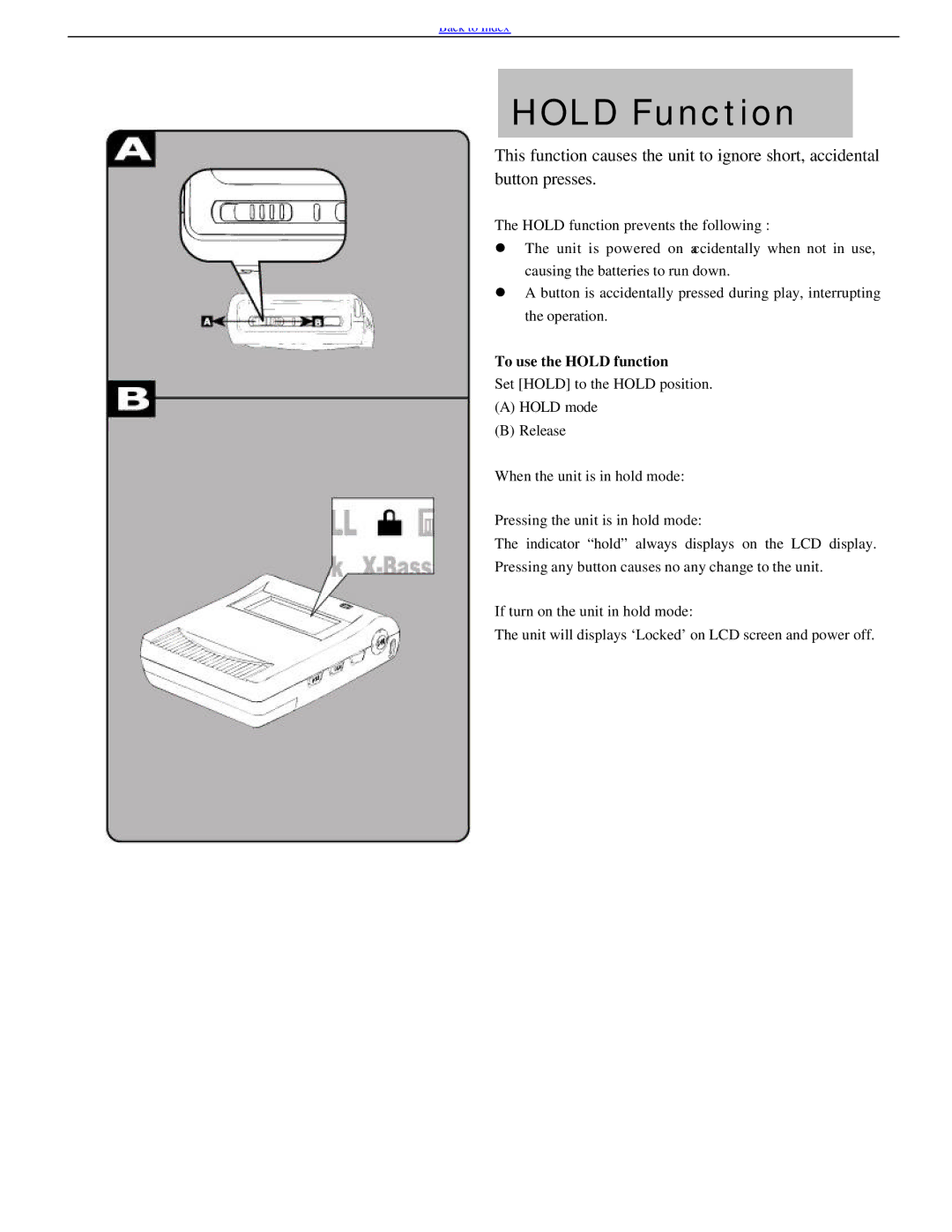
Set [HOLD] to the HOLD position.
(A)HOLD mode
(B)Release
When the unit is in hold mode:
Pressing the unit is in hold mode:
The indicator “hold” always displays on the LCD display. Pressing any button causes no any change to the unit.
If turn on the unit in hold mode:
The unit will displays ‘Locked’ on LCD screen and power off.