M a i n M e n u
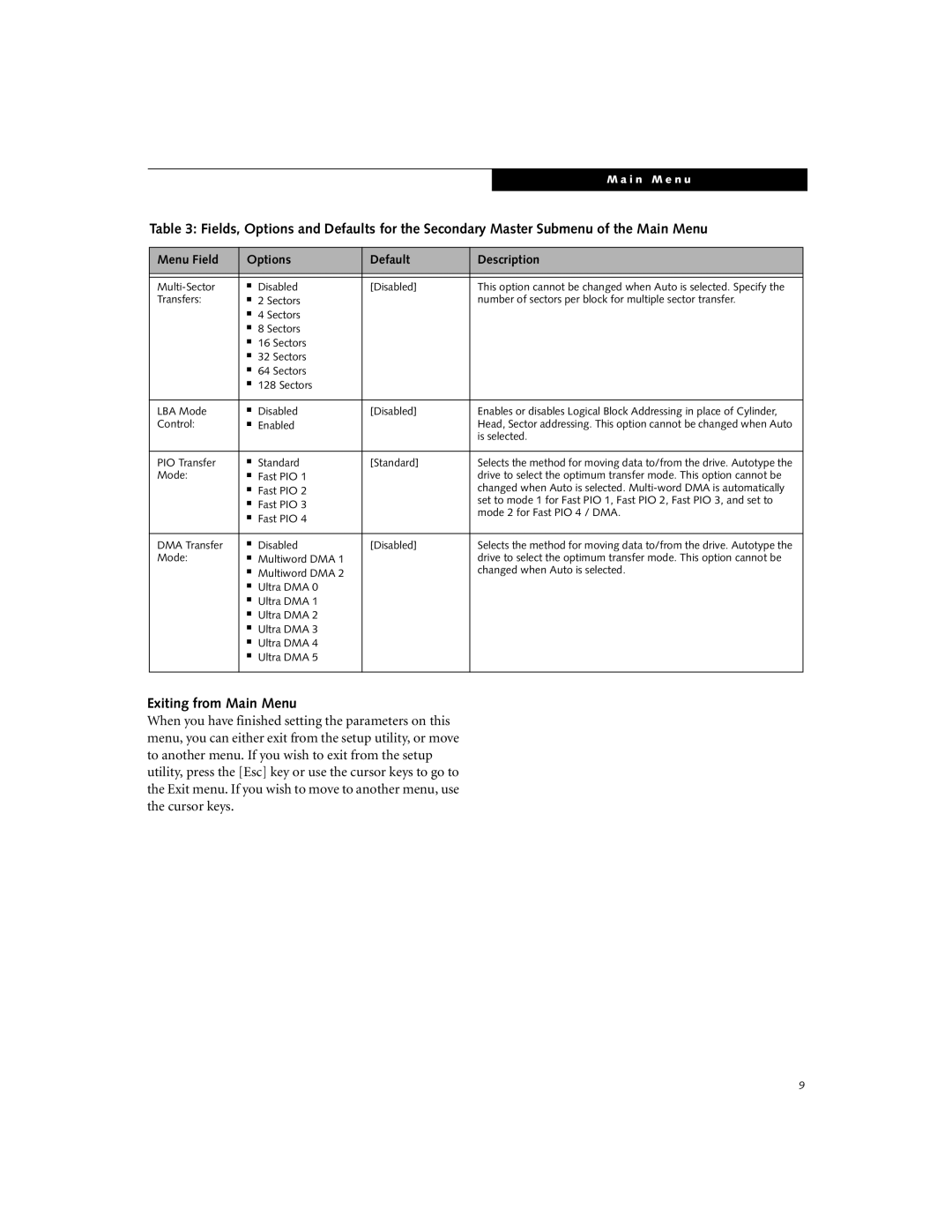
Table 3: Fields, Options and Defaults for the Secondary Master Submenu of the Main Menu
Menu Field | Options | Default | Description | |
|
|
|
|
|
|
|
|
|
|
■ | Disabled | [Disabled] | This option cannot be changed when Auto is selected. Specify the | |
Transfers: | ■ | 2 Sectors |
| number of sectors per block for multiple sector transfer. |
| ■ | 4 Sectors |
|
|
| ■ | 8 Sectors |
|
|
| ■ | 16 Sectors |
|
|
| ■ | 32 Sectors |
|
|
| ■ | 64 Sectors |
|
|
| ■ | 128 Sectors |
|
|
|
|
|
|
|
LBA Mode | ■ | Disabled | [Disabled] | Enables or disables Logical Block Addressing in place of Cylinder, |
Control: | ■ | Enabled |
| Head, Sector addressing. This option cannot be changed when Auto |
|
|
|
| is selected. |
|
|
|
|
|
PIO Transfer | ■ | Standard | [Standard] | Selects the method for moving data to/from the drive. Autotype the |
Mode: | ■ | Fast PIO 1 |
| drive to select the optimum transfer mode. This option cannot be |
| ■ | Fast PIO 2 |
| changed when Auto is selected. |
| ■ | Fast PIO 3 |
| set to mode 1 for Fast PIO 1, Fast PIO 2, Fast PIO 3, and set to |
| ■ | Fast PIO 4 |
| mode 2 for Fast PIO 4 / DMA. |
|
|
|
|
|
DMA Transfer | ■ | Disabled | [Disabled] | Selects the method for moving data to/from the drive. Autotype the |
Mode: | ■ | Multiword DMA 1 |
| drive to select the optimum transfer mode. This option cannot be |
| ■ | Multiword DMA 2 |
| changed when Auto is selected. |
| ■ | Ultra DMA 0 |
|
|
| ■ | Ultra DMA 1 |
|
|
| ■ | Ultra DMA 2 |
|
|
| ■ | Ultra DMA 3 |
|
|
| ■ | Ultra DMA 4 |
|
|
| ■ | Ultra DMA 5 |
|
|
|
|
|
|
|
Exiting from Main Menu
When you have finished setting the parameters on this menu, you can either exit from the setup utility, or move to another menu. If you wish to exit from the setup utility, press the [Esc] key or use the cursor keys to go to the Exit menu. If you wish to move to another menu, use the cursor keys.
9