Print DPOF Images
To use DPOF printing, you must select your photos for print-
ing using the DPOF settings beforehand. See “DPOF” section on page 65.
1.In the PictBridge menu, select「Print DPOF Images」and the screen as shown below appears.
2.Select「Yes」and press the  button to confirm; select「Cancel」to cancel printing.
Exit
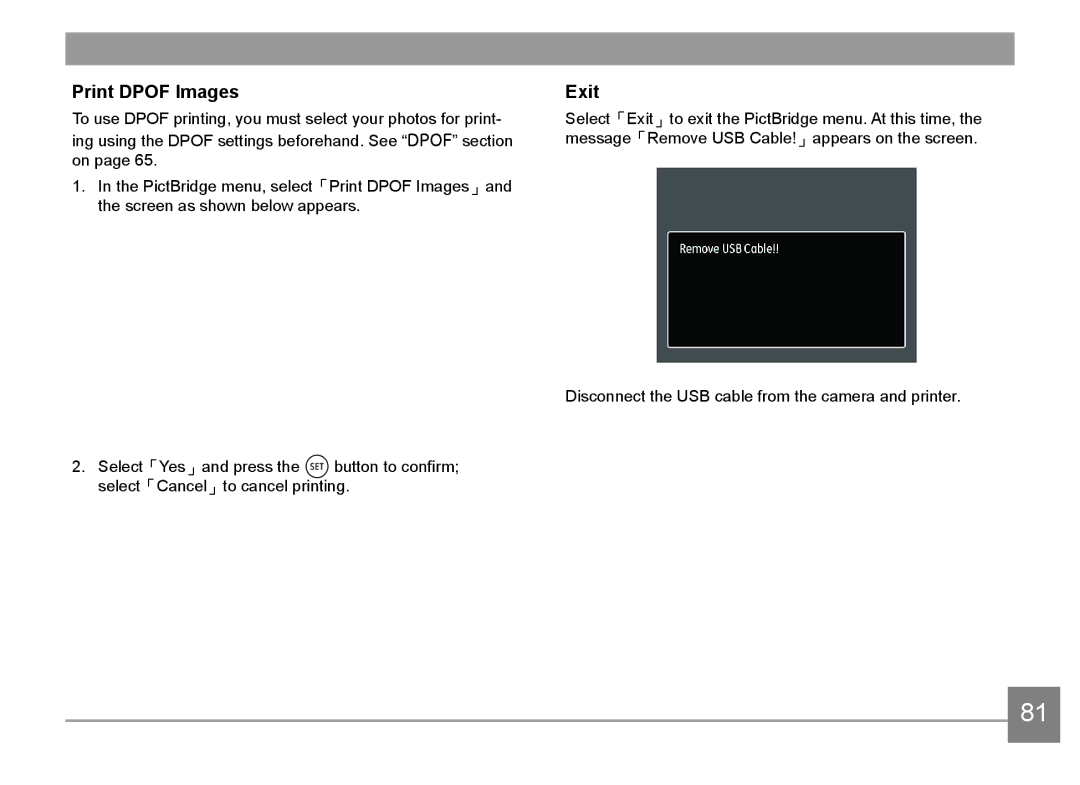
Select「Exit」to exit the PictBridge menu. At this time, the message「Remove USB Cable!」appears on the screen.
Disconnect the USB cable from the camera and printer.
81