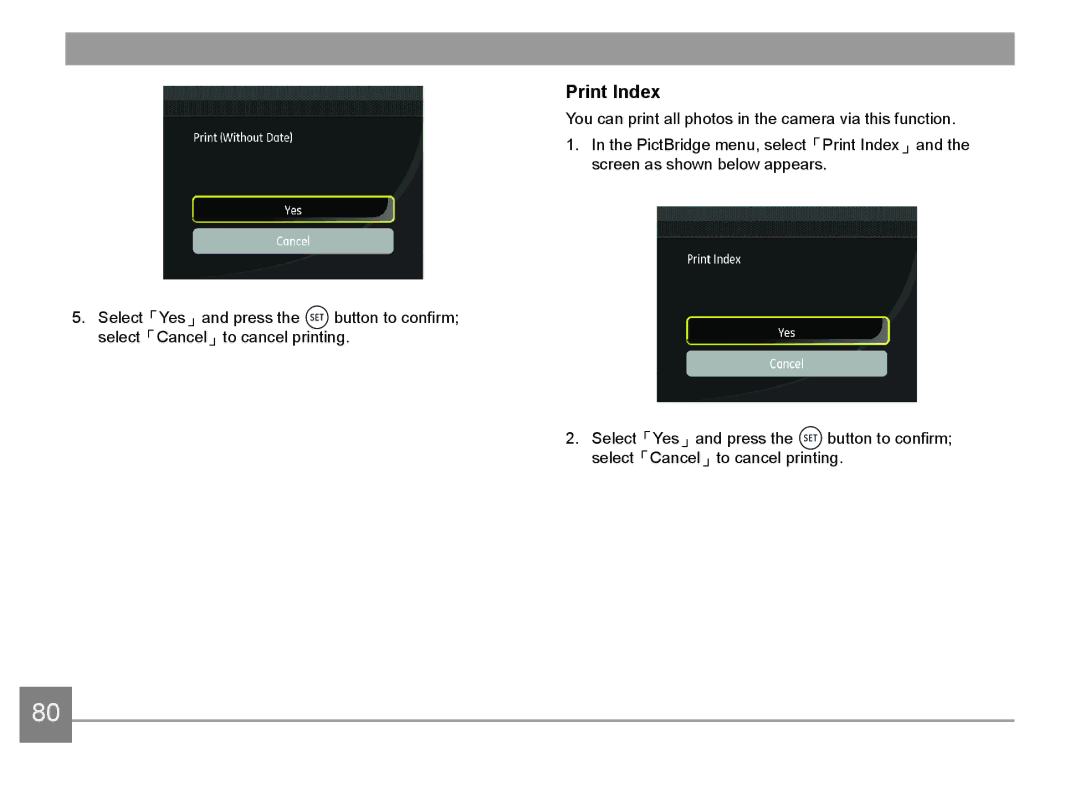
5.Select「Yes」and press the  button to confirm; select「Cancel」to cancel printing.
Print Index
You can print all photos in the camera via this function.
1.In the PictBridge menu, select「Print Index」and the screen as shown below appears.
2.Select「Yes」and press the  button to confirm; select「Cancel」to cancel printing.
80