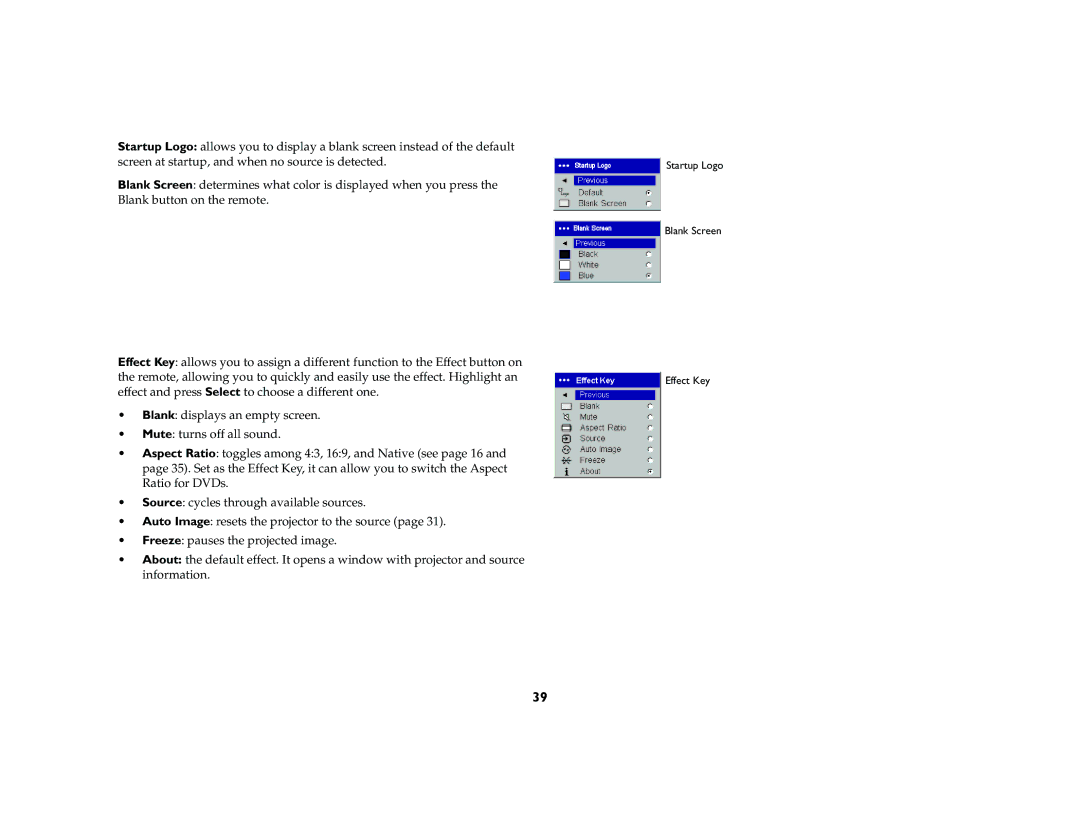
Startup Logo: allows you to display a blank screen instead of the default screen at startup, and when no source is detected.
Blank Screen: determines what color is displayed when you press the Blank button on the remote.
Effect Key: allows you to assign a different function to the Effect button on the remote, allowing you to quickly and easily use the effect. Highlight an effect and press Select to choose a different one.
•Blank: displays an empty screen.
•Mute: turns off all sound.
•Aspect Ratio: toggles among 4:3, 16:9, and Native (see page 16 and page 35). Set as the Effect Key, it can allow you to switch the Aspect Ratio for DVDs.
•Source: cycles through available sources.
•Auto Image: resets the projector to the source (page 31).
•Freeze: pauses the projected image.
•About: the default effect. It opens a window with projector and source information.
Startup Logo
Blank Screen
Effect Key
39