III. Using Third Party Plug-ins
3.1 Plug-in Settings
Plug-ins settings are available in Preferences > Video Input > Plug-ins > Show settings Note that some plug-ins do not have any settings.
Explanation for the individual settings of a specific plug-in are usually included in the Read-me file included with a third party plug-in.
3.2 Using the plug-ins
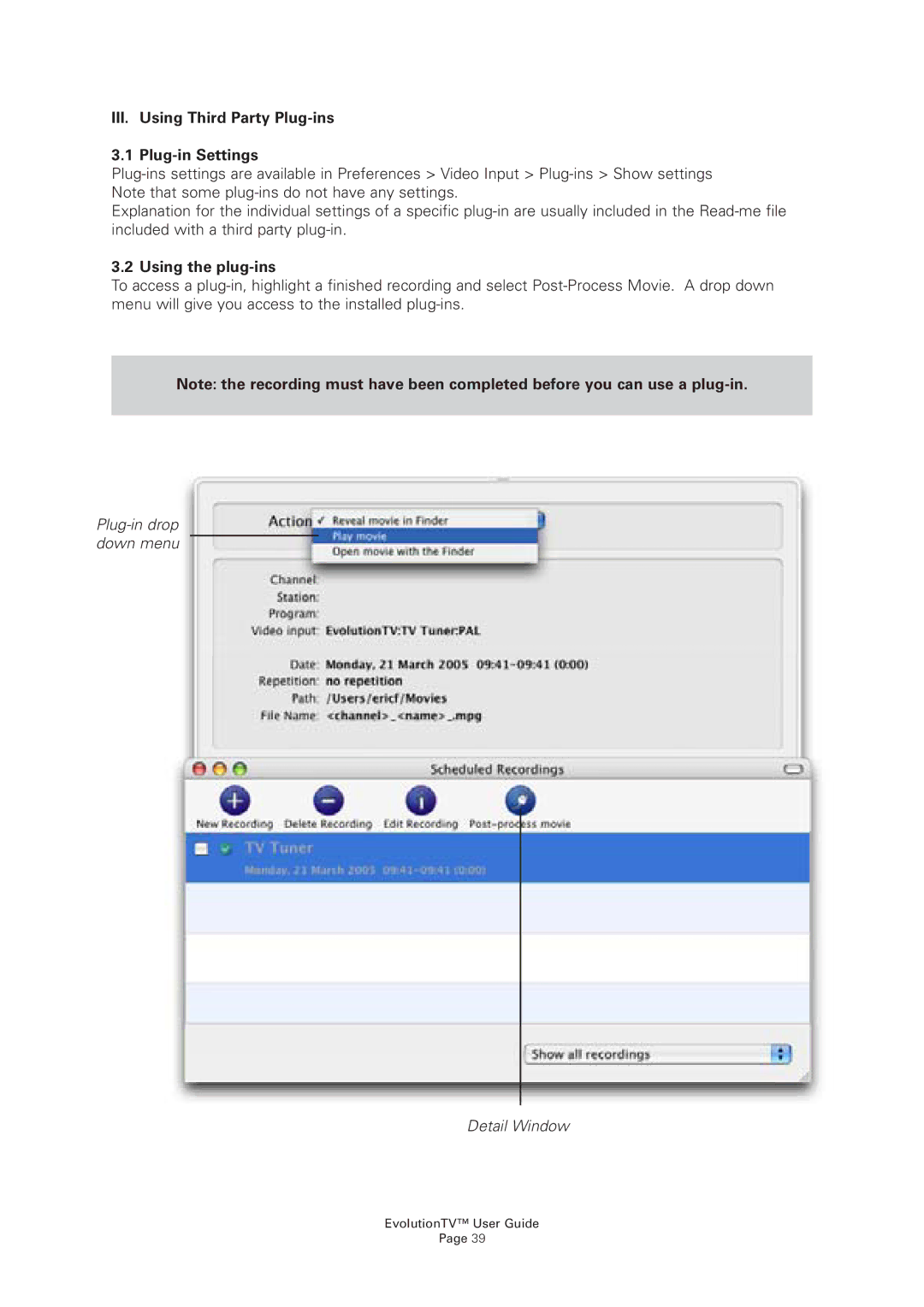
To access a plug-in, highlight a finished recording and select Post-Process Movie. A drop down menu will give you access to the installed plug-ins.
Note: the recording must have been completed before you can use a plug-in.
Plug-in drop down menu
Detail Window
EvolutionTV™ User Guide
Page 39