IDENTIFYING EXTERNAL COMPONENTS
This section identifies all the major external components of the switch.
Front Panel
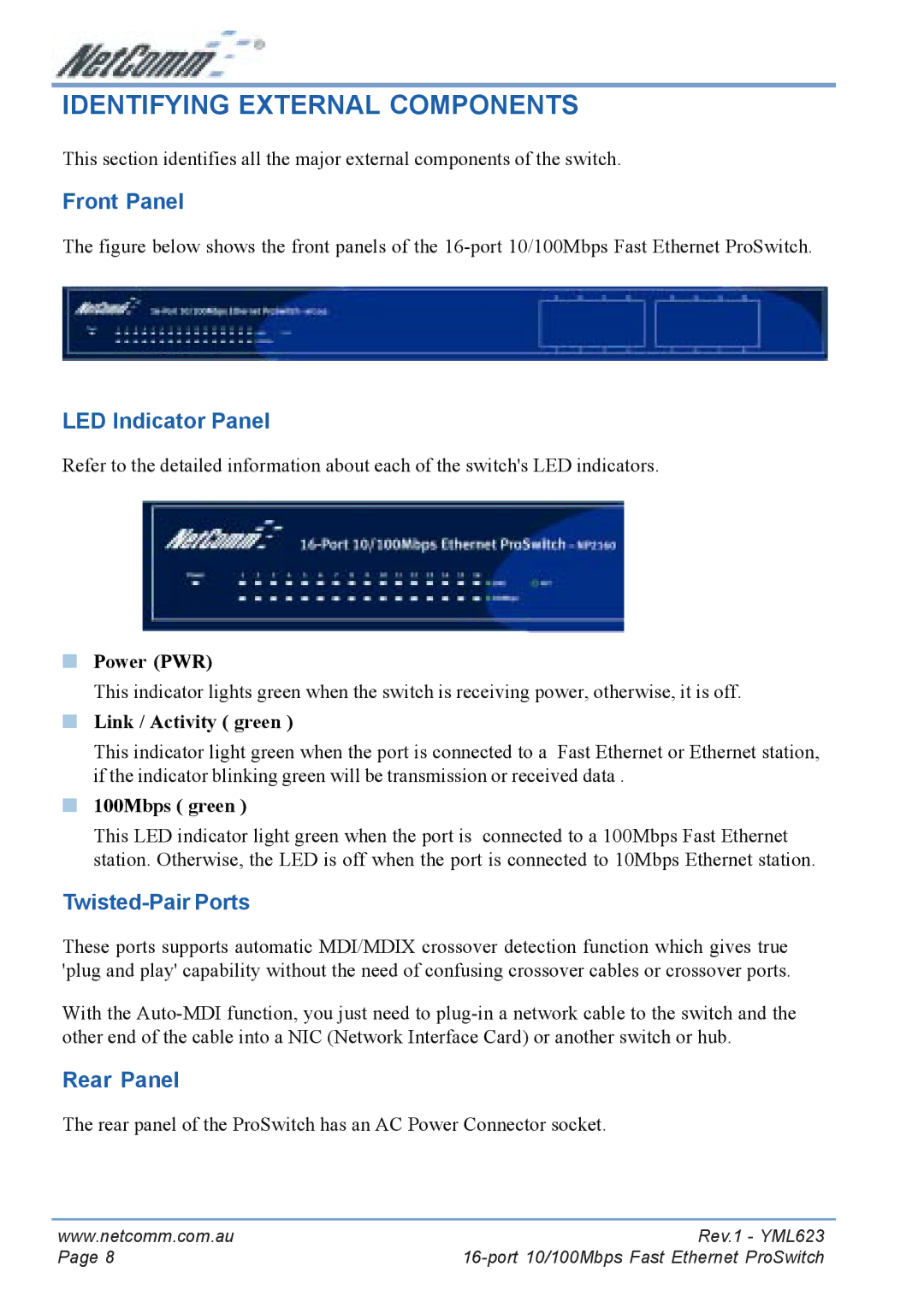
The figure below shows the front panels of the 16-port 10/100Mbps Fast Ethernet ProSwitch.
LED Indicator Panel
Refer to the detailed information about each of the switch's LED indicators.
■Power (PWR)
This indicator lights green when the switch is receiving power, otherwise, it is off.
■Link / Activity ( green )
This indicator light green when the port is connected to a Fast Ethernet or Ethernet station, if the indicator blinking green will be transmission or received data .
■100Mbps ( green )
This LED indicator light green when the port is connected to a 100Mbps Fast Ethernet station. Otherwise, the LED is off when the port is connected to 10Mbps Ethernet station.
Twisted-Pair Ports
These ports supports automatic MDI/MDIX crossover detection function which gives true 'plug and play' capability without the need of confusing crossover cables or crossover ports.
With the
Rear Panel
The rear panel of the ProSwitch has an AC Power Connector socket.
www.netcomm.com.au | Rev.1 - YML623 |
Page 8 |