E
67
Re
fere
nce
S
e
cti
on
Continuous Shooting
Rotate the mode dial to
j
,
k
,
l
,
m
or
M
M
d
button
M
j
,
k
,
l
,
m
or
M
menu icon
M
Continuous
M
k
button
Option
Description
U
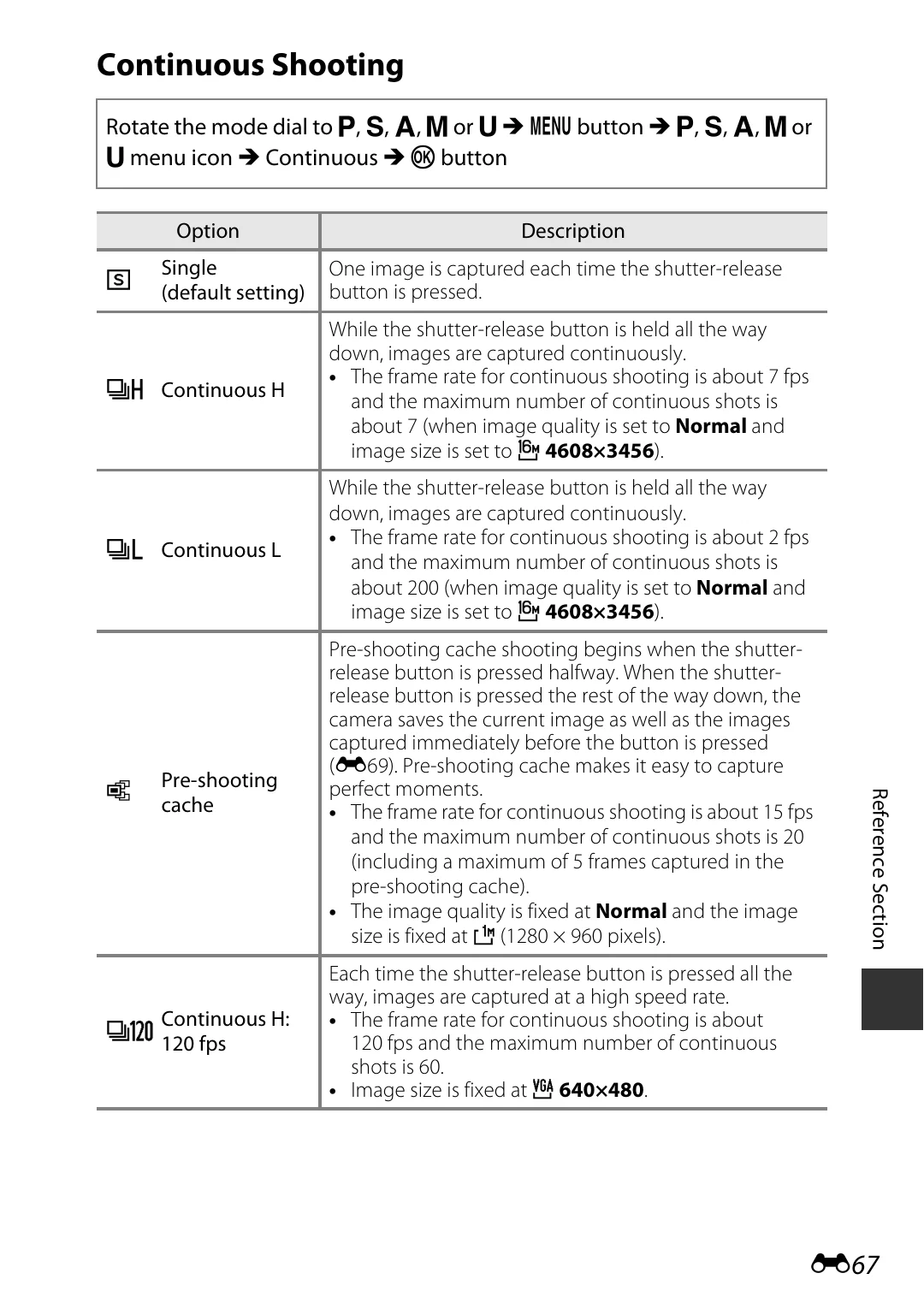
Single
(default setting)
One image is captured each time the shutter-release
button is pressed.
k
Continuous H
While the shutter-release button is held all the way
down, images are captured continuously.
•
The frame rate for continuous shooting is about 7 fps
and the maximum number of continuous shots is
about 7 (when image quality is set to
Normal
and
image size is set to
i
4608×3456
).
m
Continuous L
While the shutter-release button is held all the way
down, images are captured continuously.
•
The frame rate for continuous shooting is about 2 fps
and the maximum number of continuous shots is
about 200 (when image quality is set to
Normal
and
image size is set to
i
4608×3456
).
q
Pre-shooting
cache
Pre-shooting cache shooting begins when the shutter-
release button is pressed halfway. When the shutter-
release button is pressed the rest of the way down, the
camera saves the current image as well as the images
captured immediately before the button is pressed
(
69). Pre-shooting cache makes it easy to capture
perfect moments.
•
The frame rate for continuous shooting is about 15 fps
and the maximum number of continuous shots is 20
(including a maximum of 5 frames captured in the
pre-shooting cache).
•
The image quality is fixed at
Normal
and the image
size is fixed at
A
(1280 × 960 pixels).
n
Continuous H:
120 fps
Each time the shutter-release button is pressed all the
way, images are captured at a high speed rate.
•
The frame rate for continuous shooting is about
120 fps and the maximum number of continuous
shots is 60.
•
Image size is fixed at
f
640×480
.