The Setup Menu
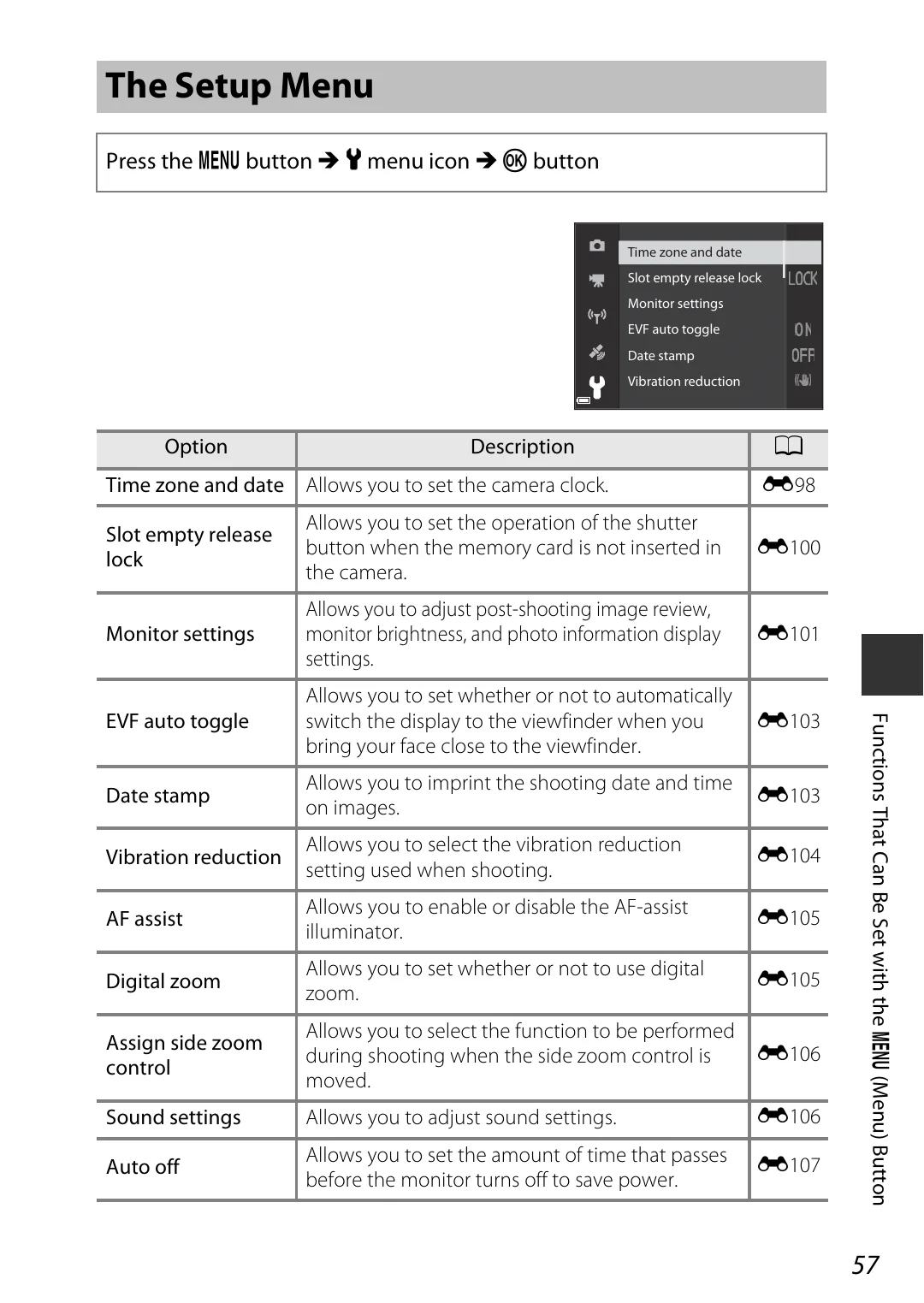
Press the d button M z menu icon M k button
Time zone and date
Slot empty release lock
Monitor settings
EVF auto toggle
Date stamp
Vibration reduction
Option
Description
Time zone and date Allows you to set the camera clock.
A
E98
Allows you to set the operation of the shutter
button when the memory card is not inserted in
the camera.
E100
Monitor settings
Allows you to adjust post-shooting image review,
monitor brightness, and photo information display
settings.
E101
EVF auto toggle
Allows you to set whether or not to automatically
switch the display to the viewfinder when you
bring your face close to the viewfinder.
E103
Date stamp
Allows you to imprint the shooting date and time
on images.
E103
Vibration reduction
Allows you to select the vibration reduction
setting used when shooting.
E104
AF assist
Allows you to enable or disable the AF-assist
illuminator.
E105
Digital zoom
Allows you to set whether or not to use digital
zoom.
E105
Assign side zoom
control
Allows you to select the function to be performed
during shooting when the side zoom control is
moved.
E106
Sound settings
Allows you to adjust sound settings.
E106
Auto off
Allows you to set the amount of time that passes
before the monitor turns off to save power.
E107
Functions That Can Be Set with the d (Menu) Button
Slot empty release
lock
57