What information is Numbers
Needed?
ESN
Legal Information
Table of contents
Page
Page
Page
Organizer
Message from the FDA Index
For your safety
Enhancements and Batteries
Qualified Service
Backup Copies
Connecting to Other Devices
Press the End key
Quick Guide
Menu Shortcuts
Text messages
Normal Silent Meeting Outdoor Pager
Welcome
GET the Most OUT of this Guide
Understand the terms
Bold
Observe text conventions
Follow graphic clues
Convention What it means
Look for updates
Understand Wireless Network Services
Sign up with a service provider
Learn about Accessibility Solutions
Access alternate formats Accessible features
LPS-4 mobile inductive loopset
Nokia Mobile Phones
Contact Nokia
Customer Interaction Centre
Canada
Register Your Phone Newsletters
Phone label
Have the right information available
Have the phone or enhancement available
Contact Your Service Provider
About your phone
Whip antenna
About the Antennas
Install the battery
About the Battery
Charge the battery
Ruim card slot
Remove the battery
Important battery information
Ruim card slot
Element Description
Switch Your Phone on or OFF
Your service provider’s name may appear here
Check the Start Screen
Selection key to view the menu options
Signal
Shows the battery charge level
Battery
USE the Selection Keys
USE the Scroll Keys
Scroll keys
Learn about the Keys
Key Description
Through
Task Instructions
Make and Answer Calls
Symbol Description
Review Phone Symbols
Memory USE
View Your Phone Help System
ENABLE/DISABLE Help System
Scrolling Tips
Scroll through menus
Header line
Menu Number
Messages
Learn about menu shortcuts
Menu and Menu Shortcuts
USE a Shortcut
Call LOG
Normal
Settings
Clear all browser logs
Profiles
None -1-6-1 Card a -1-6-2 Card B -1-6-3 Card C -1-6-4 Card D
Games
Settings Game sounds Game lights Shakes
Voice
Minibrowser Organizer
Applications Keyguard
About your phone
Menu
Phone Book Menu
Connect the headset
Phone setup
Adjust the volume
Learn about the HDB-4 Headset
Mode Phone shows Use for
Text entry
Enter Letters and Numbers
@?!-1 R S Y Z Space, 0, return
Write Using ABC and 123 Modes
Enter letters
Key Characters
Press
Other Options
To start a new line-Press0 three times
Enter numbers
Enter punctuation or other characters
Enter Punctuation or Special Characters
Use special characters in phone numbers
Write with Predictive Text
Causes the phone to wait for you to press Send
Nokia
What you press What you see
Onl
Onli
Keys and Tools for Predictive Text
Spell
Clear
Turn off predictive text input
Enable Predictive Text Quick Method
Enable Predictive Text and Select Dictionary
Turn on predictive text input
ADD a Word to the Dictionary
Insert Numbers and Symbols
Write Compound Words
Press Contacts
Save a Number and Name Using Phone Book Menu
Phone book
Saving Contacts and Numbers
Option Function
Recall Contacts and Numbers
USE Phone Book Menus
From the Start screen, recall a phone book entry as follows
Displaying the phone book
Change phone book view
Edit a Name or Number
By recalling the name
ADD a Number to a Phone Book Entry
From the phone book
From the Start screen
Change the number type
Learn about primary number
Change Primary Number
Delete Entire Phone Book Entry
Delete Stored and Numbers
ADD Other Information to a Phone Book Entry
Delete a Number
Edit caller group options
Setting a Ringing Tone and Graphic for a Caller Group
USE Caller Groups
Assign phone number to a caller group
Press OK
Check Memory Status
Requirements
Call log
Check Missed or Received CALLS, or Dialed Numbers
View call log options
Option Description
Dialed Numbers
Use call log shortcuts
Delete Recent Call Lists
Missed Calls
Access the Various Call Timers
USE Call Timers
Option Description Clear timers
Turn on a Current Call Timer
Clear Call Timers
Data Timers DATA/FAX and Minibrowser
Clear all data/fax logs-clears all timers and data/fax logs
Access data-related call timer
Data-related call timer options
Minibrowser timer options
Voice mailbox
Store Your Voice Mailbox Number
SET Greetings
From the Start screen, press and hold 1 for two seconds
Listen to Messages When Notified
Listen to Your Voice Messages
Listen to Messages Later
Text messages
Write a Text Message
Create and send a text message
Enter the recipient’s phone number, then press Options
From the Start screen, press Menu, then press Select
Select Text messages, then select Create message
USE Other Options
View message options
Press Menu 01-1-5 Messages Text messages Templates
USE Message Templates
Displayed by predictive text
Sorry, I can’t help you on this
Learn about E-MAIL Text Messages
Create and send an e-mail message
Messages to phones in other networks
Read Messages Later
Receive Text Messages
Respond to a Text Message
After you write your reply, press Options, then select Send
Reply using SMS
Reply to a Message
Reply to an e-mail message
Erasing individual text messages
Delete Messages
Learn about delete options
Erase messages in the message folders
View a message settings
Forward a message
Assign Message Options
Message Settings
Organize Text Messages Using Folders
Learn about message memory
Work with Messages Saved in the Outbox
Quick Method
Personalization
Learn about Profiles
Select a Different Profile
Customize a Profile
Set ringing options
Set a ringing tone
Set ringing volume
Set a vibrating alert
Set message alert tone
Set warning tones
Set keypad tones
Scroll to Headset or Loopset and press Select
Press Menu 4-4 Settings Enhancement settings
Rename Profiles
Select and customize an enhancement profile
Receive ringing tones from Minibrowser
Download a Ringing Tone
Play, save, or delete a ringing tone
Use PC Composer
SET the Display Language
Manually setting the clock
Press Menu 4-2-1 Settings Phone settings Language
Press Menu 4-3-1 Settings Time settings Clock
Scroll to On or Confirm first, then press Select
Selecting time format
Allow the network to set the clock
Display or hide the clock
Create a startup message
Learn about Voice Commands
Press Menu 4-2-3 Settings Phone settings Welcome note
Customize the Welcome Screen
Create a voice tag for a menu option
Use a voice command
Press Menu 6-2 Voice Voice commands
Press Menu 6-2 Voice Voice commands then press Select
Page
Mute
Advanced features
View IN-CALL Options
Mute/End
Menu
Learn about call forwarding feature codes
USE Call Forwarding
Contacts
Store a feature code
Answering a waiting call
Activate/cancel call forwarding
Press Menu 4-6-2 Settings Network services Call forwarding
USE Call Waiting
Switch between the two calls
End the active call
Make a Conference Call
Go from conference call to individual call
Send OWN Caller ID When Calling
Store the feature codes
End calls
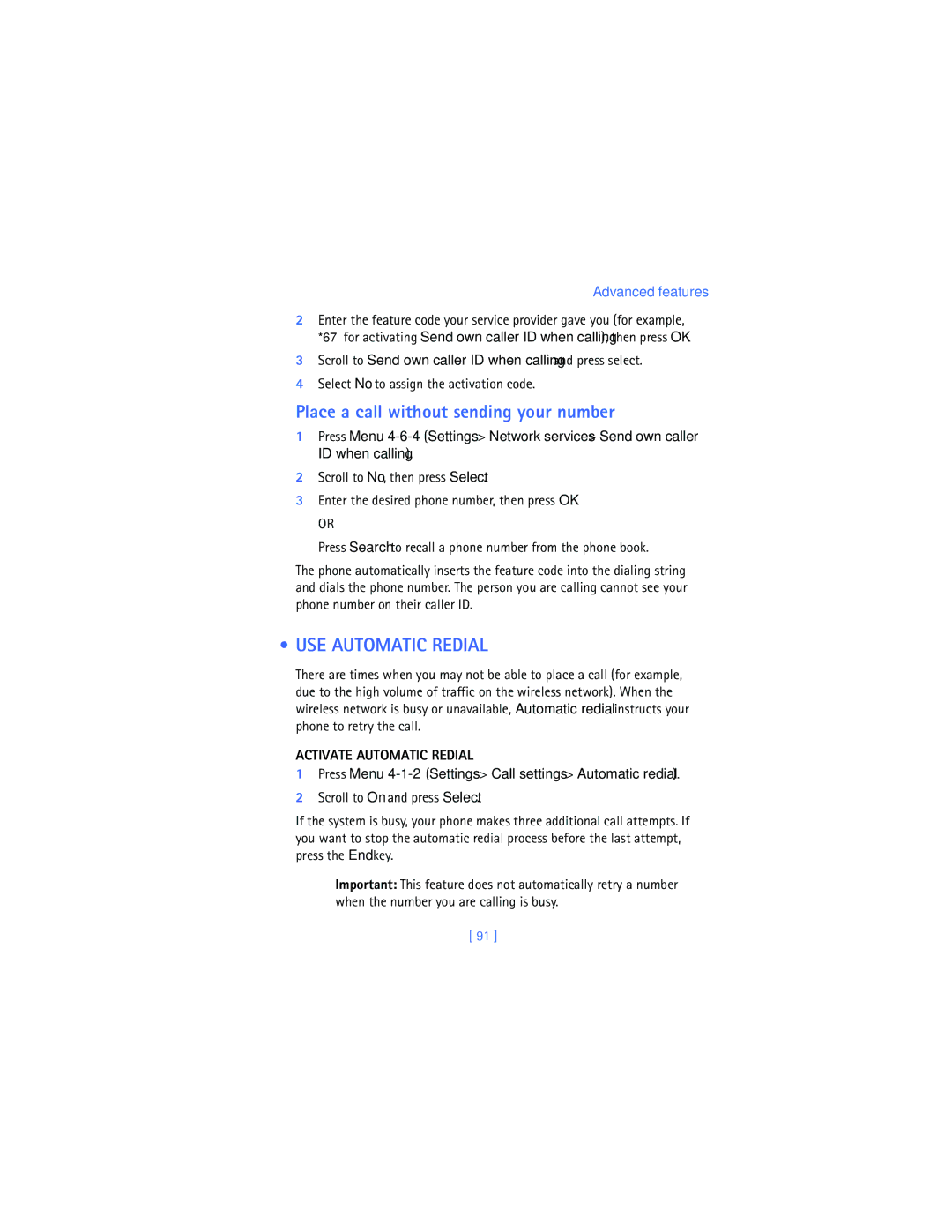
USE Automatic Redial
Scroll to Send own caller ID when calling and press select
Press Menu 4-1-2 Settings Call settings Automatic redial
Place a call without sending your number
Select Dialing sequence
Press Menu 4-1-6 Settings Call settings Calling card
Calling Card
Saving calling card information
Your phone displays Wait for tone, then press OK
Choosing a calling card to use
Making calling card calls
Voice Dialing
Assign a voice tag to a phone number
ADD a Voice TAG to a Phone Book Entry
Phone displays Press Start, then speak after the tone
Dialing a number using voice dialing
Important Notes about Voice Tags
Deleting a phone number deletes any associated voice tags
Touch Dialing
Press Contacts Scroll to 1-touch dialing and press Select
Set up 1-touch dialing
Touch dialing options
Learn about Caller Groups
Group ringing
ADD a Number to a Caller Group
Select a Ringing Tone and Graphic for a Caller Group
Renames the selected caller group
USE Touch Tones
Set manual touch tone options
SET Touch Tone Type
Save Touch Tones AS a Phone Book Entry
Send a touch tone string manually
Send touch tone string from phone book
SET Fixed Touch Tone Length
101
Store a touch tone string with phone number
Link Phone Book Entries
Save this phone book entry as you normally would
Press Menu 6-3-1 Voice Voice recorder Record
Learn about Voice Recorder
Record a memo
USE Linking Options
Work with recorded memos
Press Menu 6-3-2 Voice Voice recorder Recordings list
103
104
Security and System settings
Lock Keypad Keyguard
Activate/deactivate Keyguard
Unlock Keypad
Correct entry errors
Security Code
Change your security code
Phone Lock
Learn about the lock code
106
Change Your Lock Code
Allowed number when phone locked
Activating and deactivating phone lock
Answer a call with phone lock on
Learn about restriction options
Store the unlocked phone number
Calling the allowed phone number
Call Restrictions
Adding a call restriction
Enter the security code and press OK
109
Enter your security code and press Select
Automatic Update of Service
Edit call restrictions
Erasing call restrictions
Learn about System Selection
View Roaming options
111
Organizer
USE the Alarm Clock
Set the alarm
Respond to an alarm
113
Alarm when phone power is off
Alarm clock notes
Calendar
114
Calendar Options menu
Learn about Calendar views
Week List
115
Select Make a note
When the Alarm Sounds for a Note
To stop the alarm, press Exit or the End key
Add a calendar note
SET the Exchange Rate
Calculator
Use the calculator
Convert currency
Press Options and scroll to To home or To foreign
Calculate Currency Using the Exchange Rate
Press Menu 8-4 Menu Organizer Calculator
Enter the number of units for the exchange rate
119
Stopwatch
Time an event using split timing
Time an event using lap timing
120
Press Menu 8-4-1 Organizer Stopwatch Continue
View timing options
Choose other stopwatch options
Following
122
Applications
Launching AN Application
Other Options Available for Applications
123
Download a NEW Application
Check memory status
Details gives additional information about the application
124
Installed
Your phone offers you four games from which to choose
Games
Game control
Start a new game
Game settings
Learn about Game Options
126
PC Connectivity
Nokia PC Suite
127
Modem setup
Download software
128
Understand Browsing Sessions and Indicators
Minibrowser
129
END a Browsing Session
Launching the Minibrowser
131
About WEB page Content
Minibrowser Menu
Minibrowser menu
Navigate in the Minibrowser
Bookmark a
Links
Bookmarks
ACTIVATE/SELECT a Link
GO to a Bookmarked
Receive Messages Using the Minibrowser
Notification of new minibrowser messages
Web links in minibrowser messages
Disable Minibrowser Confirmations
END the Minibrowser Session
135
136
Reference information
USE Enhancements Safely
137
Electronic devices
Important Safety Information
Traffic Safety
Operating environment
139
Other medical devices
Pacemakers
Hearing Aids
140
Vehicles
Potentially explosive atmospheres
Posted Facilities
141
If the phone is not on, switch it on
Emergency calls
Make an Emergency Call
142
Certification Information SAR
143
144
Care and Maintenance
FEW Practical Rules for Enhancement Operation
Battery Information
Other enhancements, contact your service provider
Enhancements
Charging and Discharging
Battery option
Charging Times
Standby and Talk Times
147
Chargers and Other Enhancements
148
Learn about chargers and other enhancements
Standard Charger ACP-7U
Rapid Travel Charger ACP-8U
149
Travel Charger ACP-12U
Rapid Mobile Charger LCH-9
Headset HDB-4
BHF-1 Basic Car Kit
Data Cable DKU-5
DCV-15 Desktop charger
Loopset LPS-4
151
Mobile Holder MBC-17
Remove the Back Cover
Remove the Front Cover
How do I lock my phone?
Frequently Asked Questions FAQ
Replace the Front Cover
Replace the Back Cover
How do I lock the keypad?
What is my lock code?
What is my security code?
How do I unlock my phone?
How do I assign a key to 1-touch dialing?
How do I store my voice mailbox number?
How do I find my phone’s model number?
How do I redial the last-dialed number
How can I change the brightness of my phone’s display?
How do I clear my call timers?
How do I find out how many memory locations the phone has?
How do I find my phone’s ESN electronic serial number?
Glossary
Term Definition
156
157
158
Input Phone keypad
159
From a mobile phone
See earpiece volume or ringing volume
Phone games
Possible
Technical Information
Calls
Troubleshooting
Problem Possible cause Possible solution
My phone isn’t
Delivered
Command
Voice command
Are not being
164
Nokia One Year Limited Warranty
165
Nokia One Year Limited Warranty
166
Melbourne, FL
167
168
169
170
To all users of mobile phones
Appendix a Message from the Ctia
171
172
Guide to Safe and Responsible Wireless Phone Use
173
174
175
Appendix B Message from the FDA
176
What is FDAs role concerning the safety of wireless phones?
177
What kinds of phones are the subject of this update?
178
179
What about children using wireless phones?
180
Automatic redial Automatic update of service
Index
181
182
183
PC Suite application 127 PC Sync PC Suite 128 phone
Phone book menu Phone book menu options 34 phone help
184
185
Security settings
Voice command
Selecting call restrictions 109 selection keys
186
Create a voice tag 83 using
Voice tags add
Xpress-on color covers