Video cassette recorder Users guide
Refer servicing to qualified service personnel
Cover or back. No user serviceable parts inside
Important Information
Product Registration
Table of Contents
Programming the Remote
Other Features
Connections
Appendix Reference
HI, MY Name is LIZ… Read the First Three Sections
First Things First
WHAT’S LEFT?
First Things First
Remote control RF coaxial cable
Install Batteries in the Remote Control
Unpack WHAT’S in the BOX
Connect Your VCR
Plug in the VCR
Access the Menus
Tune the TV
Turn on the VCR
Press 2 to switch Auto Play to on or OFF
SET UP the VCR
Press Menu to display the VCR Main Menu
Press 6 to display the Preferences menu
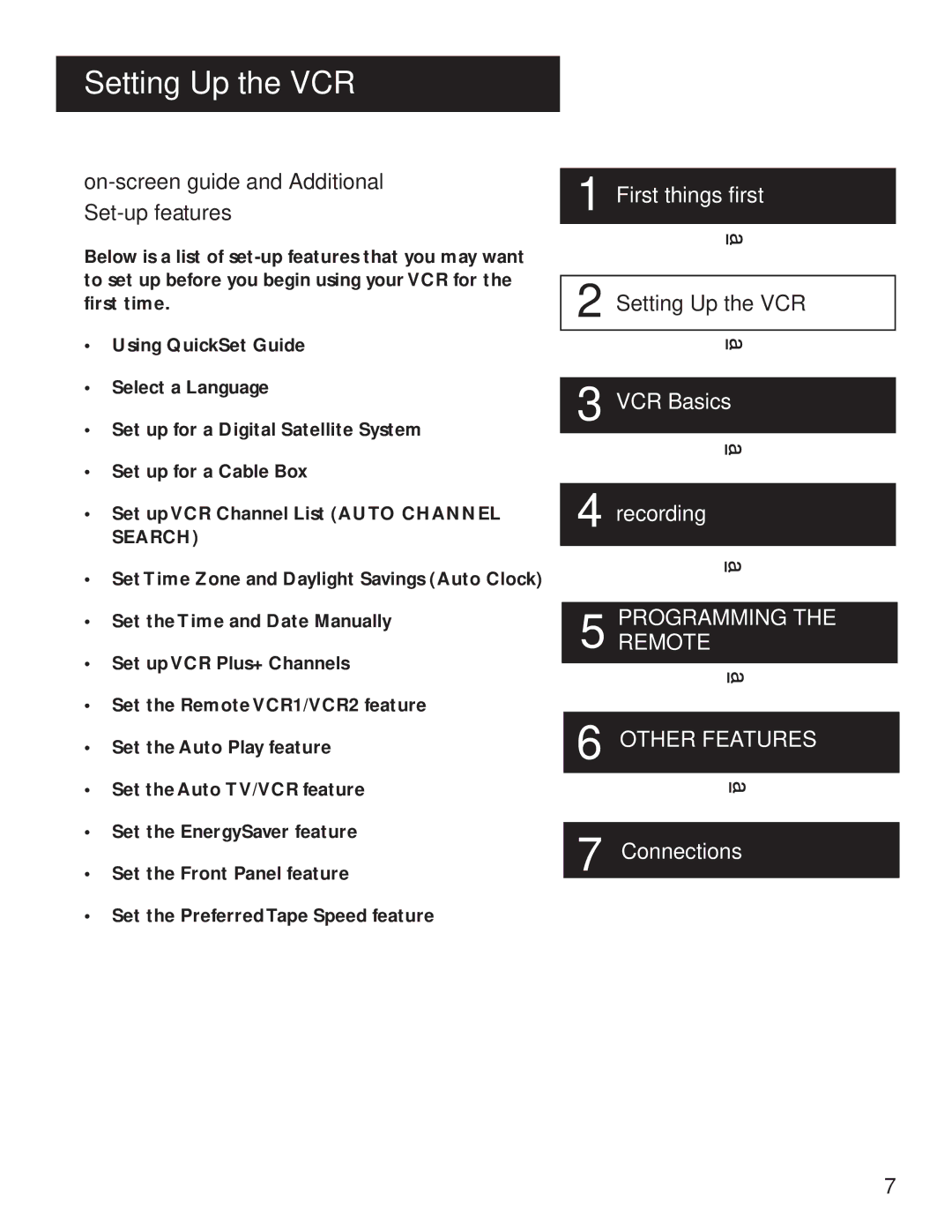
Setting UP the VCR
ON-SCREEN Guide and Additional SET-UP Features
Setting UP the VCR
Using the Menu to SET UP Features
Using the Quickset Guide
Language
On-Screen Menus
Press 8 to select the Language menu
Digital Satellite System Setup
Select English, Español Spanish, or Français French
Press 4 to display Channels menu
Satellite Receiver Codes
Press 6 to select DSS Setup
Cable BOX Setup
Cable Box Setup
Press 4 to display the Channels menu
Anvision
22,46
15, 23, 24, 25, 30, 36
37, 43
To Auto Channel Search
VCR Channels List
To Add or Remove Channels
To Change the Signal Type
Auto Channel Search
Detect Automatically
Time and Date
Auto Clock SET Feature
Set the Time Zone
Selecting Channels
Spring forward Fall backward
Set Daylight Savings
Press 3 to display Time menu
Press 3 to display the SET Time Zone screen
SET the Time and Date Manually
Time/Date Display
Press 1 to display the SET Time and Date menu
Two-Digit VCR Plus+ Channel Numbers for Cable TV USA List
VCR PLUS+ Channels
VCR Plus+ Channel List
Press 4 to display the VCR Plus+ Channel List screen
VCR PLUS+ Worksheet
Remote Control Option
Additional SET-UP Features Preferences Menu
Now you are ready to select an item from the menu to set up
Remote VCR1/VCR2 Option
Auto Play
Auto TV/VCR
Auto TV/VCR
Front Panel VCR Display
Energysaver
Preferred Tape Speed
Tape Speeds
VCR Basics
Learn the Basics to GET YOU Started
VCR Basics
Remote Buttons
Component Buttons
VCR Function Buttons
Mute Reduces volume to minimum level
TV Function Buttons
TV Buttons
Playing a Tape
Pause
Automatic Tracking
Automatic Rewind
Check the Safety TAB
Tape Eject
Recording
Page
Several Recording Options
Recording
REC
Timer Recording Information
Timer Recording
Press 2 to display the Timer Recordings menu
Select 1 to Create a New Program
Setting Up the Channel List
Timer Recording with VCR PLUS+
Using VCR Plus+
Press Menu to bring up the VCR Main Menu
VCR Plus+ Recording
Press Menu to enter the VCR PlusCode number
Indicate how often you want the program to be recorded
Reviewing and Clearing Programs
Stopping a Timer Recording
Recording Broadcast Stereo TV or SAP Second Audio Program
Press 2 to display the Review Existing Progs. screen
Recording Audio only
Playing Back Audio Only
Audio Connection
Two VCR Connection
Using TWO Vcrs for Copying Editing Tapes
Programmingtheremote
Control Your TV
Programmingremote
About Programming the Remote
Programming the Remote to Control
Operate the TV
TV Codes
Page
Other Features
Features to Enhance VCR Operation
Other Features
Forward and Reverse Search
Picture Search Options
Slow Motion
Commercial Scan Search Button
Frame Advance
Index Search
To Search
GO-TO Search
Tracking
PRO-TECT Plus Locking Feature
Time Counter
Locking Your VCR
Audio SET-UP Features
ON-SCREEN Displays
Press 7 to display the Audio menu
Tape Playback
Reception
Page
Protect Your Components from Power Surges
Things to Know Before Connecting Components
Connections
Connections
Jacks and Cables
Connecting Your VCR
RF Jacks and Coaxial Cables F-type
Audio/Video Jacks and Cables RCA-type
DON’T Forget about the Auto TV/VCR Feature
Choosing a VCR Connection
Advantages of AUDIO/VIDEO Cable Connections
TV with RF Jack only
Using This Connection
TV with AUDIO/VIDEO Jacks
Set the Auto TV/VCR feature to OFF
Coaxial cables Audio/video cables Splitter
If the VCR can control your digital satellite receiver
TV with RF Jack and Digital Satellite Receiver
To record one off-air or cable program and watch another
To record a digital satellite receiver program
Coaxial cables and 6 audio/video cables
TV with AUDIO/VIDEO Jacks and Digital Satellite Receiver
Appendix Reference
Front Panel
Display Panel
Back Panel
Troubleshooting Tips
Will not record or play
Streaks in picture during normal playback
Rewind does not operate
Will not record
VCR makes noise when stopped
Time did not adjust for daylight-saving time
Timer indicator flashes
Clock shows incorrect time or date
Stereo audio too noisy
No stereo sound during playback
Limited Warranty
Cleaning the VCR
Specifications
Index
CH switch 5, 8, 52, 55 Accessing menus
Index
VCR Main Menu
Tocom
North Meridian Street Indianapolis,