TIMER
AUTOMATIC TIMER
RECORDING
You may set the TV/DVD/VHS to start and end a recording while you are away. You can set 8 pro- grams to record on specific days, daily or weekly within a 1 year period.
In the example below, the timer is being set to record:
DATE:July 6th, 2001
SETTING TIME: from 7:30PM to 8:50PM
CHANNEL: CH61
TAPE SPEED: SP
Make sure ...
• If a cable box or satellite box is connected with the |
TV/DVD/VHS you will be limited to record only |
one channel. And the channel selector on the |
pressing the Arrow K button. And press the Arrow B button.
• If you have not yet set the clock,
“MANUAL CLOCK SET” appears. If so, follow stops [3] to
[8] on page 18. Then set the timer recording.
2 Select your desired program | – TIMER PROGRAMMING – | |||
position (1~8) | CH DATE | BEGIN END | ||
- - | ||||
Press the Arrow K or L button to | - - | |||
B - - | ||||
| - - | |||
select the desired program position. | - - | |||
- - | ||||
| - - | |||
Then, press the Arrow B button. | - - | |||
|
|
|
| |
TV/DVD/VHS must be selected to the output |
channel of the boxes CH 3 or CH 4 and then the |
actual channel to be recorded must be selected on |
the boxes. |
• Clock must be set to the correct time and date |
before setting the timer. |
• TV/DVD/VHS power must be turn on to program |
3Set the channel number
Press the Arrow K or L button until the desired channel number appears.
(Example: CH61)
Then, press the Arrow B button.
– TIMER PROGRAMMING –
CH | DATE | BEGIN | END |
- - | |||
- - | |||
- - | |||
B 61 | |||
- - | |||
- - | |||
- - | |||
- - |
it. |
• Insert a cassette tape with its erase prevention tab |
in place. (If necessary, rewind or fast forward the |
tape to the point at which you want to begin |
recording.) |
• The channel you want to record is properly set in |
advance. (See page 16.) |
Avoid over lap of programs ...
There is a chance that a program will not be record- ed. when programs overlap;
•The program with an earlier start has priority.
•Once the earliest program finishes, the overlapping programs will begin recording in sequence.
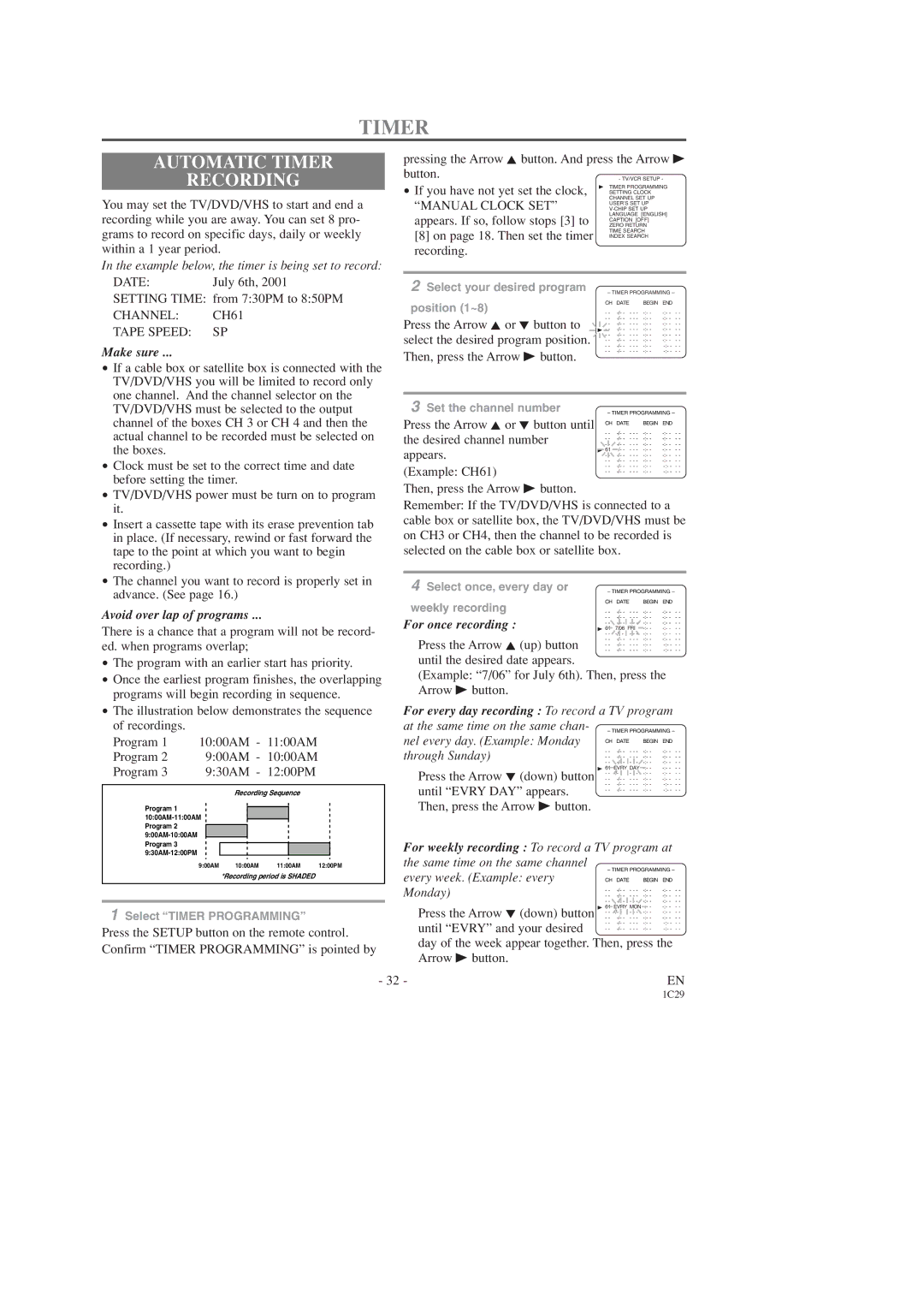
•The illustration below demonstrates the sequence of recordings.
Program 1 10:00AM - 11:00AM
Program 2 9:00AM - 10:00AM
Program 3 9:30AM - 12:00PM
Recording Sequence
Program 1
9:00AM | 10:00AM | 11:00AM | 12:00PM |
*Recording period is SHADED
Remember: If the TV/DVD/VHS is connected to a cable box or satellite box, the TV/DVD/VHS must be on CH3 or CH4, then the channel to be recorded is selected on the cable box or satellite box.
4 Select once, every day or | – TIMER PROGRAMMING – | |||
weekly recording | CH DATE | BEGIN END | ||
- - | ||||
For once recording : | - - | |||
- - | ||||
B 61 | 7/06 FRI | |||
| - - | |||
Press the Arrow K (up) button | - - | |||
- - | ||||
- - | ||||
until the desired date appears.
(Example: “7/06” for July 6th). Then, press the Arrow B button.
For every day recording : To record a TV program at the same time on the same chan-
nel every day. (Example: Monday
through Sunday) | - - | - - - | ||
- - | - - - | |||
| - - | - - - | ||
Press the Arrow L (down) button | B 61 | EVRY DAY | ||
- - | - - - | |||
- - | - - - | |||
until “EVRY DAY” appears. | - - | - - - | ||
- - | - - - | |||
|
|
|
| |
Then, press the Arrow B button.
For weekly recording : To record a TV program at the same time on the same channel
every week. (Example: every CH DATE BEGIN END Monday)
1Select “TIMER PROGRAMMING”
Press the SETUP button on the remote control. Confirm “TIMER PROGRAMMING” is pointed by
- 32 -
Press the Arrow L (down) button until “EVRY” and your desired
day of the week appear together. Then, press the Arrow B button.
EN
1C29