Adjusting the Monitor
Color Tone
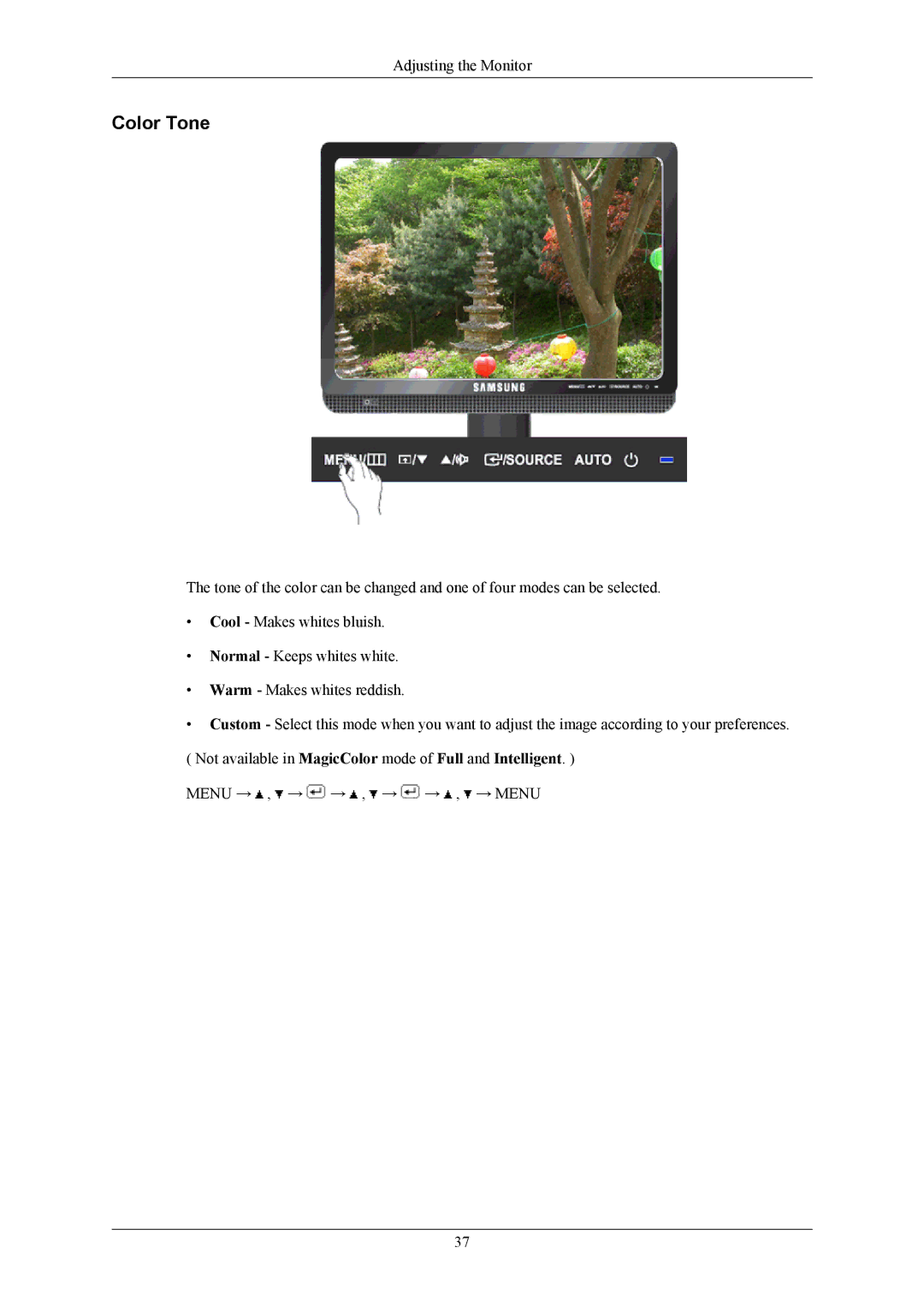
The tone of the color can be changed and one of four modes can be selected.
•Cool - Makes whites bluish.
•Normal - Keeps whites white.
•Warm - Makes whites reddish.
•Custom - Select this mode when you want to adjust the image according to your preferences. ( Not available in MagicColor mode of Full and Intelligent. )
MENU →  ,
,  →
→  →
→  ,
,  →
→  →
→  ,
,  → MENU
37