Adjusting the Monitor
• Off | • Grayscale • Green | • Aqua | • Sepia |
•Off - This applies an achromatic color to the screen to adjust the screen effects.
•Grayscale - The default colors of black and white are displayed.
•Green - This applies the green color effect to a black and white screen.
•Aqua - This applies the aqua color effect to a black and white screen.
•Sepia - This applies the Sepia color effect to a black and white screen.
MENU →  ,
,  →
→  →
→  ,
,  →
→  →
→  ,
,  → MENU
Gamma
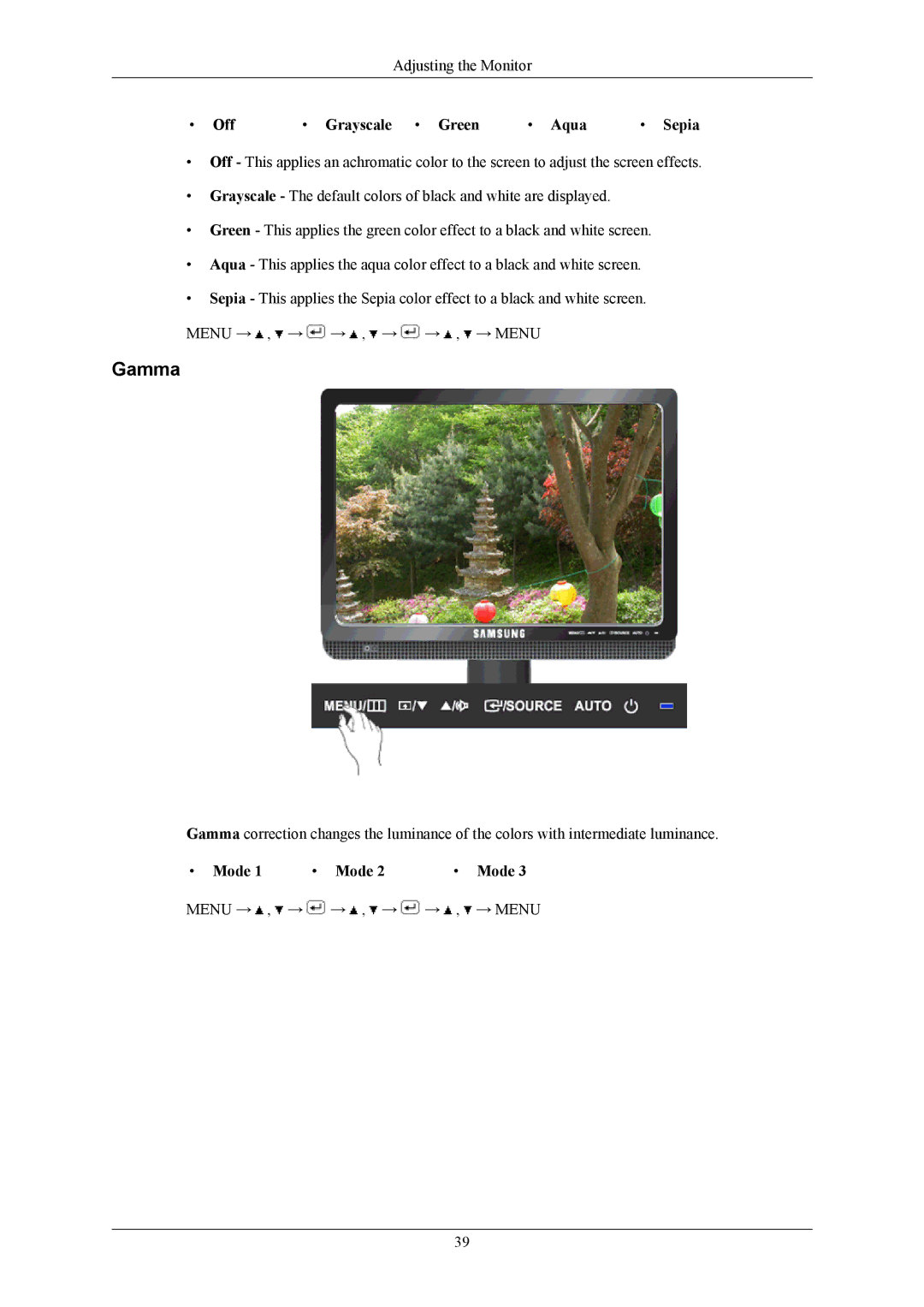
Gamma correction changes the luminance of the colors with intermediate luminance.
• Mode 1 • Mode 2• Mode 3
MENU →  ,
,  →
→  →
→  ,
,  →
→  →
→  ,
,  → MENU
39