INTRODUCTION
This copier has been designed to provide convenient copying features in a minimum amount of office space and with maximum operational ease. To get full use of all copier features, be sure to familiarize yourself with this manual and the copier.
For quick reference during copier use, keep this manual in a handy location.
Conventions used in this manual
In this manual, the following icons are used to provide the user with information pertinent to the use of the copier.
Warns the user that injury to the user or damage to the copier may result if the contents of the warning are not properly followed.
Cautions the user that damage to the copier or one of its components may result if the contents of the caution are not properly followed.
Notes provide information relevant to the copier regarding specifications, functions, performance, operation and such, that may be useful to the user.
Indicates a letter displayed in the copy quantity display.
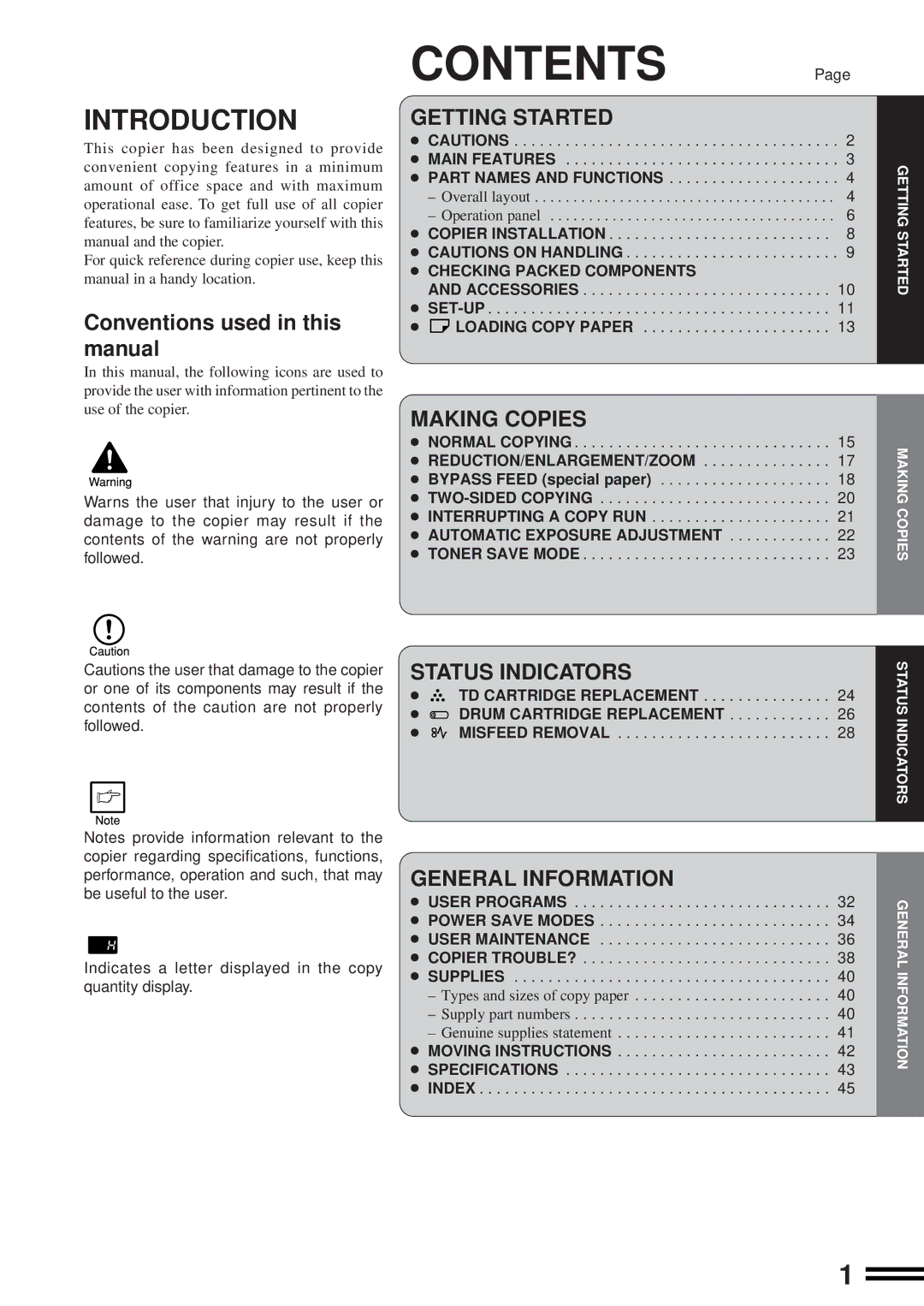
CONTENTS | Page |
GETTING STARTED |
|
● CAUTIONS | . . . 2 |
● MAIN FEATURES | . . . 3 |
● PART NAMES AND FUNCTIONS | . . . 4 |
– Overall layout | . . . . 4 |
– Operation panel | . . . . 6 |
● COPIER INSTALLATION | . . 8 |
● CAUTIONS ON HANDLING | . . . 9 |
●CHECKING PACKED COMPONENTS
AND ACCESSORIES . . . . . . . . . . . . . . . . . . . . . . . . . . . . . 10 ●
●  LOADING COPY PAPER . . . . . . . . . . . . . . . . . . . . . . 13
MAKING COPIES |
|
● NORMAL COPYING | 15 |
● REDUCTION/ENLARGEMENT/ZOOM | 17 |
● BYPASS FEED (special paper) | 18 |
● | 20 |
● INTERRUPTING A COPY RUN | 21 |
● AUTOMATIC EXPOSURE ADJUSTMENT | 22 |
● TONER SAVE MODE | 23 |
STATUS INDICATORS |
| |
● | TD CARTRIDGE REPLACEMENT | 24 |
● | DRUM CARTRIDGE REPLACEMENT | 26 |
● | MISFEED REMOVAL | 28 |
GENERAL INFORMATION
● USER PROGRAMS . . . . . . . . . . . . . . . . . . . . . . . . . . . . . . 32 ● POWER SAVE MODES . . . . . . . . . . . . . . . . . . . . . . . . . . . 34 ● USER MAINTENANCE . . . . . . . . . . . . . . . . . . . . . . . . . . . 36 ● COPIER TROUBLE? . . . . . . . . . . . . . . . . . . . . . . . . . . . . . 38 ● SUPPLIES . . . . . . . . . . . . . . . . . . . . . . . . . . . . . . . . . . . . . 40
– Types and sizes of copy paper. . . . . . . . . . . . . . . . . . . . . . . 40
– Supply part numbers. . . . . . . . . . . . . . . . . . . . . . . . . . . . . . 40
– Genuine supplies statement. . . . . . . . . . . . . . . . . . . . . . . . . 41 ● MOVING INSTRUCTIONS . . . . . . . . . . . . . . . . . . . . . . . . . 42 ● SPECIFICATIONS . . . . . . . . . . . . . . . . . . . . . . . . . . . . . . . 43 ● INDEX . . . . . . . . . . . . . . . . . . . . . . . . . . . . . . . . . . . . . . . . . 45
GETTING STARTED
MAKING COPIES
STATUS INDICATORS
GENERAL INFORMATION
1