ENGLISH
Getting Started
Item | Description | |
12 |
| Connect the |
|
| connector on the rear panel of the LCD TV. |
|
|
|
13 | TV Input Jack | Connect this jack to your Cable or VHF/UHF antenna. |
|
|
|
14 | Headphone Jack | Connect to your headphones. By connecting the headphones, you can |
|
| listen to the sound from the TV on headphones. |
|
| *If you connect the headphones, the TV speakers will be muted. |
15HDMI 3 Input Terminal Connect this port to the HDMI output of A/V device.
16SPDIF Optical output Connect this port to the SPDIF input of A/V device.
AV connection
Connect the composite video and audio input jacks to the corresponding output jacks of your A/V device.
---VIDEO: Composite Video input [11]
---AUDIO: AV/
S-Video connection
Connect the
---VIDEO:
---AUDIO: AV/
Component (YPbPr) connection
YPbPr provides better picture quality than the
*For YPbPr connection, connect the component video (YPbPr) and audio jacks to the corresponding output jacks of your A/V device.
---VIDEO: YPbPr signal input [7]
---AUDIO: YPbPr signal audio input [8]
HDMI connection
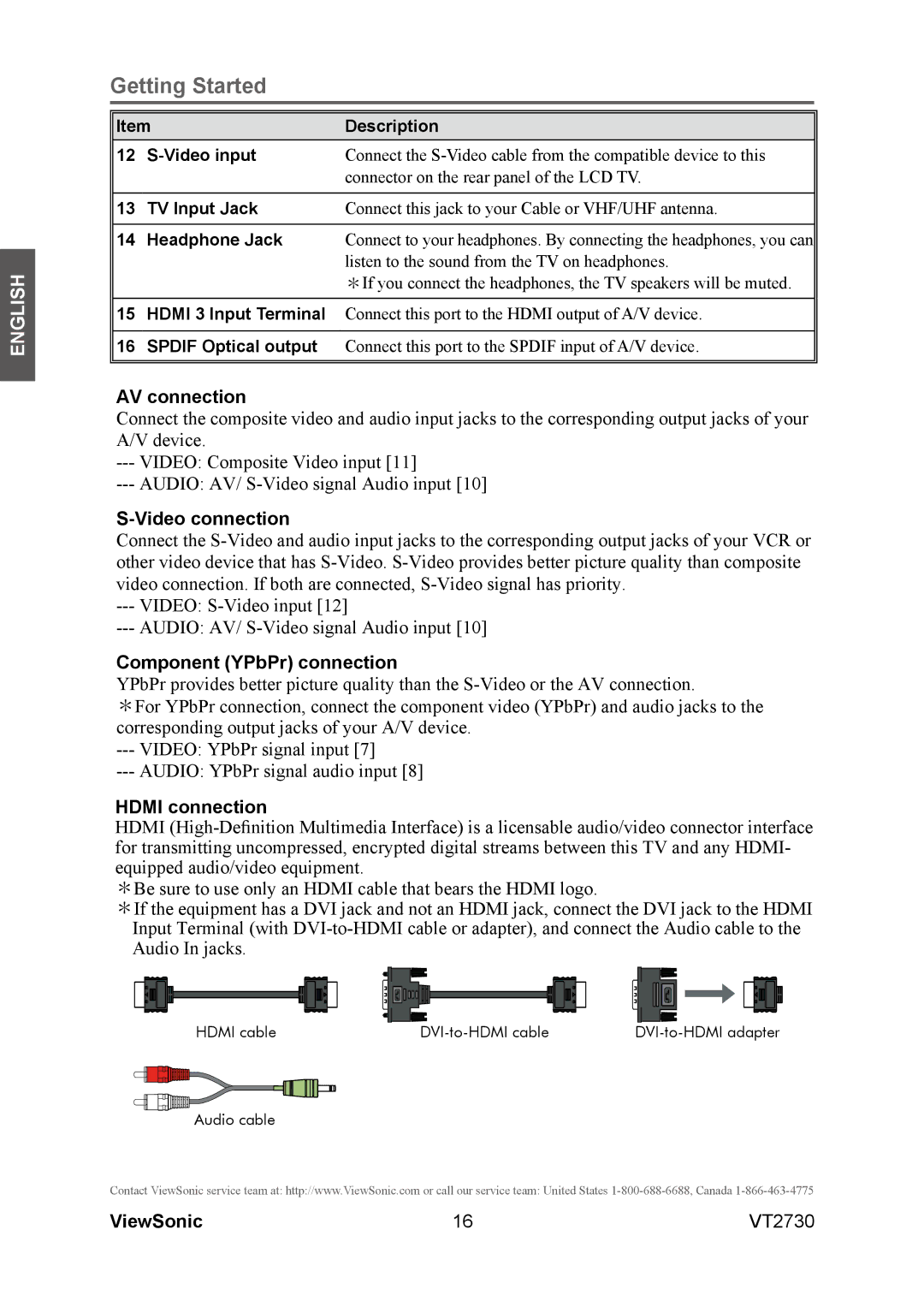
HDMI
*Be sure to use only an HDMI cable that bears the HDMI logo.
*If the equipment has a DVI jack and not an HDMI jack, connect the DVI jack to the HDMI Input Terminal (with
HDMI cable |
Audio cable
Contact ViewSonic service team at: http://www.ViewSonic.com or call our service team: United States
ViewSonic | 16 | VT2730 |