n
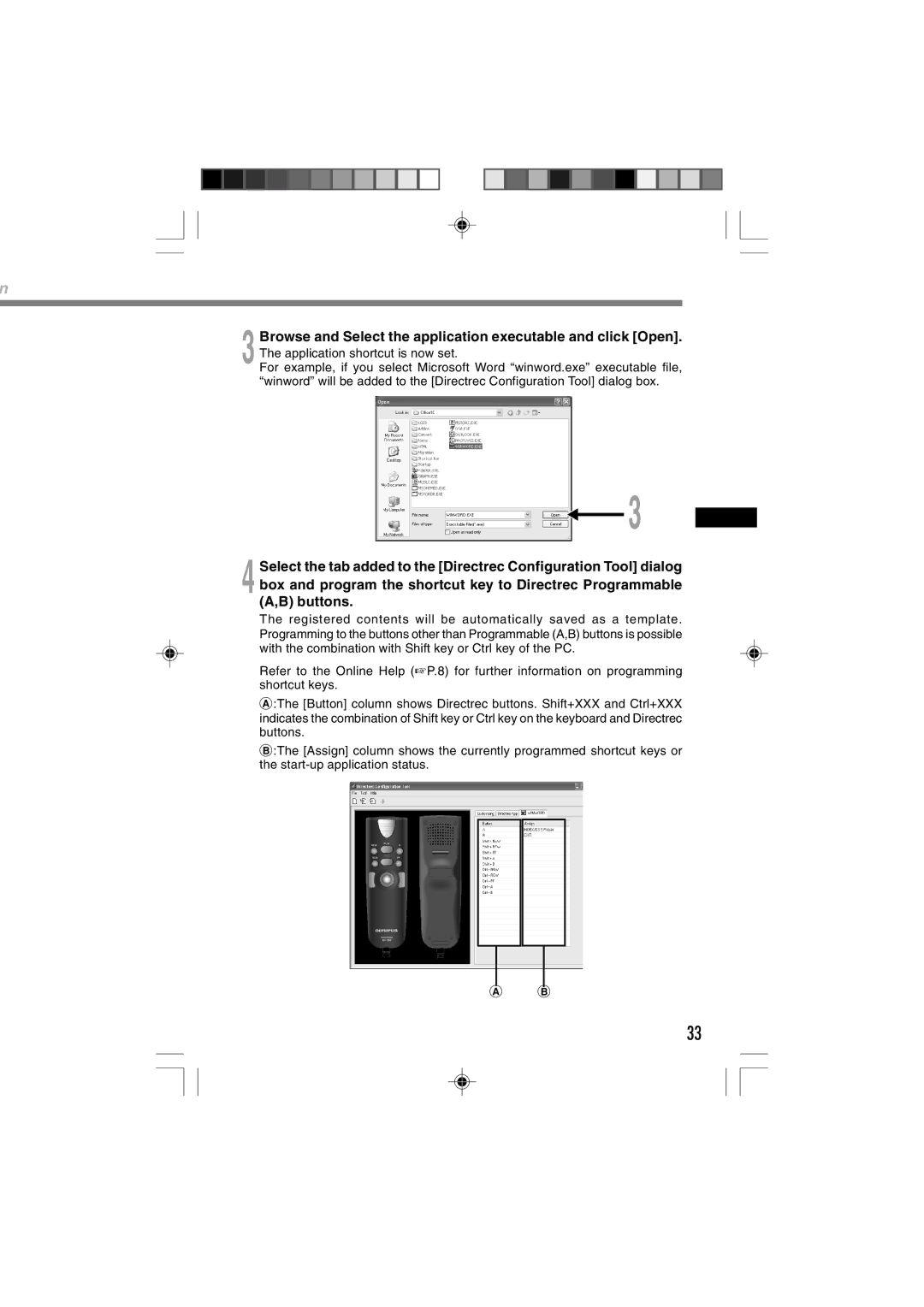
3 Browse and Select the application executable and click [Open]. The application shortcut is now set.
For example, if you select Microsoft Word “winword.exe” executable file, “winword” will be added to the [Directrec Configuration Tool] dialog box.
3
4 Select the tab added to the [Directrec Configuration Tool] dialog box and program the shortcut key to Directrec Programmable (A,B) buttons.
The registered contents will be automatically saved as a template. Programming to the buttons other than Programmable (A,B) buttons is possible with the combination with Shift key or Ctrl key of the PC.
Refer to the Online Help (☞P.8) for further information on programming shortcut keys.
A:The [Button] column shows Directrec buttons. Shift+XXX and Ctrl+XXX indicates the combination of Shift key or Ctrl key on the keyboard and Directrec buttons.
B:The [Assign] column shows the currently programmed shortcut keys or the
A B
33