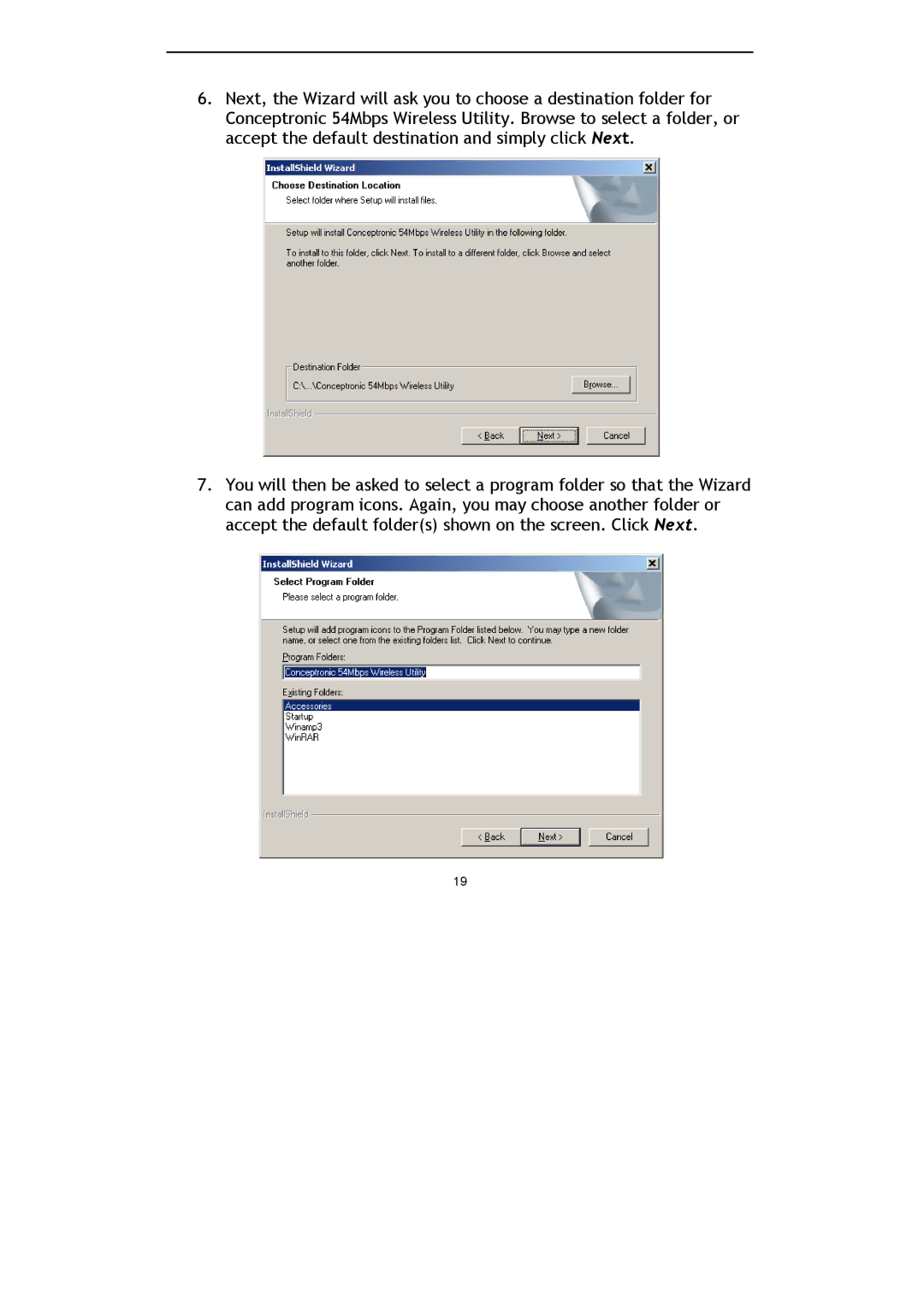
6.Next, the Wizard will ask you to choose a destination folder for Conceptronic 54Mbps Wireless Utility. Browse to select a folder, or accept the default destination and simply click Next.
7.You will then be asked to select a program folder so that the Wizard can add program icons. Again, you may choose another folder or accept the default folder(s) shown on the screen. Click Next.
19