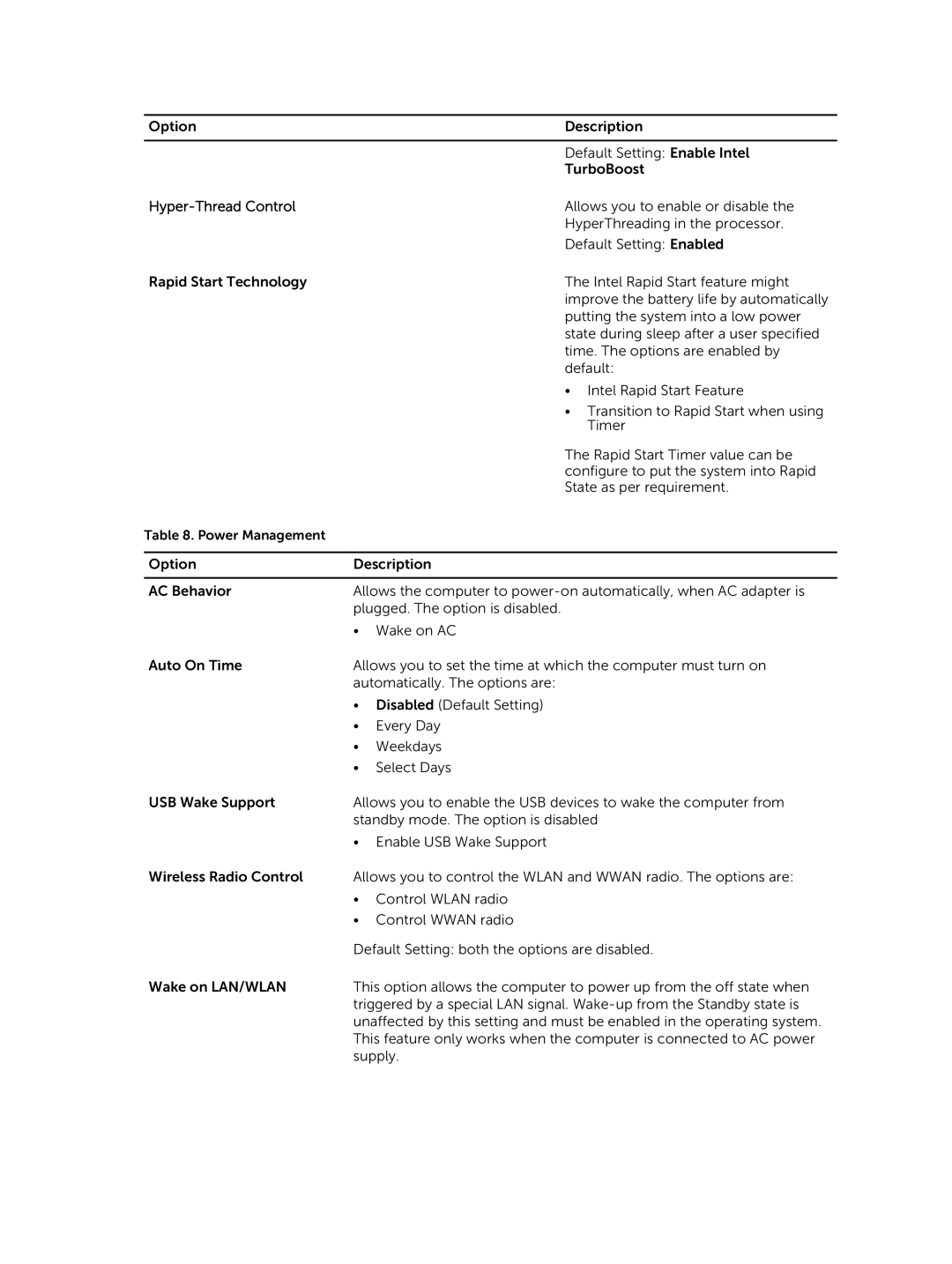
Option |
| Description |
|
|
|
|
| Default Setting: Enable Intel |
|
| TurboBoost |
|
| Allows you to enable or disable the |
|
| HyperThreading in the processor. |
|
| Default Setting: Enabled |
Rapid Start Technology |
| The Intel Rapid Start feature might |
|
| improve the battery life by automatically |
|
| putting the system into a low power |
|
| state during sleep after a user specified |
|
| time. The options are enabled by |
|
| default: |
|
| • Intel Rapid Start Feature |
|
| • Transition to Rapid Start when using |
|
| Timer |
|
| The Rapid Start Timer value can be |
|
| configure to put the system into Rapid |
|
| State as per requirement. |
Table 8. Power Management |
|
|
|
| |
Option | Description | |
|
| |
AC Behavior | Allows the computer to | |
| plugged. The option is disabled. | |
| • | Wake on AC |
Auto On Time | Allows you to set the time at which the computer must turn on | |
| automatically. The options are: | |
| • | Disabled (Default Setting) |
| • | Every Day |
| • | Weekdays |
| • | Select Days |
USB Wake Support | Allows you to enable the USB devices to wake the computer from | |
| standby mode. The option is disabled | |
| • Enable USB Wake Support | |
Wireless Radio Control | Allows you to control the WLAN and WWAN radio. The options are: | |
| • | Control WLAN radio |
| • | Control WWAN radio |
| Default Setting: both the options are disabled. | |
Wake on LAN/WLAN | This option allows the computer to power up from the off state when | |
| triggered by a special LAN signal. | |
| unaffected by this setting and must be enabled in the operating system. | |
| This feature only works when the computer is connected to AC power | |
| supply. | |