If the transducer with a
Depth Range
When turned on, the unit automatically adjusts the depth range ac- cording to water conditions. When in auto range mode, it always keeps the bottom displayed in the lower portion of the screen. You can over- ride the automatic depth range control and manually select a depth range.
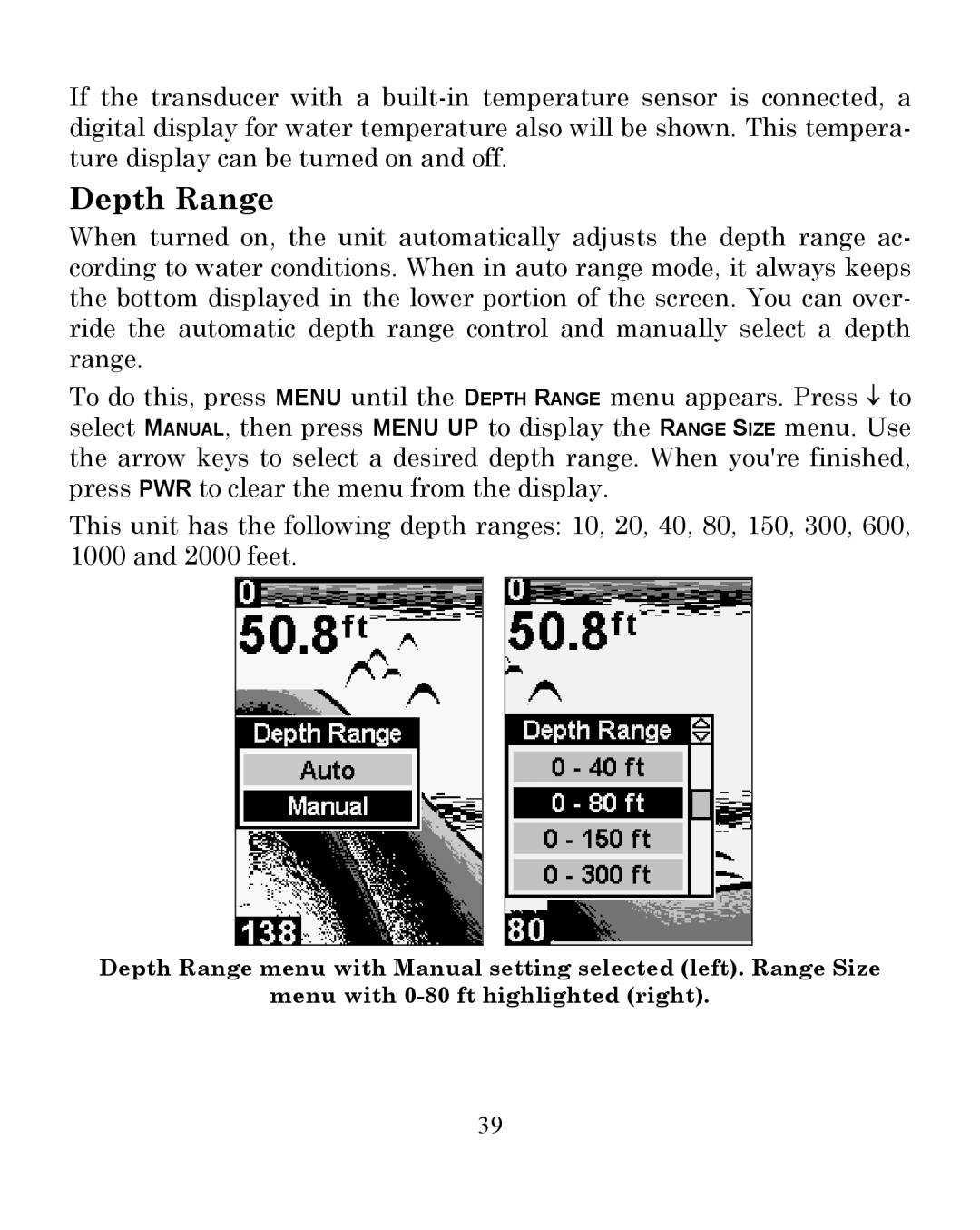
To do this, press MENU until the DEPTH RANGE menu appears. Press ↓ to select MANUAL, then press MENU UP to display the RANGE SIZE menu. Use the arrow keys to select a desired depth range. When you're finished, press PWR to clear the menu from the display.
This unit has the following depth ranges: 10, 20, 40, 80, 150, 300, 600, 1000 and 2000 feet.
Depth Range menu with Manual setting selected (left). Range Size
menu with
39