Chapter 4
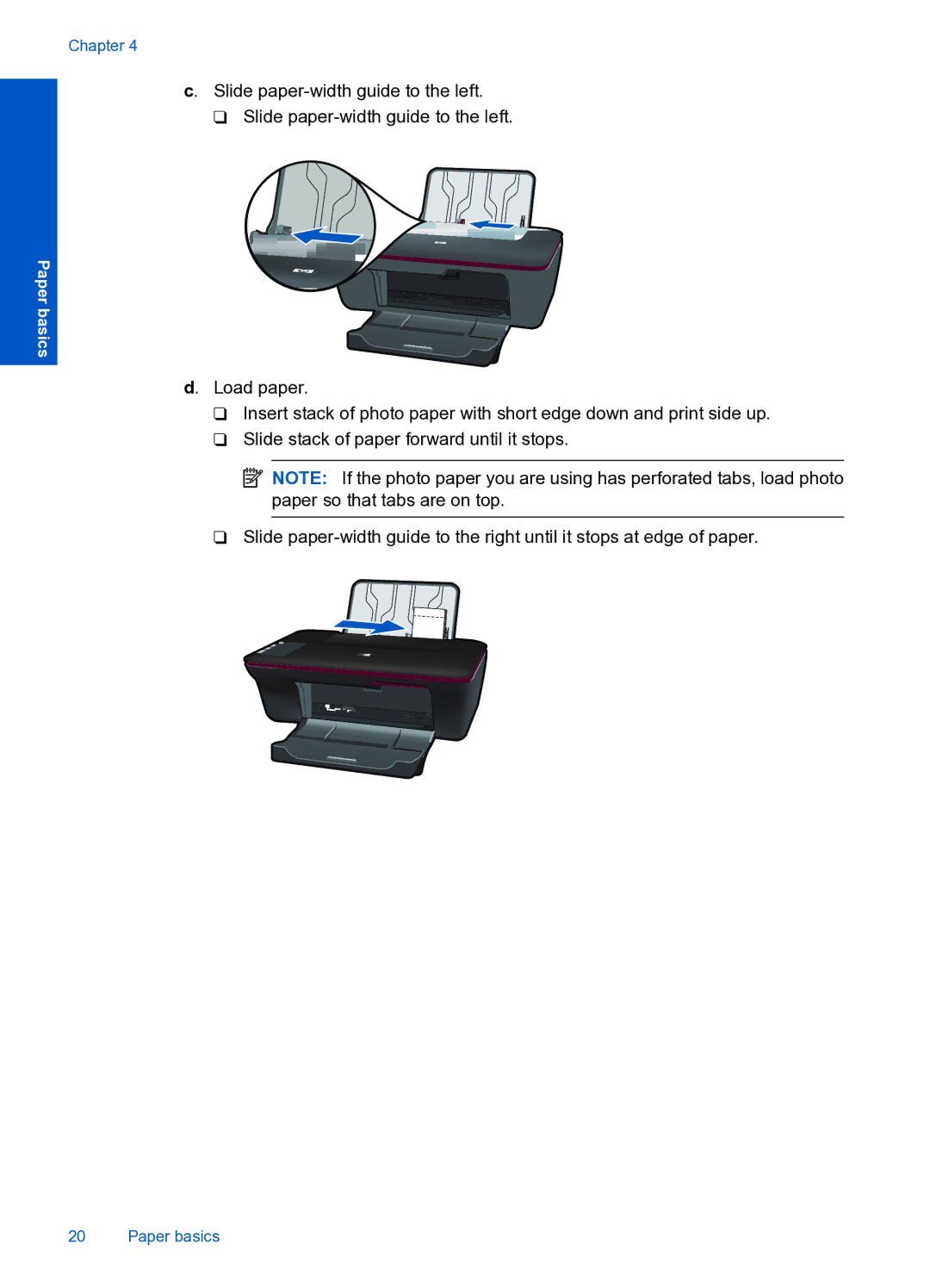
c. Slide paper-width guide to the left.
❑Slide
Paper basics
d. Load paper.
❑Insert stack of photo paper with short edge down and print side up.
❑Slide stack of paper forward until it stops.
 NOTE: If the photo paper you are using has perforated tabs, load photo paper so that tabs are on top.
❑Slide
20 Paper basics