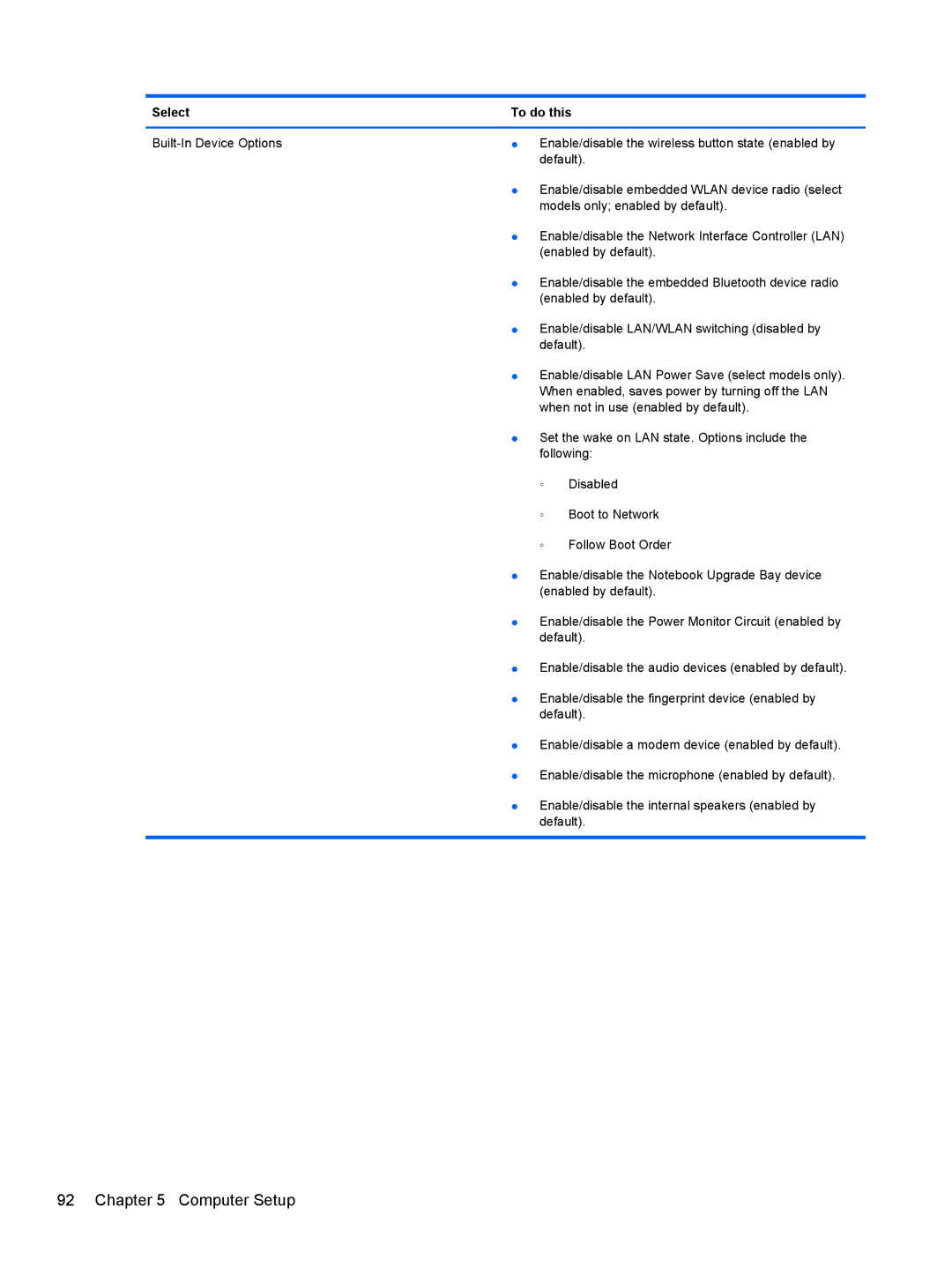
Select | To do this | ||
|
|
| |
● | Enable/disable the wireless button state (enabled by | ||
|
| default). | |
| ● | Enable/disable embedded WLAN device radio (select | |
|
| models only; enabled by default). | |
| ● | Enable/disable the Network Interface Controller (LAN) | |
|
| (enabled by default). | |
| ● | Enable/disable the embedded Bluetooth device radio | |
|
| (enabled by default). | |
| ● | Enable/disable LAN/WLAN switching (disabled by | |
|
| default). | |
| ● | Enable/disable LAN Power Save (select models only). | |
|
| When enabled, saves power by turning off the LAN | |
|
| when not in use (enabled by default). | |
| ● | Set the wake on LAN state. Options include the | |
|
| following: | |
|
| ◦ | Disabled |
|
| ◦ | Boot to Network |
|
| ◦ | Follow Boot Order |
| ● | Enable/disable the Notebook Upgrade Bay device | |
|
| (enabled by default). | |
| ● | Enable/disable the Power Monitor Circuit (enabled by | |
|
| default). | |
| ● | Enable/disable the audio devices (enabled by default). | |
| ● | Enable/disable the fingerprint device (enabled by | |
|
| default). | |
| ● | Enable/disable a modem device (enabled by default). | |
| ● | Enable/disable the microphone (enabled by default). | |
| ● | Enable/disable the internal speakers (enabled by | |
|
| default). | |
|
|
|
|