Select | To do this | ||
|
|
| |
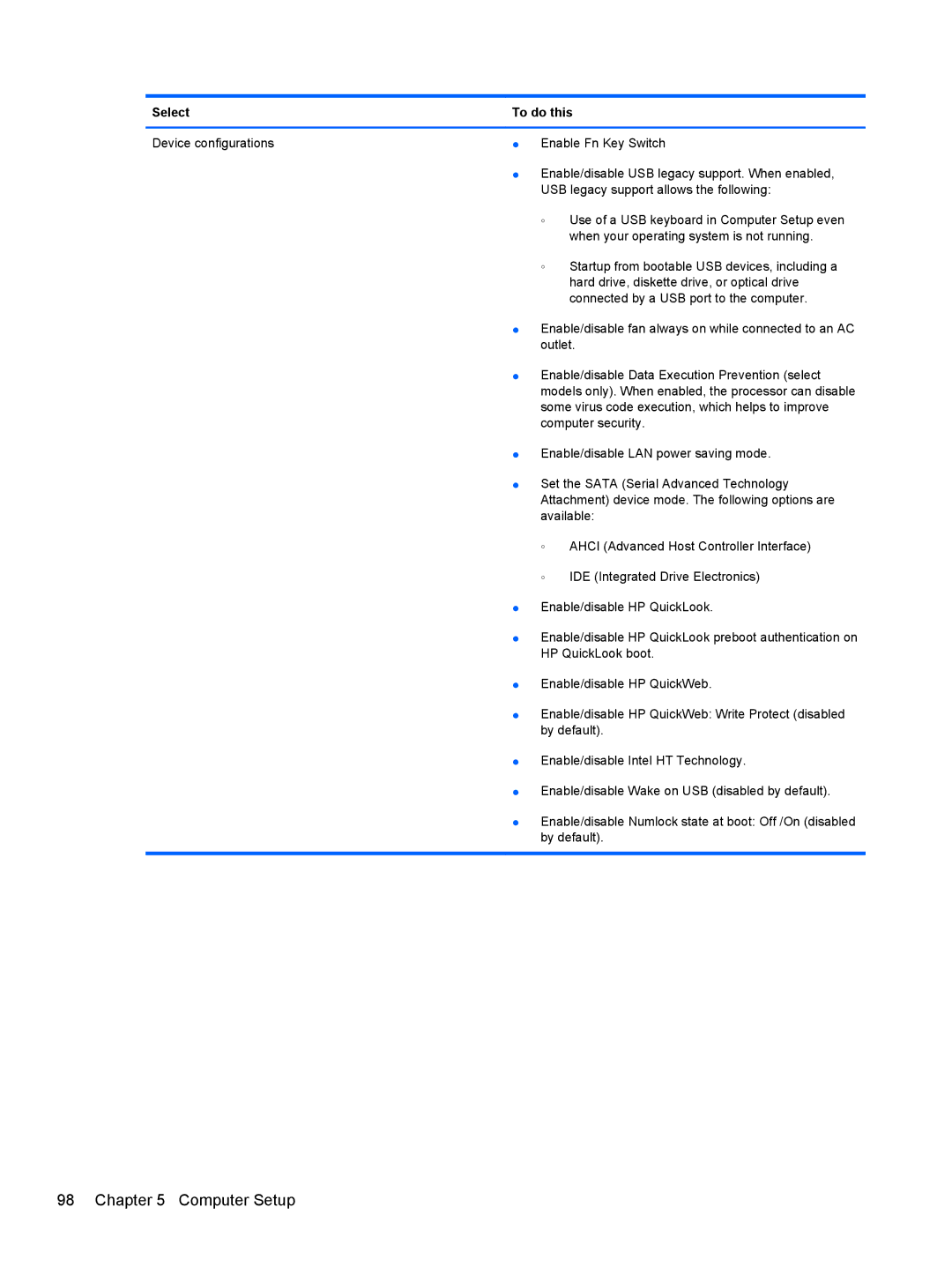
Device configurations | ● | Enable Fn Key Switch | |
| ● Enable/disable USB legacy support. When enabled, | ||
|
| USB legacy support allows the following: | |
|
| ◦ | Use of a USB keyboard in Computer Setup even |
|
|
| when your operating system is not running. |
|
| ◦ | Startup from bootable USB devices, including a |
|
|
| hard drive, diskette drive, or optical drive |
|
|
| connected by a USB port to the computer. |
| ● Enable/disable fan always on while connected to an AC | ||
|
| outlet. | |
| ● Enable/disable Data Execution Prevention (select | ||
|
| models only). When enabled, the processor can disable | |
|
| some virus code execution, which helps to improve | |
|
| computer security. | |
| ● Enable/disable LAN power saving mode. | ||
| ● Set the SATA (Serial Advanced Technology | ||
|
| Attachment) device mode. The following options are | |
|
| available: | |
|
| ◦ | AHCI (Advanced Host Controller Interface) |
|
| ◦ | IDE (Integrated Drive Electronics) |
| ● | Enable/disable HP QuickLook. | |
| ● Enable/disable HP QuickLook preboot authentication on | ||
|
| HP QuickLook boot. | |
| ● | Enable/disable HP QuickWeb. | |
| ● Enable/disable HP QuickWeb: Write Protect (disabled | ||
|
| by default). | |
● Enable/disable Intel HT Technology.
● Enable/disable Wake on USB (disabled by default).
● Enable/disable Numlock state at boot: Off /On (disabled by default).