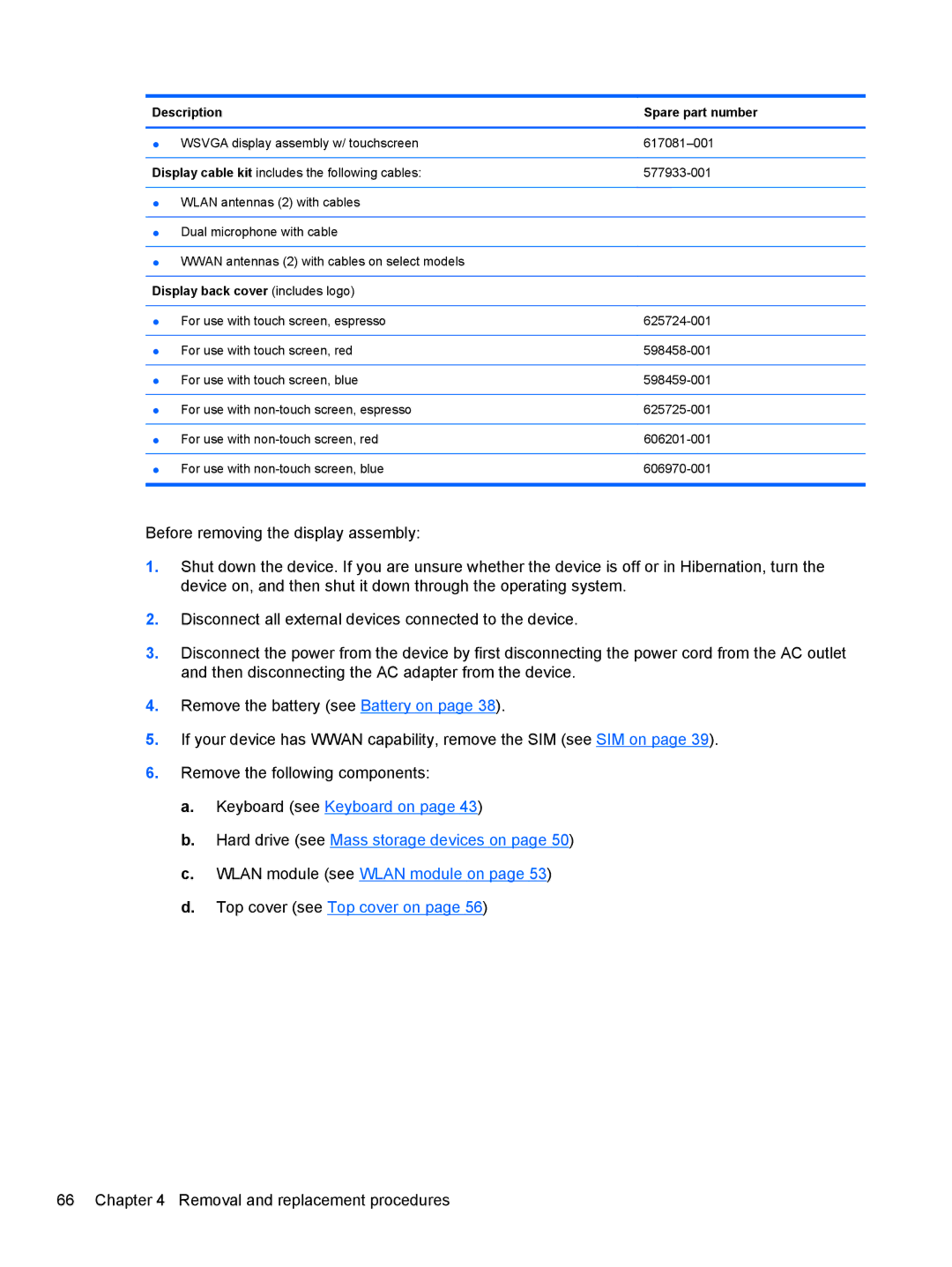
Description | Spare part number |
|
|
● WSVGA display assembly w/ touchscreen | |
|
|
Display cable kit includes the following cables: | |
|
|
● WLAN antennas (2) with cables |
|
|
|
● Dual microphone with cable |
|
|
|
● WWAN antennas (2) with cables on select models |
|
|
|
Display back cover (includes logo) |
|
|
|
● For use with touch screen, espresso | |
|
|
● For use with touch screen, red | |
|
|
● For use with touch screen, blue | |
|
|
● For use with | |
|
|
● For use with | |
|
|
● For use with | |
|
|
Before removing the display assembly:
1.Shut down the device. If you are unsure whether the device is off or in Hibernation, turn the device on, and then shut it down through the operating system.
2.Disconnect all external devices connected to the device.
3.Disconnect the power from the device by first disconnecting the power cord from the AC outlet and then disconnecting the AC adapter from the device.
4.Remove the battery (see Battery on page 38).
5.If your device has WWAN capability, remove the SIM (see SIM on page 39).
6.Remove the following components:
a.Keyboard (see Keyboard on page 43)
b.Hard drive (see Mass storage devices on page 50)
c.WLAN module (see WLAN module on page 53)
d.Top cover (see Top cover on page 56)
66 Chapter 4 Removal and replacement procedures