SHOP
2.Press  [Get New].
The options on Right Soft Key  are:
are:
● Play | Play the sound files. |
●Set As You can set a downloaded sound file to each call type such as Caller ID, No Caller ID and Roaming.
●Properties Displays the information of the files.
●Erase Erase the selected file(s).
2. Wallpaper
S H | Allows you to download new Wallpaper. | |||
O P | 1. Press | , | , | . |
| ||||
| 2. Press | [Get New]. |
| |
The options on Right Soft Key  are:
are:
● View | View the wallpaper image you select. |
●Set As Set the selected image as wallpaper.
●Properties Displays the information of files.
●Erase Erase the selected file(s).
Shop
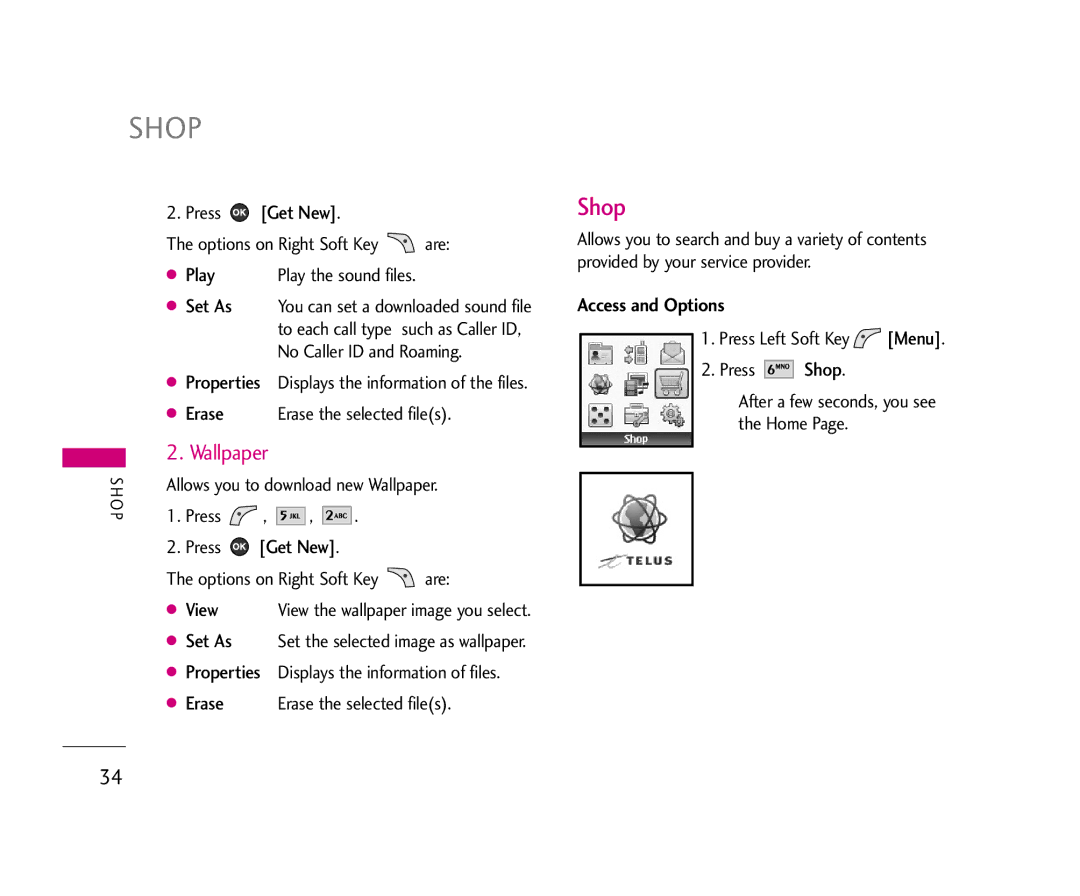
Allows you to search and buy a variety of contents provided by your service provider.
Access and Options
1.Press Left Soft Key  [Menu].
2.Press 


 Shop.
Shop.
After a few seconds, you see the Home Page.
34