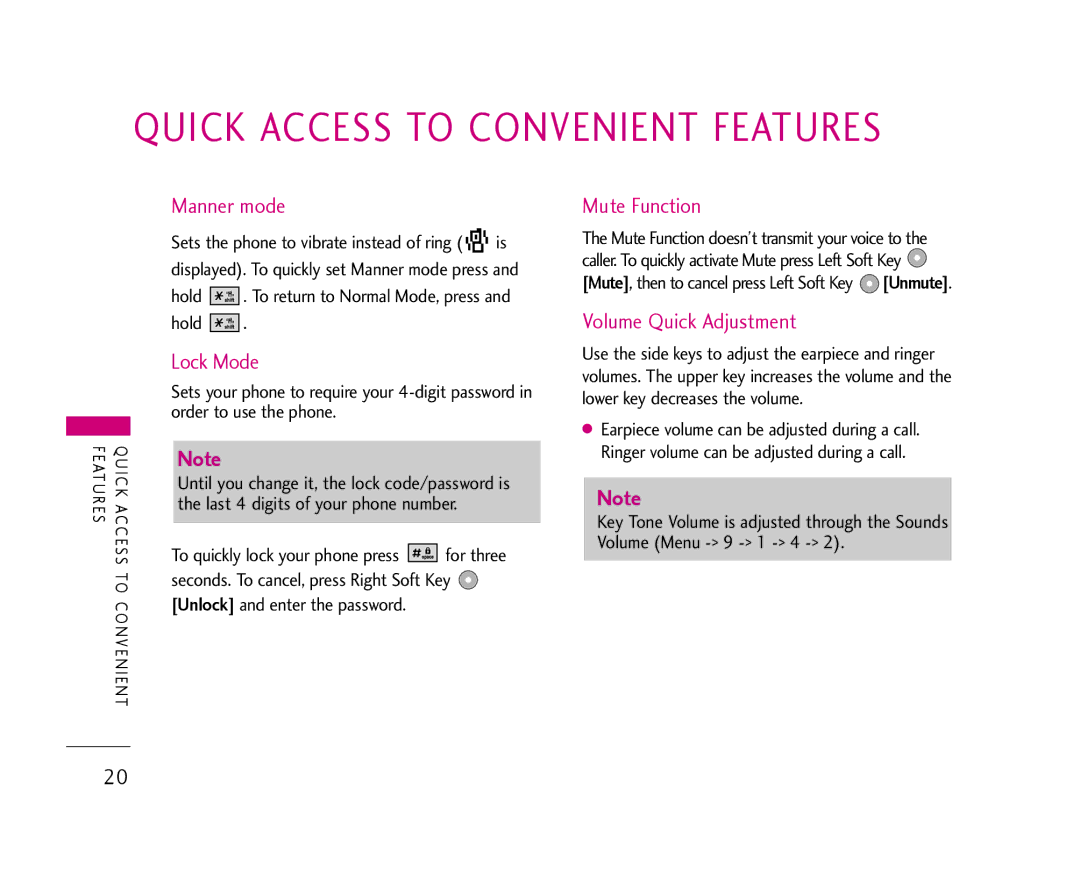
QUICK ACCESS TO CONVENIENT FEATURES
FEATURES | QUICK ACCESS |
| TO |
| CONVENIENT |
Manner mode
Sets the phone to vibrate instead of ring ( 


 is
is
displayed). To quickly set Manner mode press and
hold 


 . To return to Normal Mode, press and
hold 


 .
.
Lock Mode
Sets your phone to require your
Note
Until you change it, the lock code/password is the last 4 digits of your phone number.
To quickly lock your phone press 


 for three seconds. To cancel, press Right Soft Key
  [Unlock] and enter the password.
Mute Function
The Mute Function doesn’t transmit your voice to the caller. To quickly activate Mute press Left Soft Key  [Mute], then to cancel press Left Soft Key
  [Unmute].
Volume Quick Adjustment
Use the side keys to adjust the earpiece and ringer volumes. The upper key increases the volume and the lower key decreases the volume.
●Earpiece volume can be adjusted during a call. Ringer volume can be adjusted during a call.
Note
Key Tone Volume is adjusted through the Sounds Volume (Menu
20