Operation
Option Menu Features
Caption
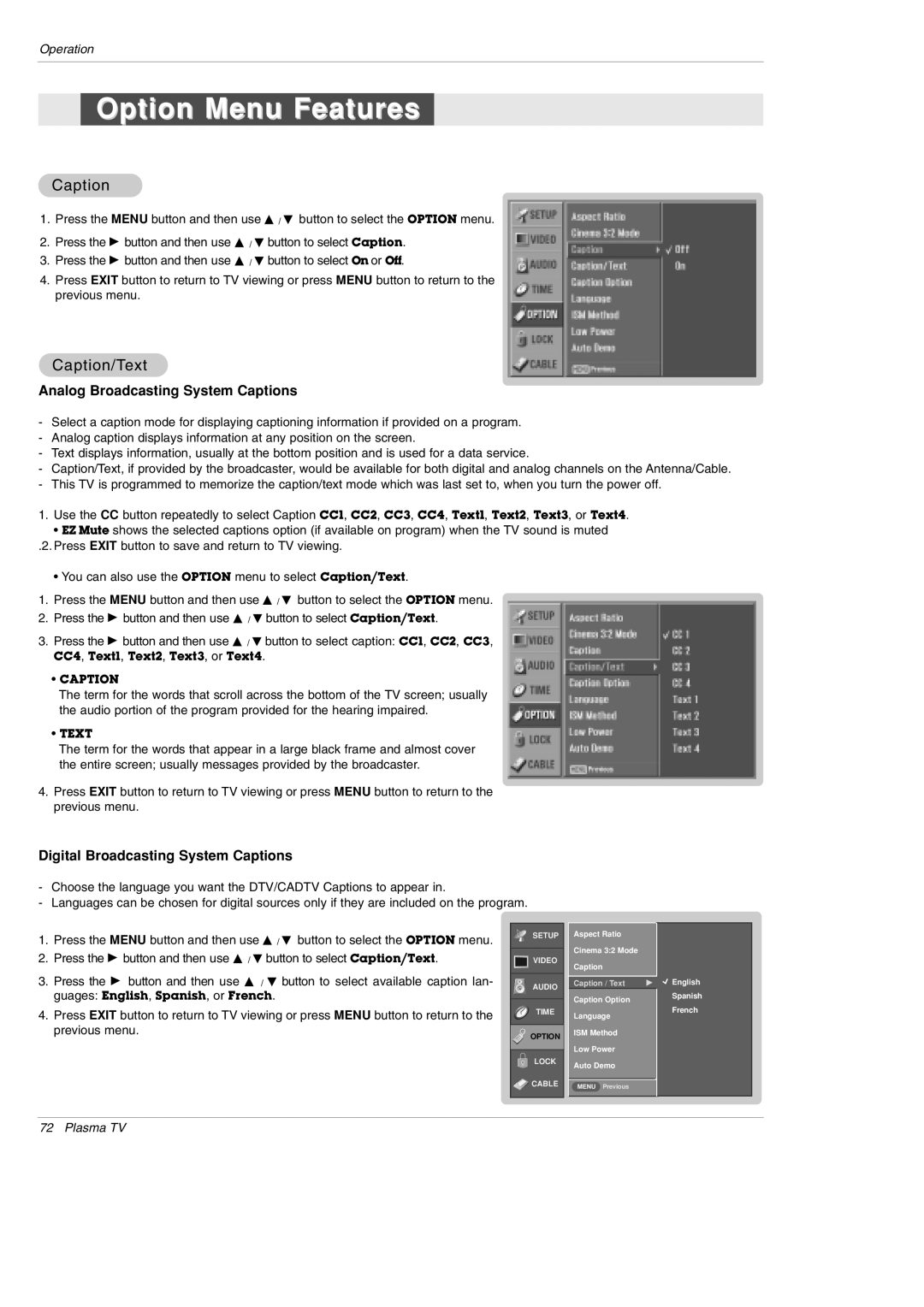
1.Press the MENU button and then use D / E button to select the OPTION menu.
2.Press the G button and then use D / E button to select Caption.
3.Press the G button and then use D / E button to select On or Off.
4.Press EXIT button to return to TV viewing or press MENU button to return to the previous menu.
Caption/Text
Analog Broadcasting System Captions
-Select a caption mode for displaying captioning information if provided on a program.
-Analog caption displays information at any position on the screen.
-Text displays information, usually at the bottom position and is used for a data service.
-Caption/Text, if provided by the broadcaster, would be available for both digital and analog channels on the Antenna/Cable.
-This TV is programmed to memorize the caption/text mode which was last set to, when you turn the power off.
1.Use the CC button repeatedly to select Caption CC1, CC2, CC3, CC4, Text1, Text2, Text3, or Text4.
• EZ Mute shows the selected captions option (if available on program) when the TV sound is muted
.2. Press EXIT button to save and return to TV viewing.
• You can also use the OPTION menu to select Caption/Text.
1.Press the MENU button and then use D / E button to select the OPTION menu.
2.Press the G button and then use D / E button to select Caption/Text.
3.Press the G button and then use D / E button to select caption: CC1, CC2, CC3,
CC4, Text1, Text2, Text3, or Text4.
•CAPTION
The term for the words that scroll across the bottom of the TV screen; usually the audio portion of the program provided for the hearing impaired.
•TEXT
The term for the words that appear in a large black frame and almost cover the entire screen; usually messages provided by the broadcaster.
4.Press EXIT button to return to TV viewing or press MENU button to return to the previous menu.
Digital Broadcasting System Captions
-Choose the language you want the DTV/CADTV Captions to appear in.
-Languages can be chosen for digital sources only if they are included on the program.
1. | Press the MENU button and then use D / E button to select the OPTION menu. | SETUP | |
| |||
2. | Press the G button and then use D / E button to select Caption/Text. | VIDEO | |
3. | Press the G button and then use D / E button to select available caption lan- |
| |
AUDIO | |||
| guages: English, Spanish, or French. | ||
|
| ||
| TIME | ||
4. | Press EXIT button to return to TV viewing or press MENU button to return to the | ||
| |||
| previous menu. | OPTION | |
|
| ||
|
|
| |
|
| LOCK | |
|
| CABLE | |
|
|
|
Aspect Ratio
Cinema 3:2 Mode
Caption
Caption / Text | G |
Caption Option
Language
ISM Method
Low Power
Auto Demo
MENU Previous
 English
Spanish
French
72 Plasma TV