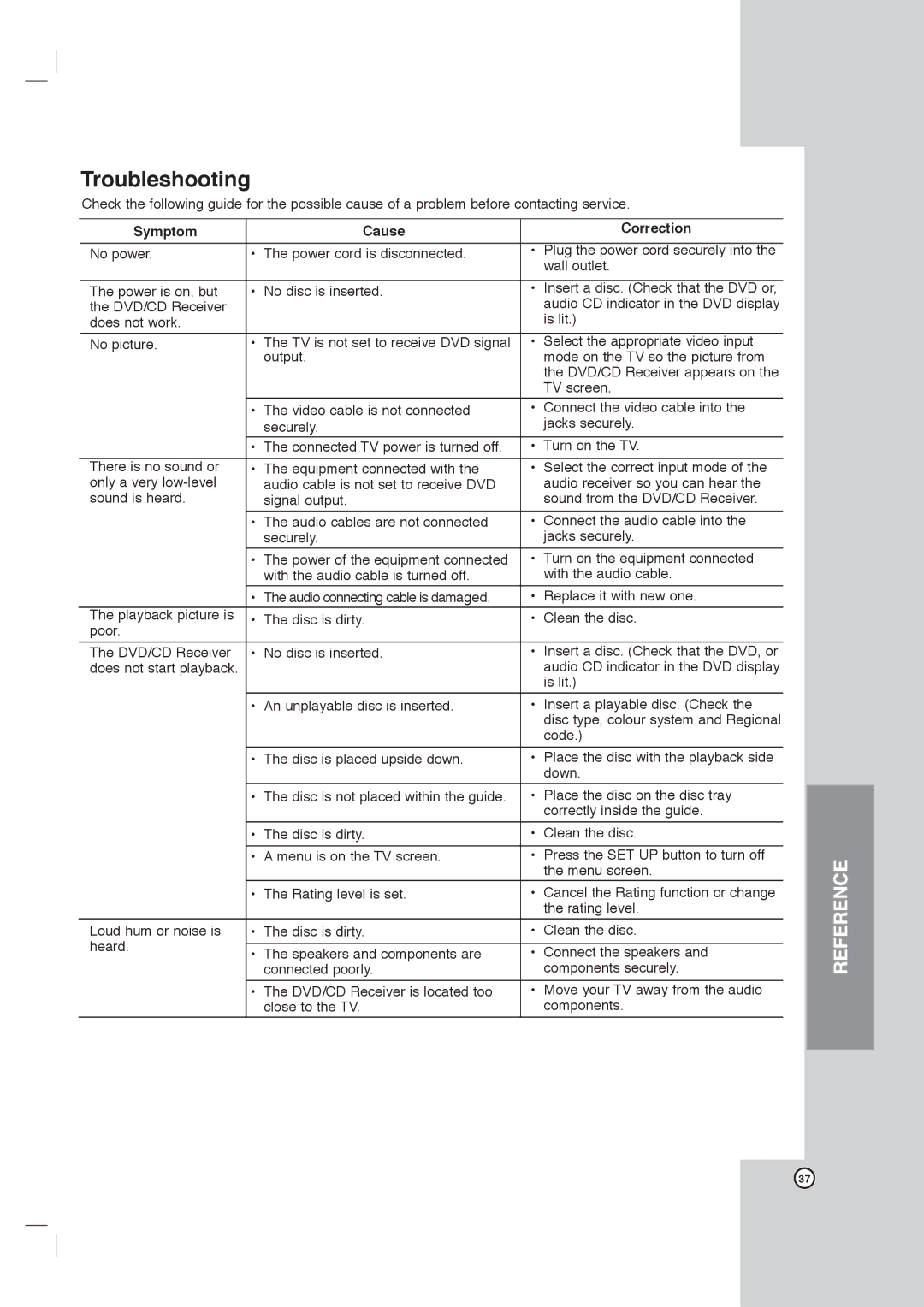
Troubleshooting
Check the following guide for the possible cause of a problem before contacting service.
| Symptom |
| Cause |
| Correction |
|
|
|
|
|
|
| No power. | • | The power cord is disconnected. | • | Plug the power cord securely into the |
|
|
|
|
| wall outlet. |
|
|
|
|
|
|
| The power is on, but | • | No disc is inserted. | • | Insert a disc. (Check that the DVD or, |
| the DVD/CD Receiver |
|
|
| audio CD indicator in the DVD display |
| does not work. |
|
|
| is lit.) |
|
|
|
|
|
|
| No picture. | • | The TV is not set to receive DVD signal | • | Select the appropriate video input |
|
|
| output. |
| mode on the TV so the picture from |
|
|
|
|
| the DVD/CD Receiver appears on the |
|
|
|
|
| TV screen. |
|
|
|
|
|
|
|
| • | The video cable is not connected | • | Connect the video cable into the |
|
|
| securely. |
| jacks securely. |
|
| • | The connected TV power is turned off. | • | Turn on the TV. |
|
|
|
|
|
|
| There is no sound or | • | The equipment connected with the | • | Select the correct input mode of the |
| only a very |
| audio cable is not set to receive DVD |
| audio receiver so you can hear the |
| sound is heard. |
| signal output. |
| sound from the DVD/CD Receiver. |
|
|
|
|
|
|
|
| • | The audio cables are not connected | • | Connect the audio cable into the |
|
|
| securely. |
| jacks securely. |
|
|
|
|
|
|
|
| • | The power of the equipment connected | • | Turn on the equipment connected |
|
|
| with the audio cable is turned off. |
| with the audio cable. |
|
|
|
|
| |
|
| • The audio connecting cable is damaged. | • | Replace it with new one. | |
| The playback picture is | • | The disc is dirty. | • | Clean the disc. |
| poor. |
|
|
|
|
| The DVD/CD Receiver | • | No disc is inserted. | • | Insert a disc. (Check that the DVD, or |
| does not start playback. |
|
|
| audio CD indicator in the DVD display |
|
|
|
|
| is lit.) |
|
| • | An unplayable disc is inserted. | • | Insert a playable disc. (Check the |
|
|
|
|
| disc type, colour system and Regional |
|
|
|
|
| code.) |
|
|
|
|
|
|
|
| • | The disc is placed upside down. | • | Place the disc with the playback side |
|
|
|
|
| down. |
|
| • | The disc is not placed within the guide. | • | Place the disc on the disc tray |
|
|
|
|
| correctly inside the guide. |
|
|
|
|
|
|
|
| • | The disc is dirty. | • | Clean the disc. |
|
|
|
|
|
|
|
| • | A menu is on the TV screen. | • | Press the SET UP button to turn off |
|
|
|
|
| the menu screen. |
|
| • | The Rating level is set. | • | Cancel the Rating function or change |
|
|
|
|
| the rating level. |
| Loud hum or noise is | • | The disc is dirty. | • | Clean the disc. |
| heard. |
|
|
|
|
| • | The speakers and components are | • | Connect the speakers and | |
|
| ||||
|
|
| connected poorly. |
| components securely. |
|
|
|
|
|
|
|
| • | The DVD/CD Receiver is located too | • | Move your TV away from the audio |
|
|
| close to the TV. |
| components. |
|
|
|
|
|
|
REFERENCE
37