Using Phone Menus
6.6 Auto View
Allows you to directly display the content when receiving a message.
6.7 Entry Mode
Allows you to select the default input method including T9 Word, Abc, 123.
6.8 Quick-Text
Allows you to display, edit, and add text phrases. These text strings allow you to reduce manual text input into messages.
6.9 Auto Play
Allows the message to be scrolled automatically when you read it.
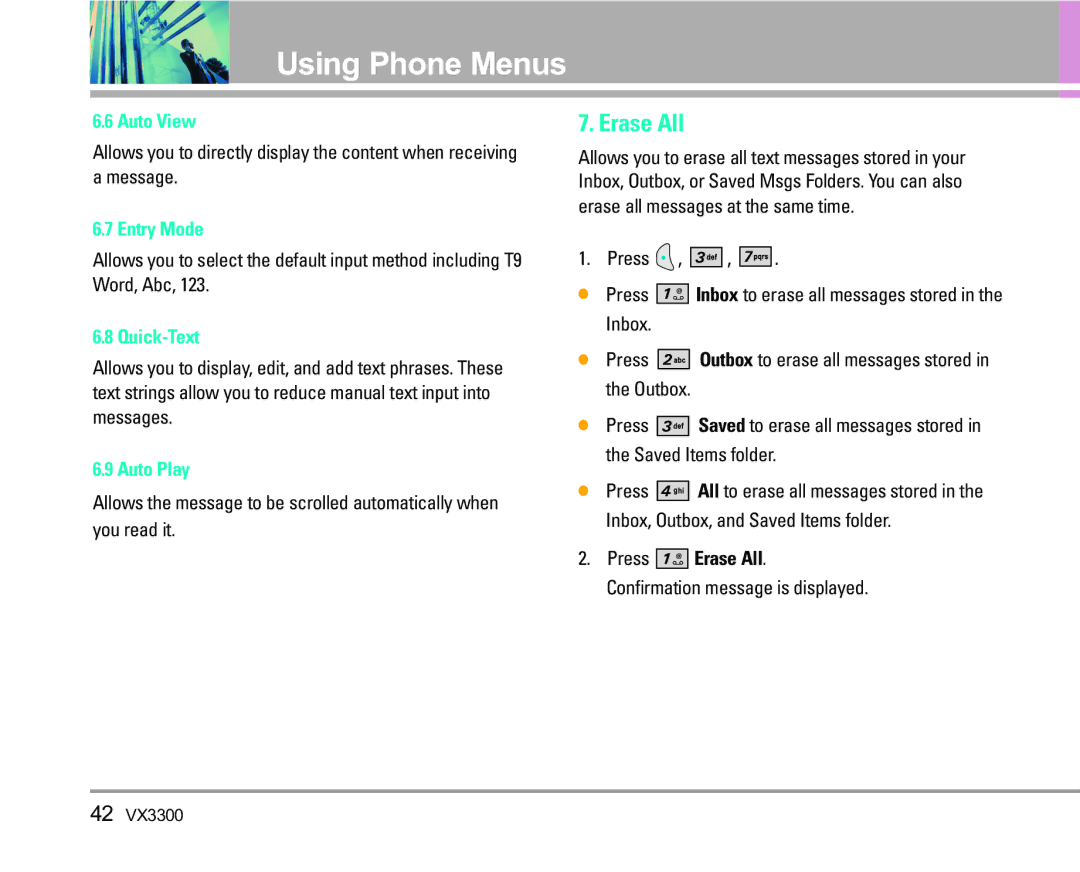
7. Erase All
Allows you to erase all text messages stored in your Inbox, Outbox, or Saved Msgs Folders. You can also erase all messages at the same time.
1. Press  ,
, 


 ,
, 


 .
.
●Press 


 Inbox to erase all messages stored in the Inbox.
●Press 


 Outbox to erase all messages stored in the Outbox.
●Press 


 Saved to erase all messages stored in the Saved Items folder.
●Press 


 All to erase all messages stored in the Inbox, Outbox, and Saved Items folder.
2.Press 


 Erase All. Confirmation message is displayed.
42VX3300