Using Phone Menus
2. Alarm Clock
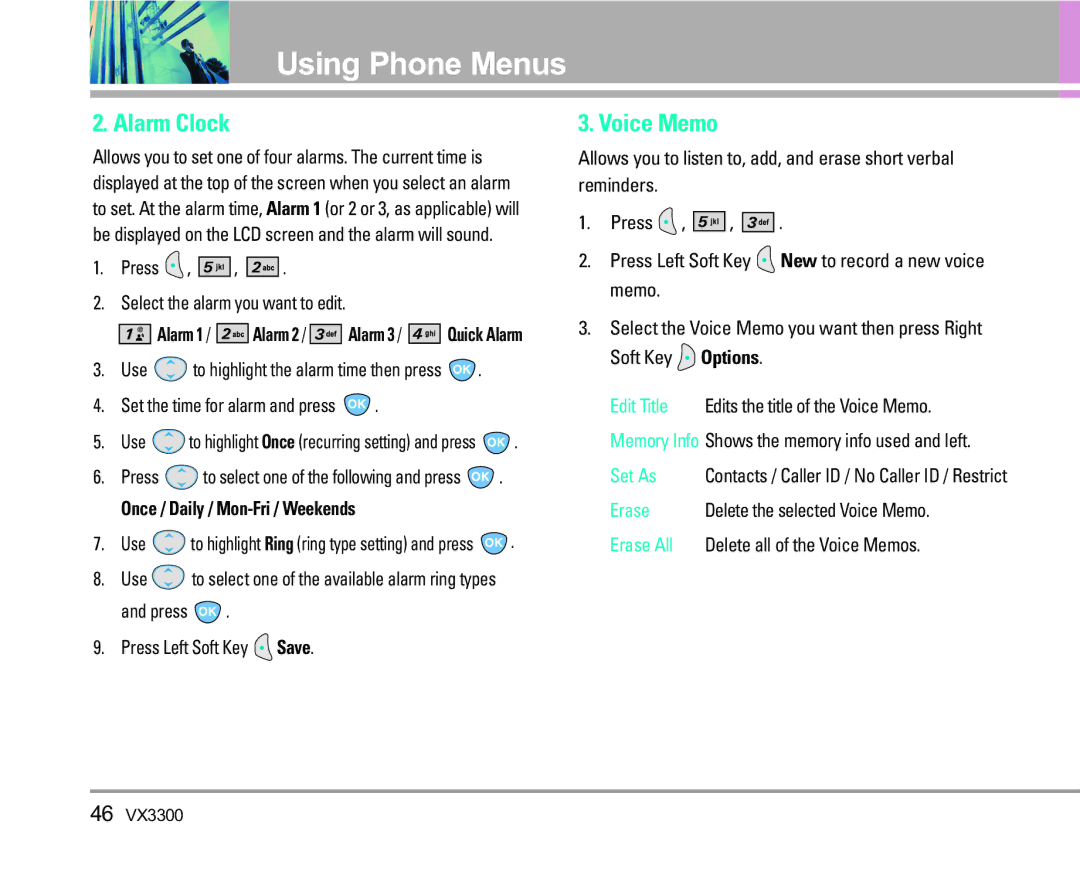
Allows you to set one of four alarms. The current time is displayed at the top of the screen when you select an alarm to set. At the alarm time, Alarm 1 (or 2 or 3, as applicable) will be displayed on the LCD screen and the alarm will sound.
1.Press  ,
, 


 ,
, 


 .
.
2.Select the alarm you want to edit.


 Alarm 1 /


 Alarm 2 /


 Alarm 3 /


 Quick Alarm
3.Use  to highlight the alarm time then press
  .
.
4.Set the time for alarm and press  .
.
5.Use  to highlight Once (recurring setting) and press
  .
.
6.Press  to select one of the following and press
  .
.
Once / Daily / Mon-Fri / Weekends
7.Use  to highlight Ring (ring type setting) and press
  .
.
8.Use  to select one of the available alarm ring types
and press  .
.
9.Press Left Soft Key  Save.
Save.
3. Voice Memo
Allows you to listen to, add, and erase short verbal reminders.
1.Press  ,
, 


 ,
, 


 .
.
2.Press Left Soft Key  New to record a new voice memo.
3.Select the Voice Memo you want then press Right Soft Key  Options.
Edit Title | Edits the title of the Voice Memo. |
Memory Info Shows the memory info used and left. | |
Set As | Contacts / Caller ID / No Caller ID / Restrict |
Erase | Delete the selected Voice Memo. |
Erase All | Delete all of the Voice Memos. |
46VX3300