LCD Projector User Guide
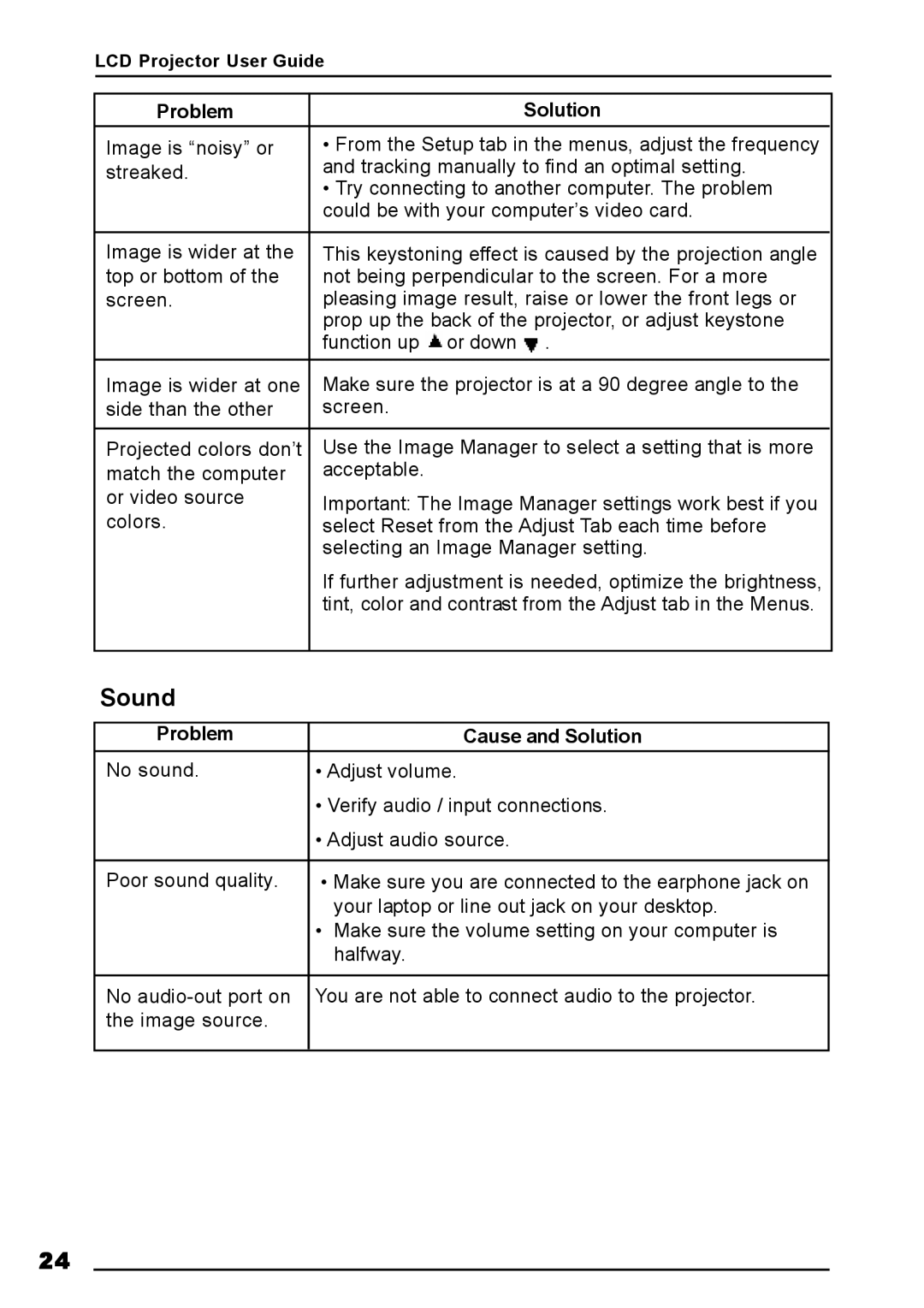
Problem | Solution |
Image is “noisy” or | • From the Setup tab in the menus, adjust the frequency |
streaked. | and tracking manually to find an optimal setting. |
| • Try connecting to another computer. The problem |
| could be with your computer’s video card. |
|
|
Image is wider at the | This keystoning effect is caused by the projection angle |
top or bottom of the | not being perpendicular to the screen. For a more |
screen. | pleasing image result, raise or lower the front legs or |
| prop up the back of the projector, or adjust keystone |
| function up or down . |
Image is wider at one | Make sure the projector is at a 90 degree angle to the |
side than the other | screen. |
|
|
Projected colors don’t | Use the Image Manager to select a setting that is more |
match the computer | acceptable. |
or video source | Important: The Image Manager settings work best if you |
colors. | select Reset from the Adjust Tab each time before |
| selecting an Image Manager setting. |
| If further adjustment is needed, optimize the brightness, |
| tint, color and contrast from the Adjust tab in the Menus. |
|
|
Sound
Problem | Cause and Solution |
No sound. | • Adjust volume. |
| • Verify audio / input connections. |
| • Adjust audio source. |
|
|
Poor sound quality. | • Make sure you are connected to the earphone jack on |
| your laptop or line out jack on your desktop. |
| • Make sure the volume setting on your computer is |
| halfway. |
|
|
No | You are not able to connect audio to the projector. |
the image source. |
|
|
|
24