REFERENCE
PAGE 39

 Before
 Calling
 Service
 Personnel


Symptoms and Correction
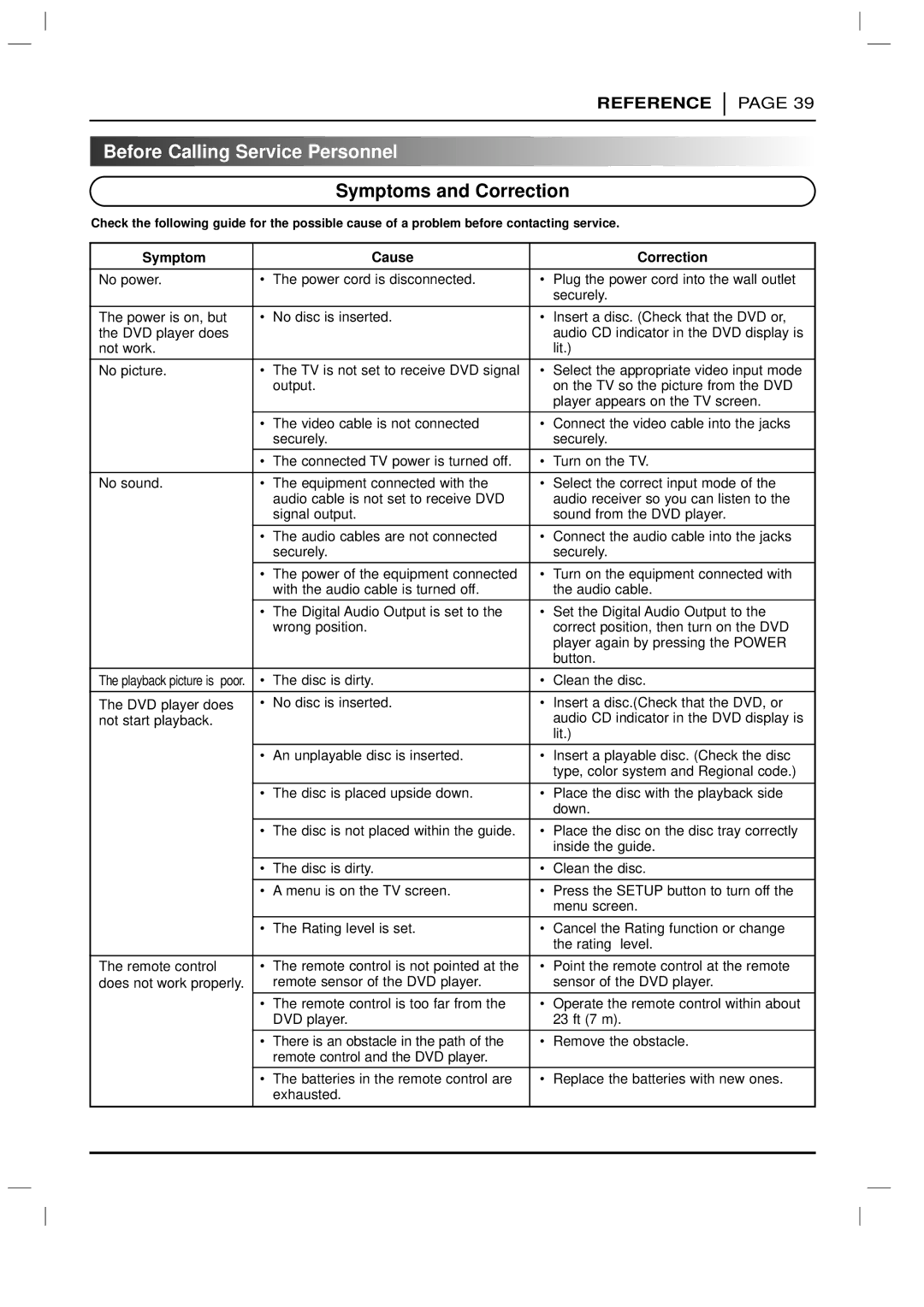
Check the following guide for the possible cause of a problem before contacting service.
Symptom |
| Cause |
| Correction |
|
|
|
| |
No power. | • | The power cord is disconnected. | • Plug the power cord into the wall outlet | |
|
|
|
| securely. |
|
|
|
| |
The power is on, but | • | No disc is inserted. | • Insert a disc. (Check that the DVD or, | |
the DVD player does |
|
|
| audio CD indicator in the DVD display is |
not work. |
|
|
| lit.) |
|
|
|
| |
No picture. | • | The TV is not set to receive DVD signal | • Select the appropriate video input mode | |
|
| output. |
| on the TV so the picture from the DVD |
|
|
|
| player appears on the TV screen. |
|
|
| ||
| • The video cable is not connected | • Connect the video cable into the jacks | ||
|
| securely. |
| securely. |
|
|
|
| |
| • The connected TV power is turned off. | • | Turn on the TV. | |
|
|
|
| |
No sound. | • | The equipment connected with the | • Select the correct input mode of the | |
|
| audio cable is not set to receive DVD |
| audio receiver so you can listen to the |
|
| signal output. |
| sound from the DVD player. |
|
|
| ||
| • The audio cables are not connected | • Connect the audio cable into the jacks | ||
|
| securely. |
| securely. |
|
|
| ||
| • The power of the equipment connected | • Turn on the equipment connected with | ||
|
| with the audio cable is turned off. |
| the audio cable. |
| • The Digital Audio Output is set to the | • Set the Digital Audio Output to the | ||
|
| wrong position. |
| correct position, then turn on the DVD |
|
|
|
| player again by pressing the POWER |
|
|
|
| button. |
The playback picture is poor. | • | The disc is dirty. | • | Clean the disc. |
|
|
|
| |
The DVD player does | • | No disc is inserted. | • Insert a disc.(Check that the DVD, or | |
not start playback. |
|
|
| audio CD indicator in the DVD display is |
|
|
|
| lit.) |
| • | An unplayable disc is inserted. | • Insert a playable disc. (Check the disc | |
|
|
|
| type, color system and Regional code.) |
|
|
|
| |
| • | The disc is placed upside down. | • Place the disc with the playback side | |
|
|
|
| down. |
| • | The disc is not placed within the guide. | • Place the disc on the disc tray correctly | |
|
|
|
| inside the guide. |
|
|
|
| |
| • The disc is dirty. | • | Clean the disc. | |
|
|
| ||
| • A menu is on the TV screen. | • Press the SETUP button to turn off the | ||
|
|
|
| menu screen. |
| • | The Rating level is set. | • Cancel the Rating function or change | |
|
|
|
| the rating level. |
|
|
|
| |
The remote control | • | The remote control is not pointed at the | • Point the remote control at the remote | |
does not work properly. |
| remote sensor of the DVD player. |
| sensor of the DVD player. |
|
|
| ||
| • The remote control is too far from the | • Operate the remote control within about | ||
|
| DVD player. |
| 23 ft (7 m). |
|
|
|
| |
| • There is an obstacle in the path of the | • | Remove the obstacle. | |
|
| remote control and the DVD player. |
|
|
|
|
|
| |
| • The batteries in the remote control are | • | Replace the batteries with new ones. | |
|
| exhausted. |
|
|
|
|
|
|
|
|
|
|
|
|