Caller ID Logging
–The outside line number (or name – if programmed) the call came in on.
–The extension that answered the call, or if the call was unanswered.
5. Use  and
and  to scroll through the Caller ID records that are logged at your phone.
6.Press
to toggle between Page 1 and Page 2.
7.When a Caller ID record is displayed, you can:
–Press  to call the person back.
–Dial  to Store the number in Personal Speed Dial.
–Dial  to Delete the displayed record.
–Dial  to eXit (go back to step 2).
–Press 


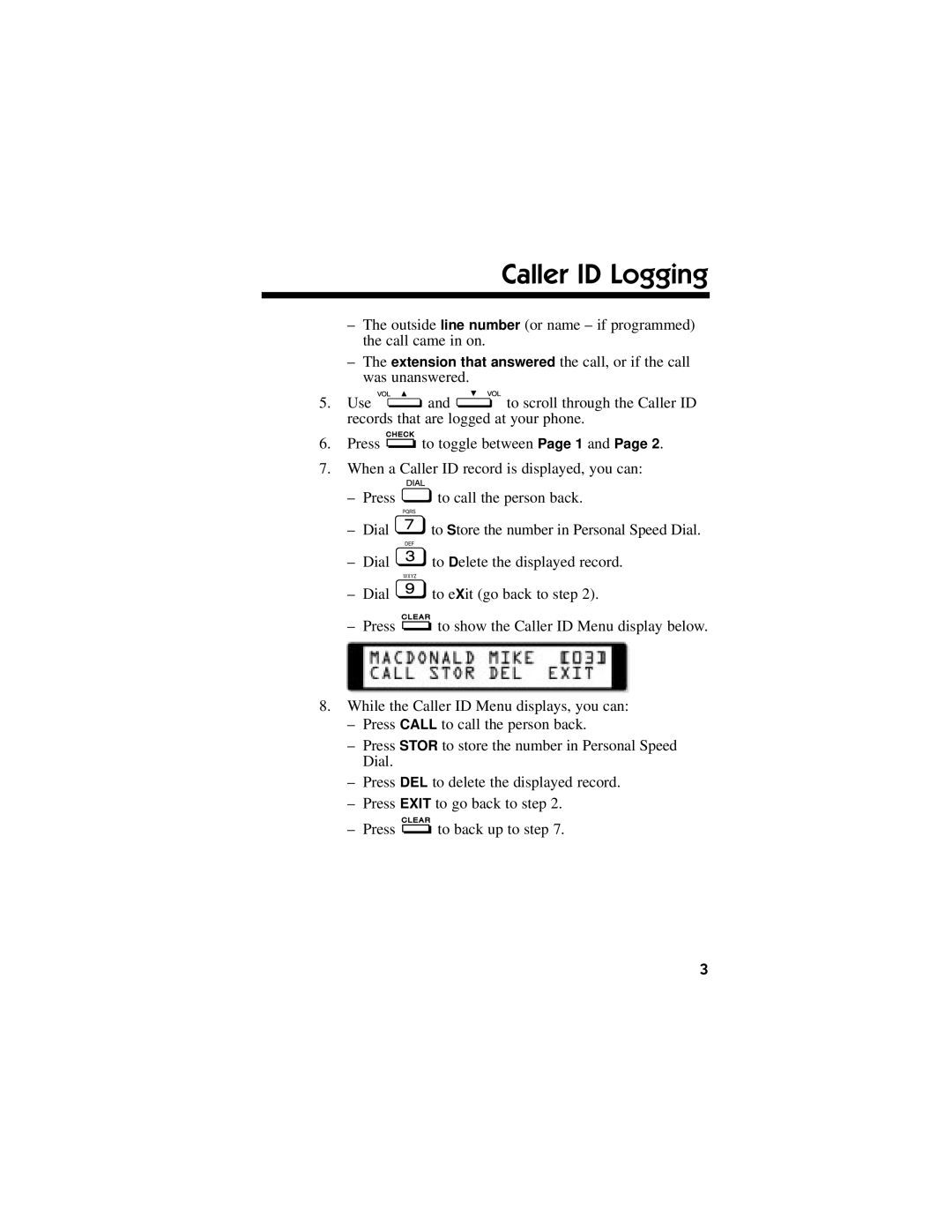
 to show the Caller ID Menu display below.
8.While the Caller ID Menu displays, you can:
–Press CALL to call the person back.
–Press STOR to store the number in Personal Speed Dial.
–Press DEL to delete the displayed record.
–Press EXIT to go back to step 2.
– Press
to back up to step 7.
3