149
l
FV Lock
This feature is used to lock flash output, allowing photographs to be recomposed
without changing the flash level and ensuring that flash output is appropriate to the
subject even when the subject is not positioned in the center of the frame. Flash
output is adjusted automatically for any changes in ISO sensitivity and aperture.
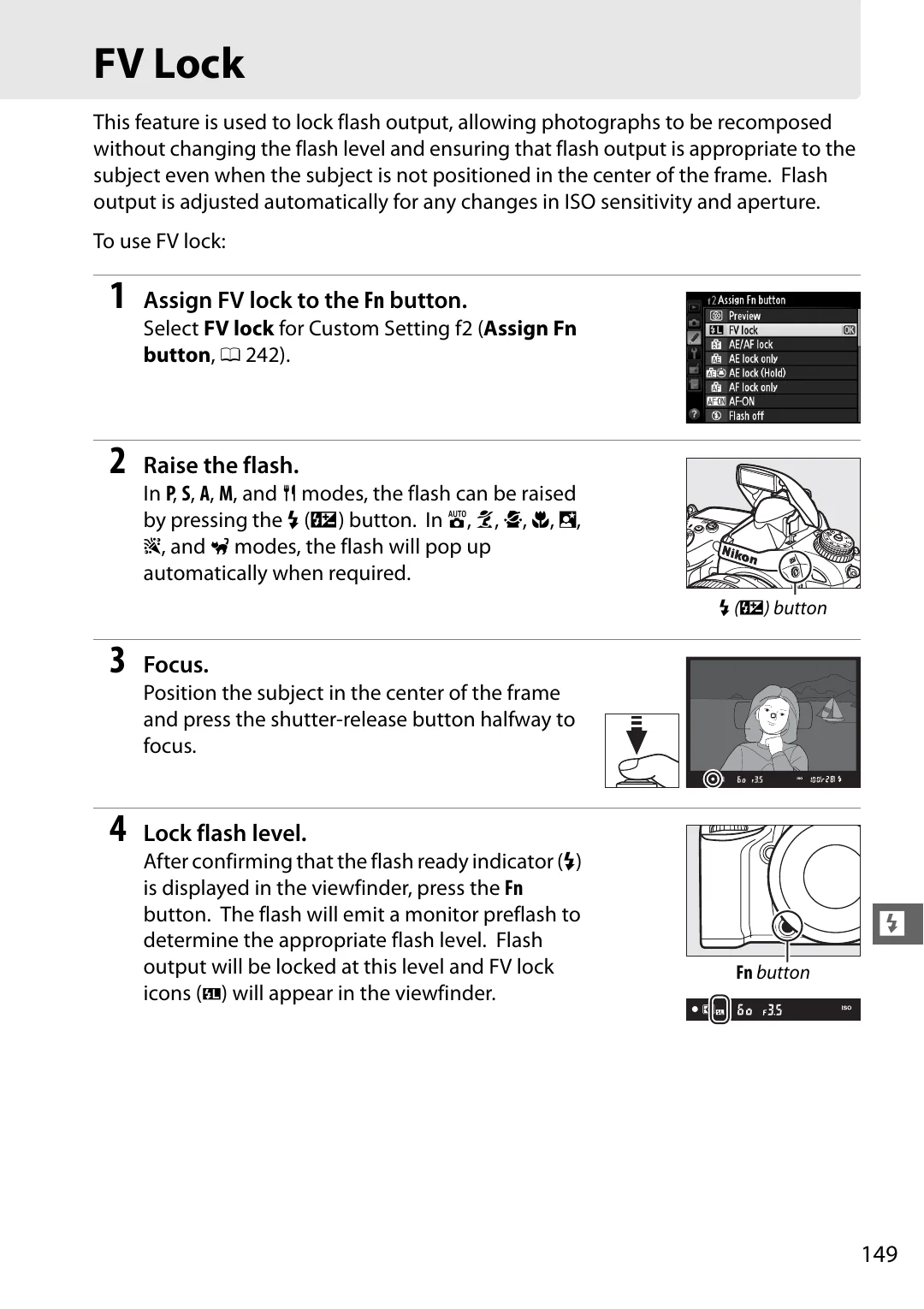
To use FV lock:
1
Assign FV lock to the
Fn
button.
Select
FV lock
for Custom Setting f2 (
Assign Fn
button
242).
2
Raise the flash.
In
P
,
S
,
A
,
M
, and
0
modes, the flash can be raised
by pressing the
M
(
Y
) button. In
i
,
k
,
p
,
n
,
o
,
s
, and
w
modes, the flash will pop up
automatically when required.
3
Focus.
Position the subject in the center of the frame
and press the shutter-release button halfway to
focus.
4
Lock flash level.
After confirming that the flash ready indicator (
M
)
is displayed in the viewfinder, press the
Fn
button. The flash will emit a monitor preflash to
determine the appropriate flash level. Flash
output will be locked at this level and FV lock
icons (
e
) will appear in the viewfinder.
M
(
Y
) button
Fn
button