157
t
4
Frame a photograph, focus, and shoot.
Each shot will be processed to create the number of
copies specified in the bracketing program, and
each copy will have a different white balance.
Modifications to white balance are added to the
white balance adjustment made with white
balance fine-tuning.
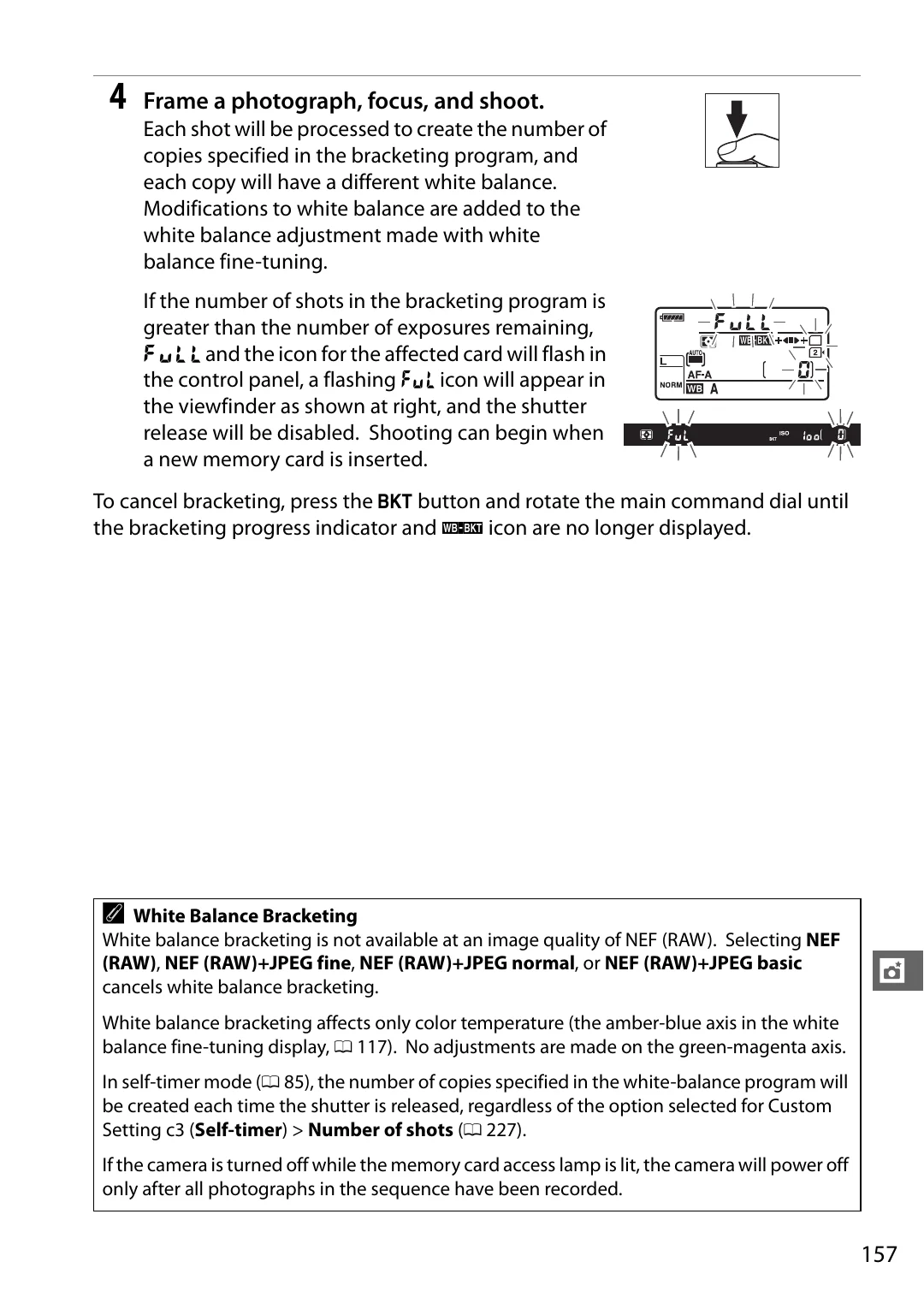
If the number of shots in the bracketing program is
greater than the number of exposures remaining,
n
and the icon for the affected card will flash in
the control panel, a flashing
j
icon will appear in
the viewfinder as shown at right, and the shutter
release will be disabled. Shooting can begin when
a new memory card is inserted.
To cancel bracketing, press the
D
button and rotate the main command dial until
the bracketing progress indicator and
W
icon are no longer displayed.
A
White Balance Bracketing
White balance bracketing is not available at an image quality of NEF (RAW). Selecting
NEF
(RAW)
,
NEF (RAW)+JPEG fine
,
NEF (RAW)+JPEG normal
, or
NEF (RAW)+JPEG basic
cancels white balance bracketing.
White balance bracketing affects only color temperature (the amber-blue axis in the white
balance fine-tuning display,
117). No adjustments are made on the green-magenta axis.
85), the number of copies specified in the white-balance program will
be created each time the shutter is released, regardless of the option selected for Custom
Setting c3 (
Self-timer
) >
Number of shots
(
If the camera is turned off while the memory card access lamp is lit, the camera will power off
only after all photographs in the sequence have been recorded.