163
t
❚❚
Interrupting Multiple Exposures
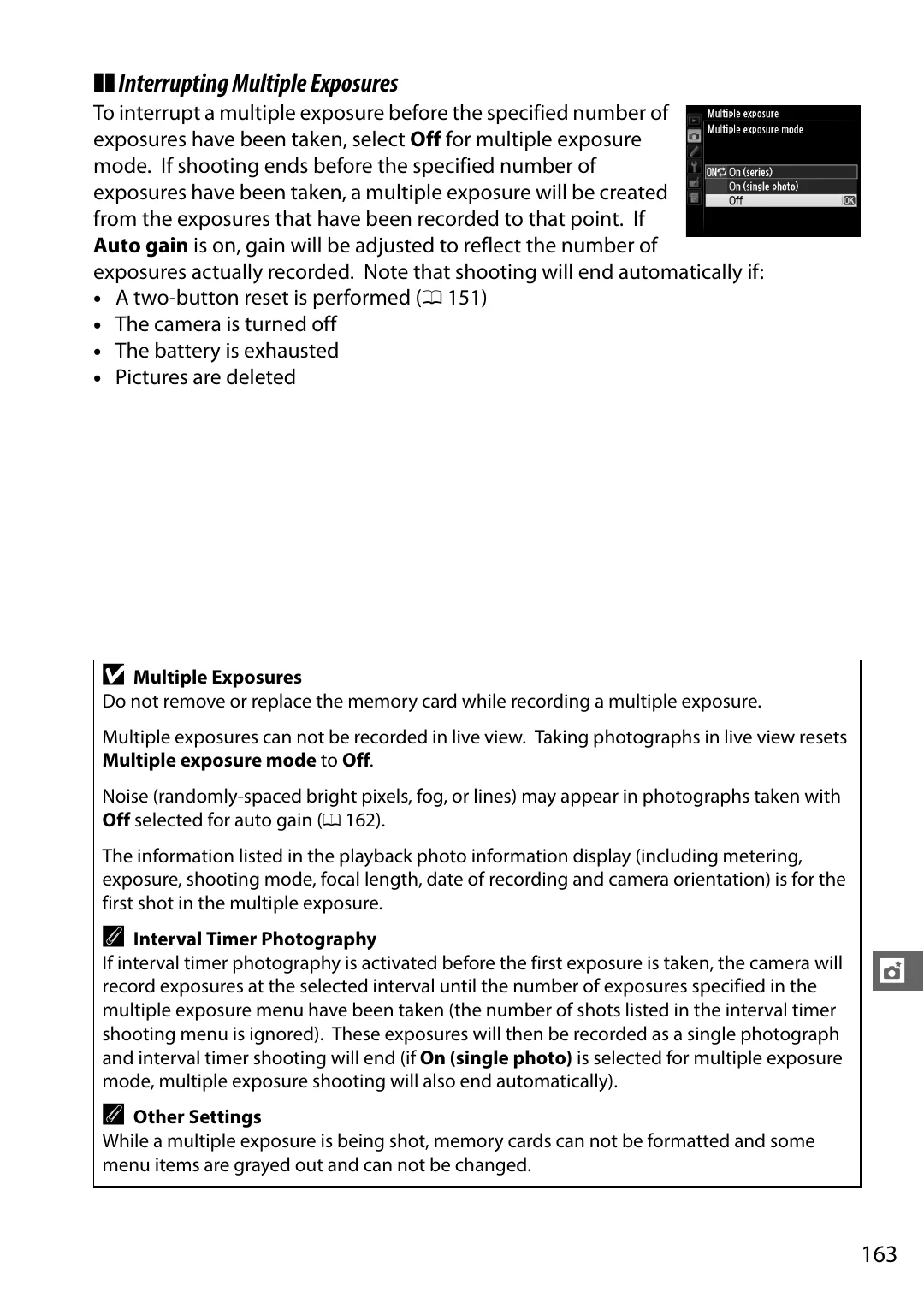
To interrupt a multiple exposure before the specified number of
exposures have been taken, select
Off
for multiple exposure
mode. If shooting ends before the specified number of
exposures have been taken, a multiple exposure will be created
from the exposures that have been recorded to that point. If
Auto gain
is on, gain will be adjusted to reflect the number of
exposures actually recorded. Note that shooting will end automatically if:
•
A two-button reset is performed (
•
The camera is turned off
•
The battery is exhausted
•
Pictures are deleted
D
Multiple Exposures
Do not remove or replace the memory card while recording a multiple exposure.
Multiple exposures can not be recorded in live view. Taking photographs in live view resets
Multiple exposure mode
to
Off
.
Noise (randomly-spaced bright pixels, fog, or lines) may appear in photographs taken with
Off
selected for auto gain (
The information listed in the playback photo information display (including metering,
exposure, shooting mode, focal length, date of recording and camera orientation) is for the
first shot in the multiple exposure.
A
Interval Timer Photography
If interval timer photography is activated before the first exposure is taken, the camera will
record exposures at the selected interval until the number of exposures specified in the
multiple exposure menu have been taken (the number of shots listed in the interval timer
shooting menu is ignored). These exposures will then be recorded as a single photograph
and interval timer shooting will end (if
On (single photo)
is selected for multiple exposure
mode, multiple exposure shooting will also end automatically).
A
Other Settings
While a multiple exposure is being shot, memory cards can not be formatted and some
menu items are grayed out and can not be changed.