218
U
“Vignetting” is a drop in brightness at the edges of a photograph.
Vignette control
reduces vignetting for type G, E, and D lenses (DX and PC lenses excluded). Its effects
vary from lens to lens and are most noticeable at maximum aperture. Choose from
High
,
Normal
,
Low
, and
Off
.
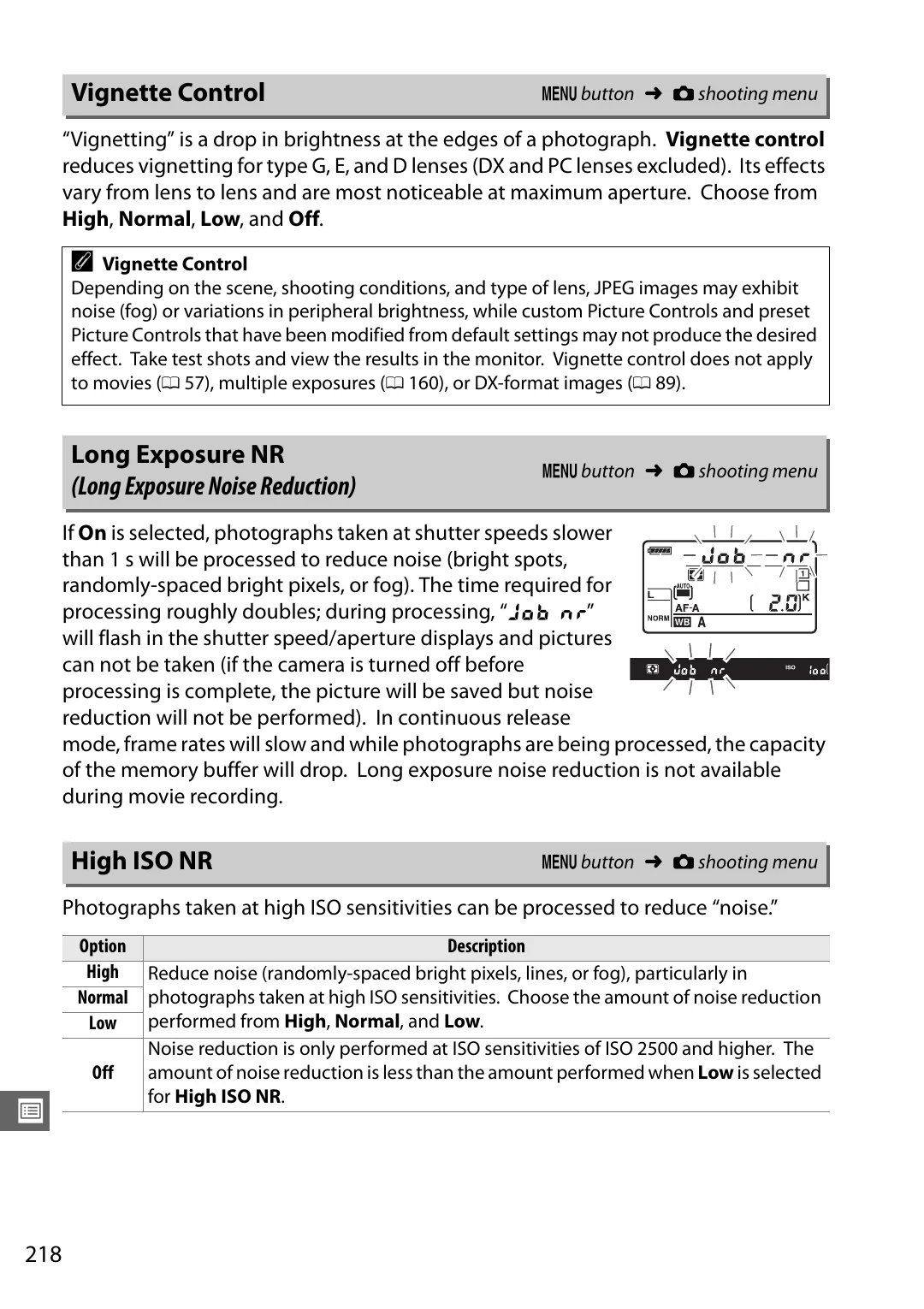
If
On
is selected, photographs taken at shutter speeds slower
than 1 s will be processed to reduce noise (bright spots,
randomly-spaced bright pixels, or fog). The time required for
processing roughly doubles; during processing, “
l m
”
will flash in the shutter speed/aperture displays and pictures
can not be taken (if the camera is turned off before
processing is complete, the picture will be saved but noise
reduction will not be performed). In continuous release
mode, frame rates will slow and while photographs are being processed, the capacity
of the memory buffer will drop. Long exposure noise reduction is not available
during movie recording.
Photographs taken at high ISO sensitivities can be processed to reduce “noise.”
Vignette Control
G
button
➜
C
shooting menu
A
Vignette Control
Depending on the scene, shooting conditions, and type of lens, JPEG images may exhibit
noise (fog) or variations in peripheral brightness, while custom Picture Controls and preset
Picture Controls that have been modified from default settings may not produce the desired
effect. Take test shots and view the results in the monitor. Vignette control does not apply
to movies (
57), multiple exposures (
160), or DX-format images (
89).
Long Exposure NR
(Long Exposure Noise Reduction)
G
button
➜
C
shooting menu
High ISO NR
G
button
➜
C
shooting menu
Option
Description
High
Reduce noise (randomly-spaced bright pixels, lines, or fog), particularly in
photographs taken at high ISO sensitivities. Choose the amount of noise reduction
performed from
High
,
Normal
, and
Low
.
Normal
Low
Off
Noise reduction is only performed at ISO sensitivities of ISO 2500 and higher. The
amount of noise reduction is less than the amount performed when
Low
is selected
for
High ISO NR
.