278
U
5
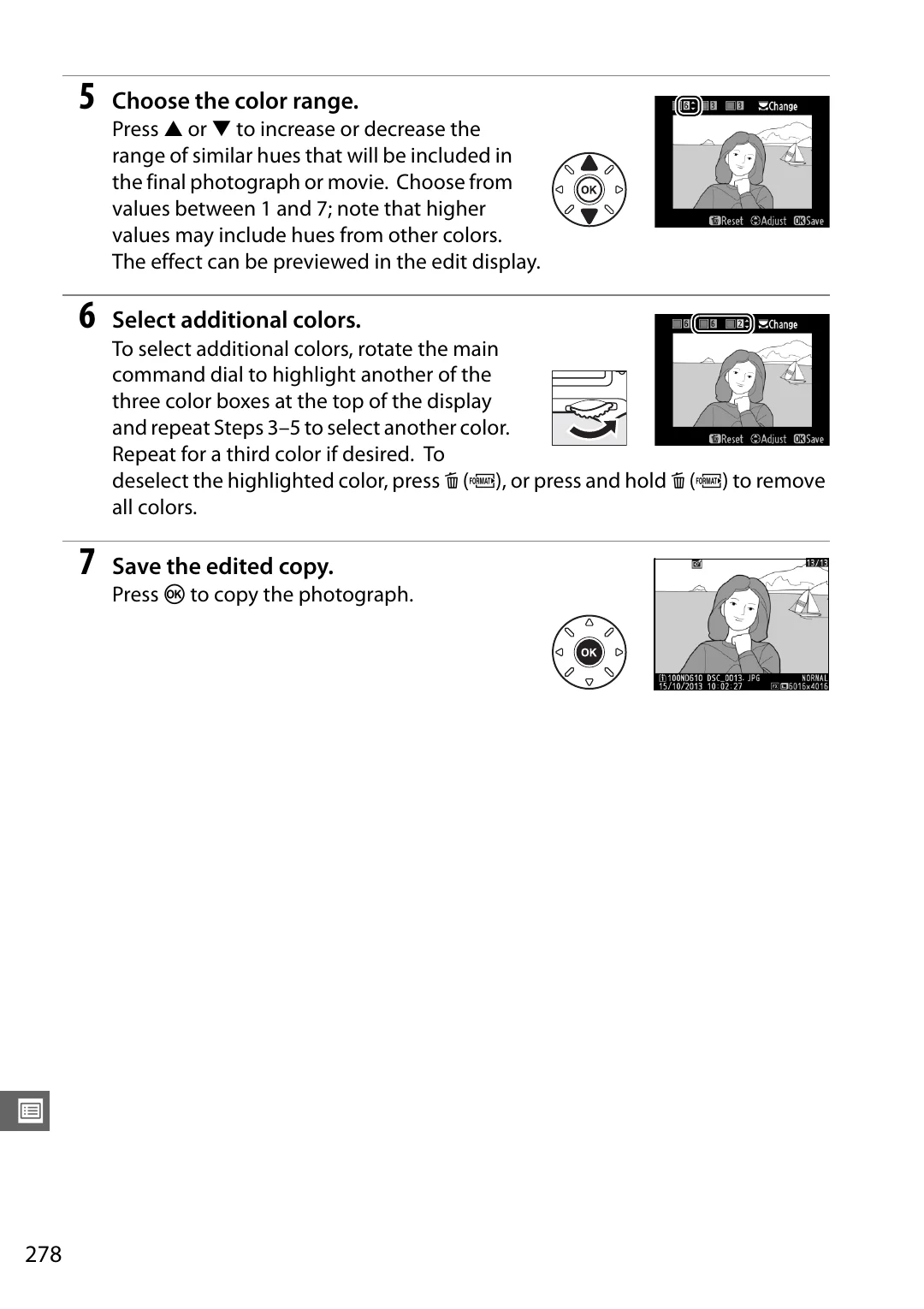
Choose the color range.
Press
1
or
3
to increase or decrease the
range of similar hues that will be included in
the final photograph or movie. Choose from
values between 1 and 7; note that higher
values may include hues from other colors.
The effect can be previewed in the edit display.
6
Select additional colors.
To select additional colors, rotate the main
command dial to highlight another of the
three color boxes at the top of the display
and repeat Steps 3–5 to select another color.
Repeat for a third color if desired. To
deselect the highlighted color, press
O
(
Q
), or press and hold
O
(
Q
) to remove
all colors.
7
Save the edited copy.
Press
J
to copy the photograph.