276
U
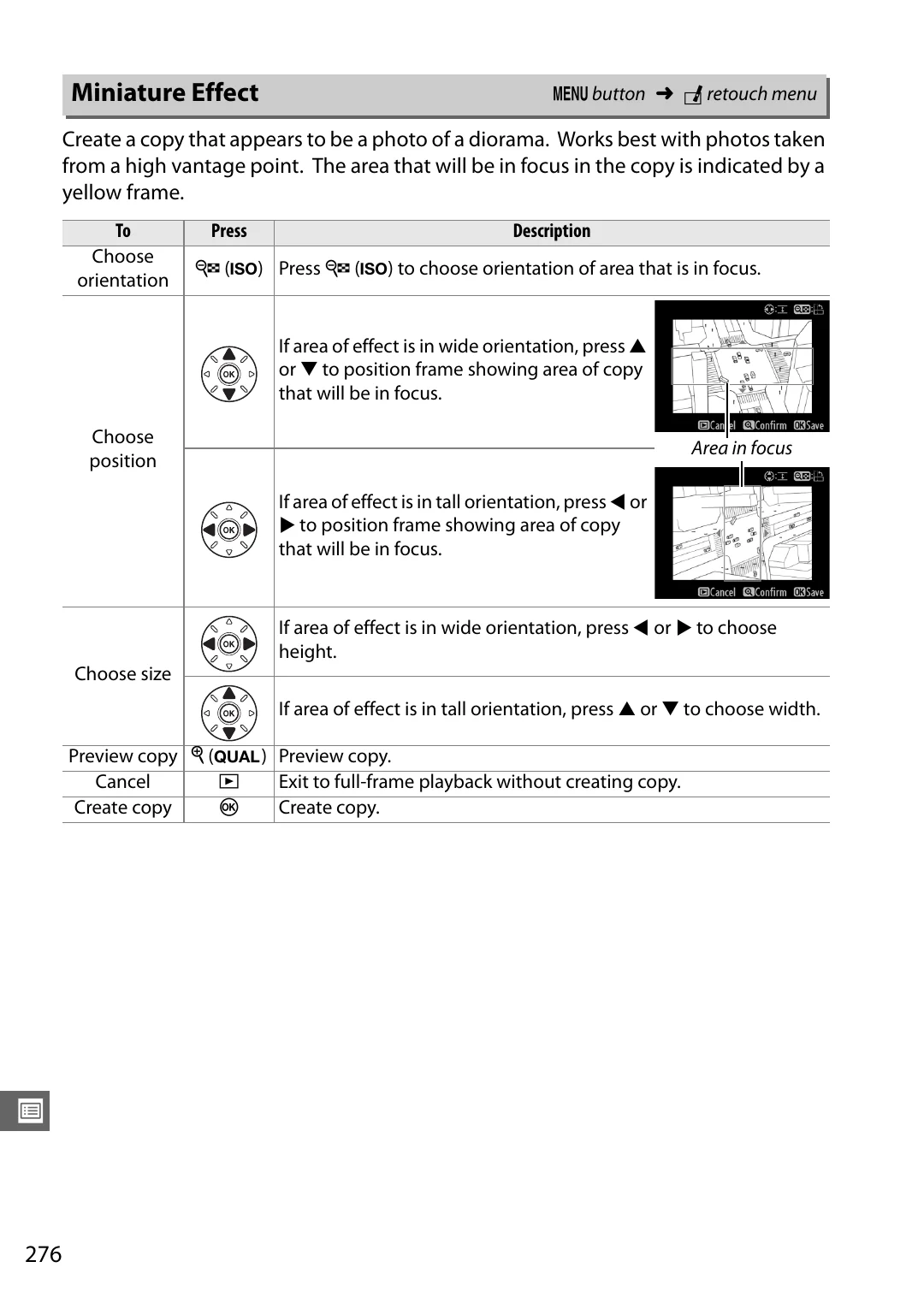
Create a copy that appears to be a photo of a diorama. Works best with photos taken
from a high vantage point. The area that will be in focus in the copy is indicated by a
yellow frame.
Miniature Effect
G
button
➜
N
retouch menu
To
Press
Description
Choose
orientation
W
(
S
) Press
W
(
S
) to choose orientation of area that is in focus.
Choose
position
If area of effect is in wide orientation, press
1
or
3
to position frame showing area of copy
that will be in focus.
If area of effect is in tall orientation, press
4
or
2
to position frame showing area of copy
that will be in focus.
Choose size
If area of effect is in wide orientation, press
4
or
2
to choose
height.
If area of effect is in tall orientation, press
1
or
3
to choose width.
Preview copy
X
(
T
) Preview copy.
Cancel
K
Exit to full-frame playback without creating copy.
Create copy
J
Create copy.
Area in focus