283
U
Recent Settings
To display the twenty most recently used settings, select
m
Recent settings
for
O
My Menu
>
Choose tab
.
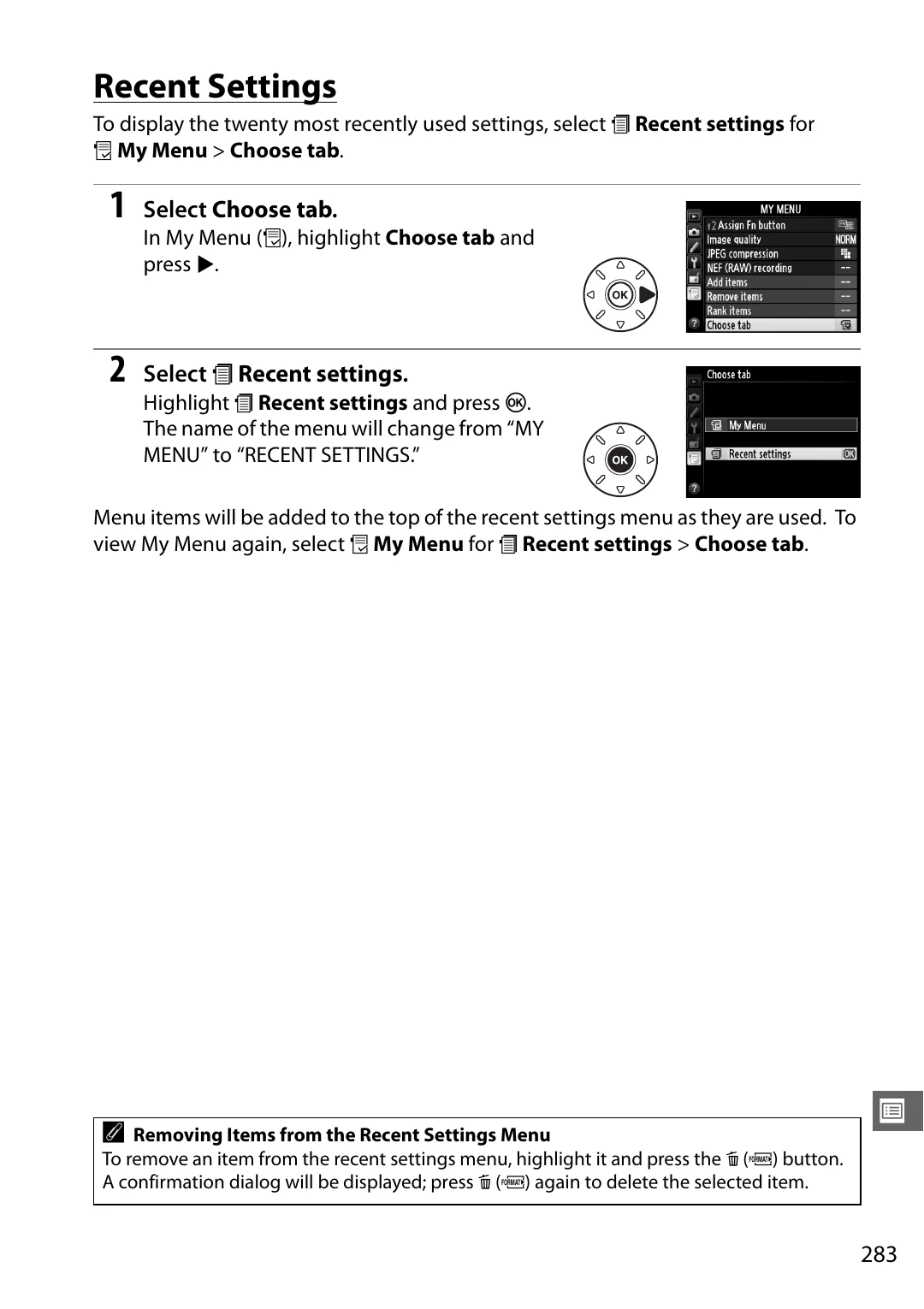
1
Select
Choose tab
.
In My Menu (
O
), highlight
Choose tab
and
press
2
.
2
Select
m
Recent settings
.
Highlight
m
Recent settings
and press
J
.
The name of the menu will change from “MY
MENU” to “RECENT SETTINGS.”
Menu items will be added to the top of the recent settings menu as they are used. To
view My Menu again, select
O
My Menu
for
m
Recent settings
>
Choose tab
.
A
Removing Items from the Recent Settings Menu
To remove an item from the recent settings menu, highlight it and press the
O
(
Q
) button.
A confirmation dialog will be displayed; press
O
(
Q
) again to delete the selected item.