47
s
Deleting Unwanted Photographs
To delete the photograph currently displayed in the monitor, press the
O
(
Q
) button.
Note that photographs can not be recovered once deleted
.
1
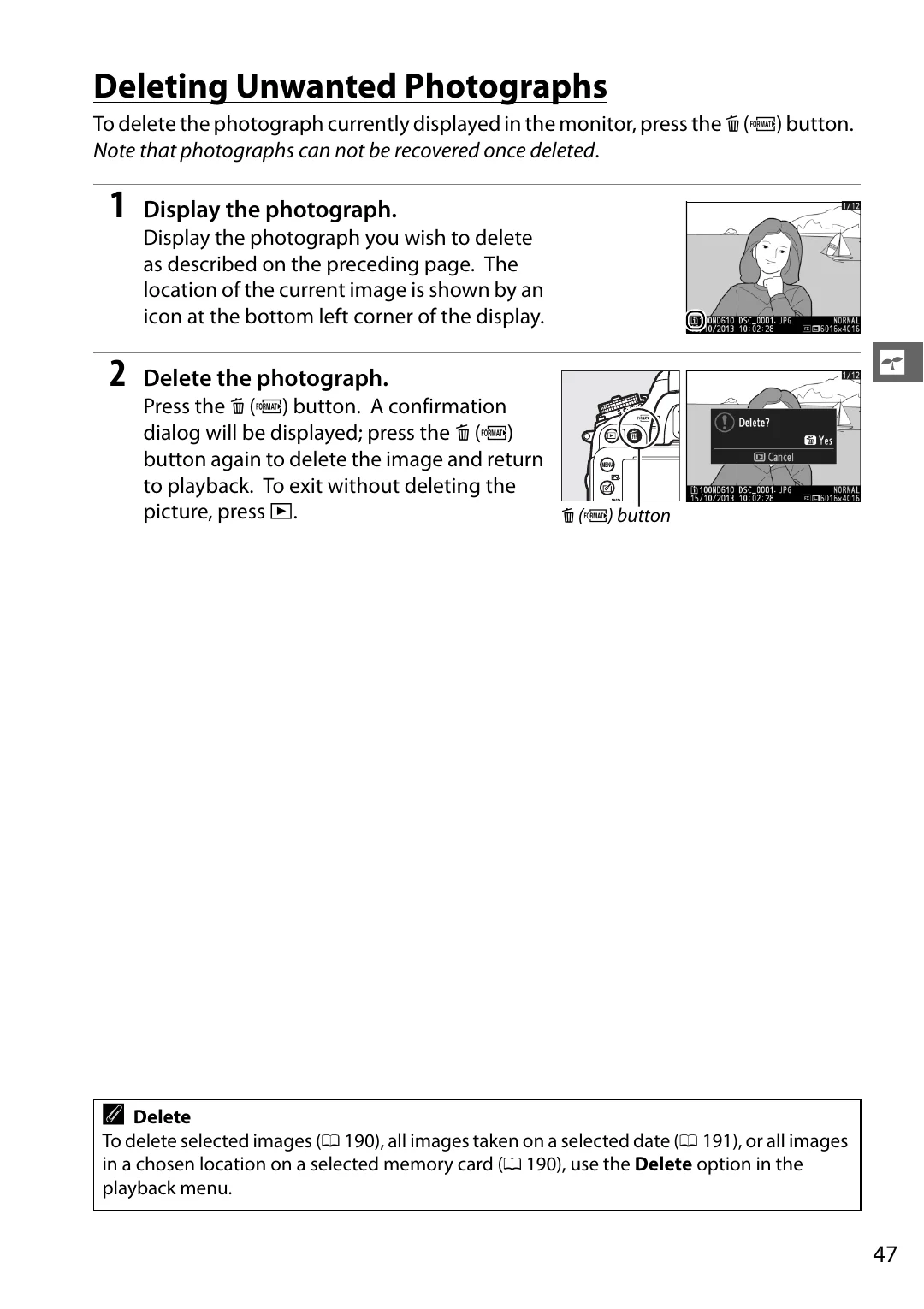
Display the photograph.
Display the photograph you wish to delete
as described on the preceding page. The
location of the current image is shown by an
icon at the bottom left corner of the display.
2
Delete the photograph.
Press the
O
(
Q
) button. A confirmation
dialog will be displayed; press the
O
(
Q
)
button again to delete the image and return
to playback. To exit without deleting the
picture, press
K
.
A
Delete
To delete selected images (
190), all images taken on a selected date (
191), or all images
in a chosen location on a selected memory card (
190), use the
Delete
option in the
playback menu.
O
(
Q
) button