50
x
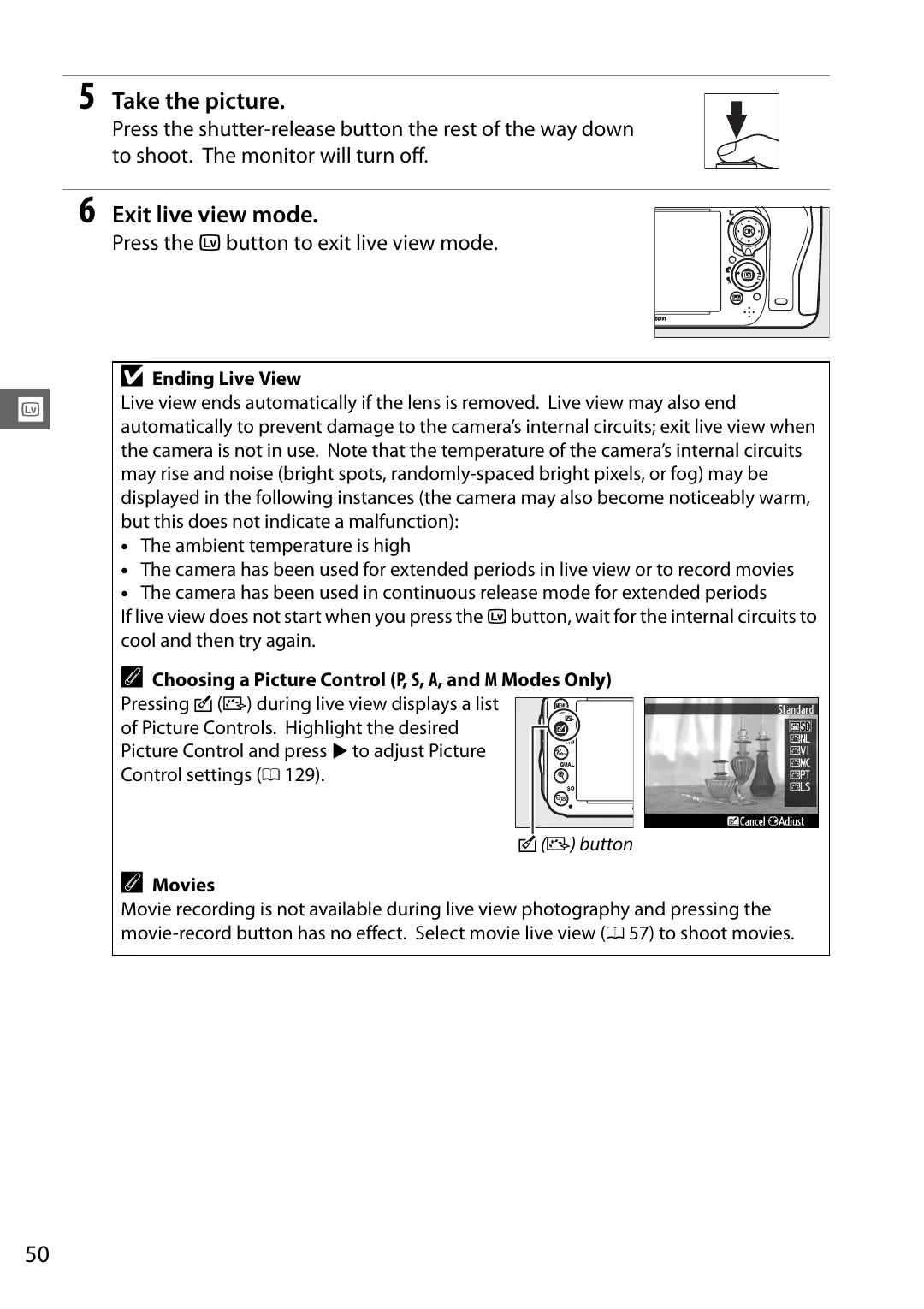
5
Take the picture.
Press the shutter-release button the rest of the way down
to shoot. The monitor will turn off.
6
Exit live view mode.
Press the
a
button to exit live view mode.
D
Ending Live View
Live view ends automatically if the lens is removed. Live view may also end
automatically to prevent damage to the camera’s internal circuits; exit live view when
the camera is not in use. Note that the temperature of the camera’s internal circuits
may rise and noise (bright spots, randomly-spaced bright pixels, or fog) may be
displayed in the following instances (the camera may also become noticeably warm,
but this does not indicate a malfunction):
•
The ambient temperature is high
•
The camera has been used for extended periods in live view or to record movies
•
The camera has been used in continuous release mode for extended periods
If live view does not start when you press the
a
button, wait for the internal circuits to
cool and then try again.
A
Choosing a Picture Control (
P
,
S
,
A
, and
M
Modes Only)
Pressing
c
(
b
) during live view displays a list
of Picture Controls. Highlight the desired
Picture Control and press
2
to adjust Picture
Control settings (
129).
A
Movies
Movie recording is not available during live view photography and pressing the
movie-record button has no effect. Select movie live view (
57) to shoot movies.
c
(
b
) button