112
Z
Exposure Compensation
Exposure compensation is used to alter exposure from the value suggested by the
camera, making pictures brighter or darker. It is most effective when used with
center-weighted or spot metering (
109). Choose from values between –5 EV
(underexposure) and +5 EV (overexposure) in increments of
1
/
3
EV. In general,
positive values make the subject brighter while negative values make it darker.
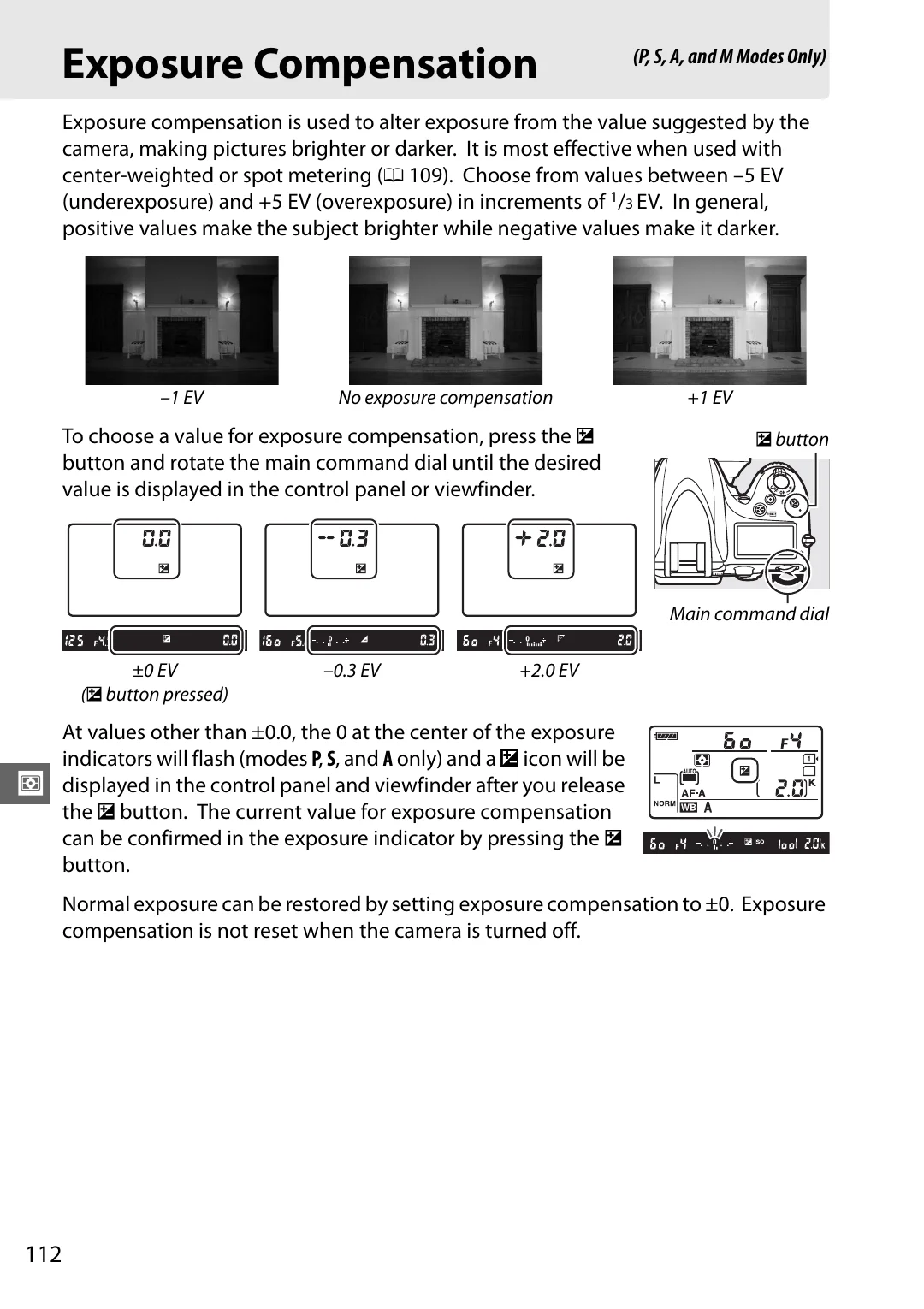
To choose a value for exposure compensation, press the
E
button and rotate the main command dial until the desired
value is displayed in the control panel or viewfinder.
At values other than ±0.0, the 0 at the center of the exposure
indicators will flash (modes
P
,
S
, and
A
only) and a
E
icon will be
displayed in the control panel and viewfinder after you release
the
E
button. The current value for exposure compensation
can be confirmed in the exposure indicator by pressing the
E
button.
Normal exposure can be restored by setting exposure compensation to ±0. Exposure
compensation is not reset when the camera is turned off.
–1 EV
No exposure compensation
+1 EV
±0 EV
(
E
button pressed)
–0.3 EV
+2.0 EV
(P, S, A, and M Modes Only)
E
button
Main command dial