245
U
This option controls the operation of the main and sub-command dials.
•
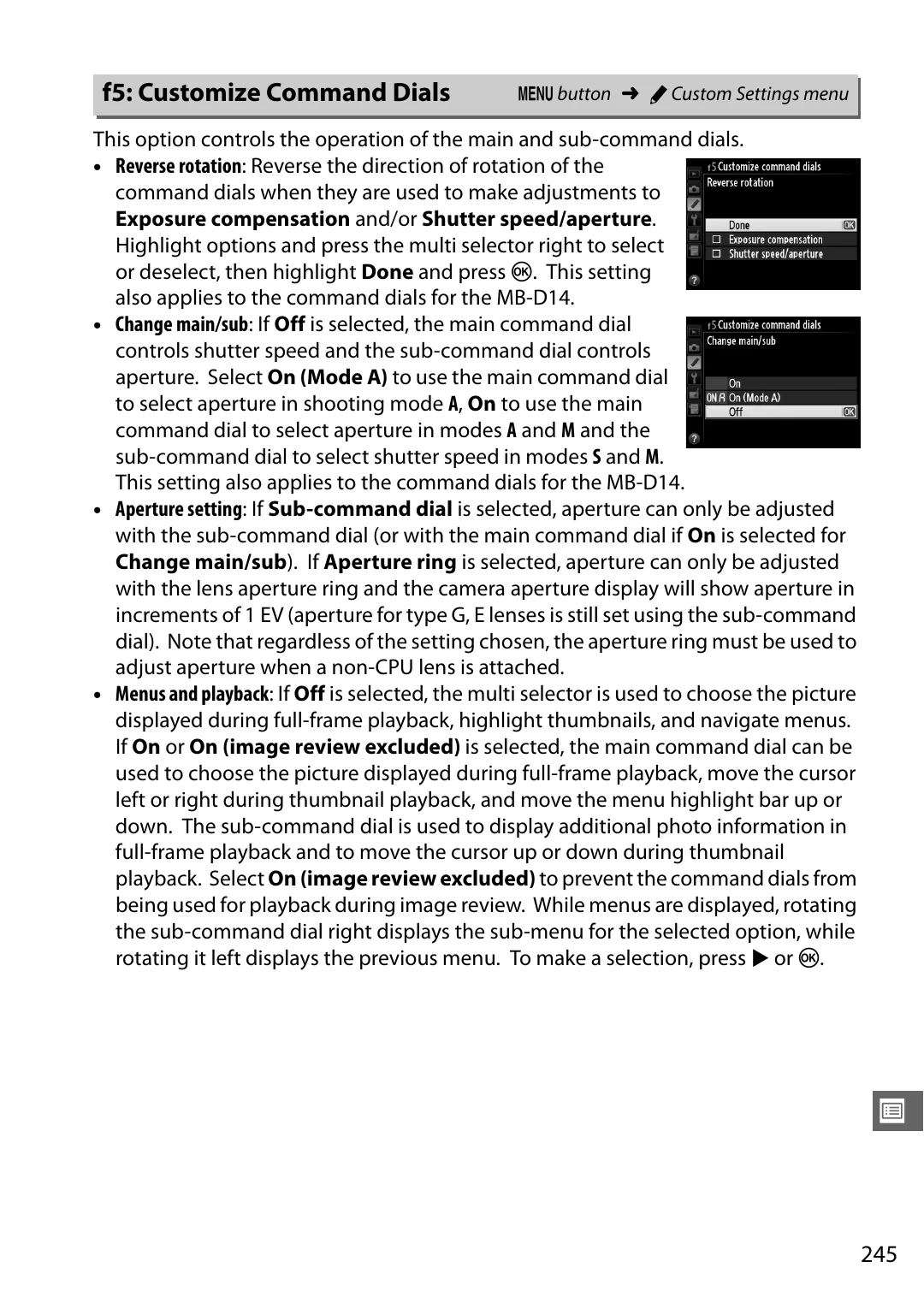
Reverse rotation
: Reverse the direction of rotation of the
command dials when they are used to make adjustments to
Exposure compensation
and/or
Shutter speed/aperture
.
Highlight options and press the multi selector right to select
or deselect, then highlight
Done
and press
J
. This setting
also applies to the command dials for the MB-D14.
•
Change main/sub
: If
Off
is selected, the main command dial
controls shutter speed and the sub-command dial controls
aperture. Select
On (Mode A)
to use the main command dial
to select aperture in shooting mode
A
,
On
to use the main
command dial to select aperture in modes
A
and
M
and the
sub-command dial to select shutter speed in modes
S
and
M
.
This setting also applies to the command dials for the MB-D14.
•
Aperture setting
: If
Sub-command dial
is selected, aperture can only be adjusted
with the sub-command dial (or with the main command dial if
On
is selected for
Change main/sub
). If
Aperture ring
is selected, aperture can only be adjusted
with the lens aperture ring and the camera aperture display will show aperture in
increments of 1 EV (aperture for type G, E lenses is still set using the sub-command
dial). Note that regardless of the setting chosen, the aperture ring must be used to
adjust aperture when a non-CPU lens is attached.
•
Menus and playback
: If
Off
is selected, the multi selector is used to choose the picture
displayed during full-frame playback, highlight thumbnails, and navigate menus.
If
On
or
On (image review excluded)
is selected, the main command dial can be
used to choose the picture displayed during full-frame playback, move the cursor
left or right during thumbnail playback, and move the menu highlight bar up or
down. The sub-command dial is used to display additional photo information in
full-frame playback and to move the cursor up or down during thumbnail
playback. Select
On (image review excluded)
to prevent the command dials from
being used for playback during image review. While menus are displayed, rotating
the sub-command dial right displays the sub-menu for the selected option, while
rotating it left displays the previous menu. To make a selection, press
2
or
J
.
f5: Customize Command Dials
G
button
➜
A
Custom Settings menu