251
U
Acquire reference data for the Image Dust Off option in Capture NX 2 (available
separately; for more information, see the Capture NX 2 manual).
Image Dust Off ref photo
is available only when a CPU lens is mounted on the
camera. A non-DX lens with a focal length of at least 50 mm is recommended. When
using a zoom lens, zoom all the way in.
1
Choose a start option.
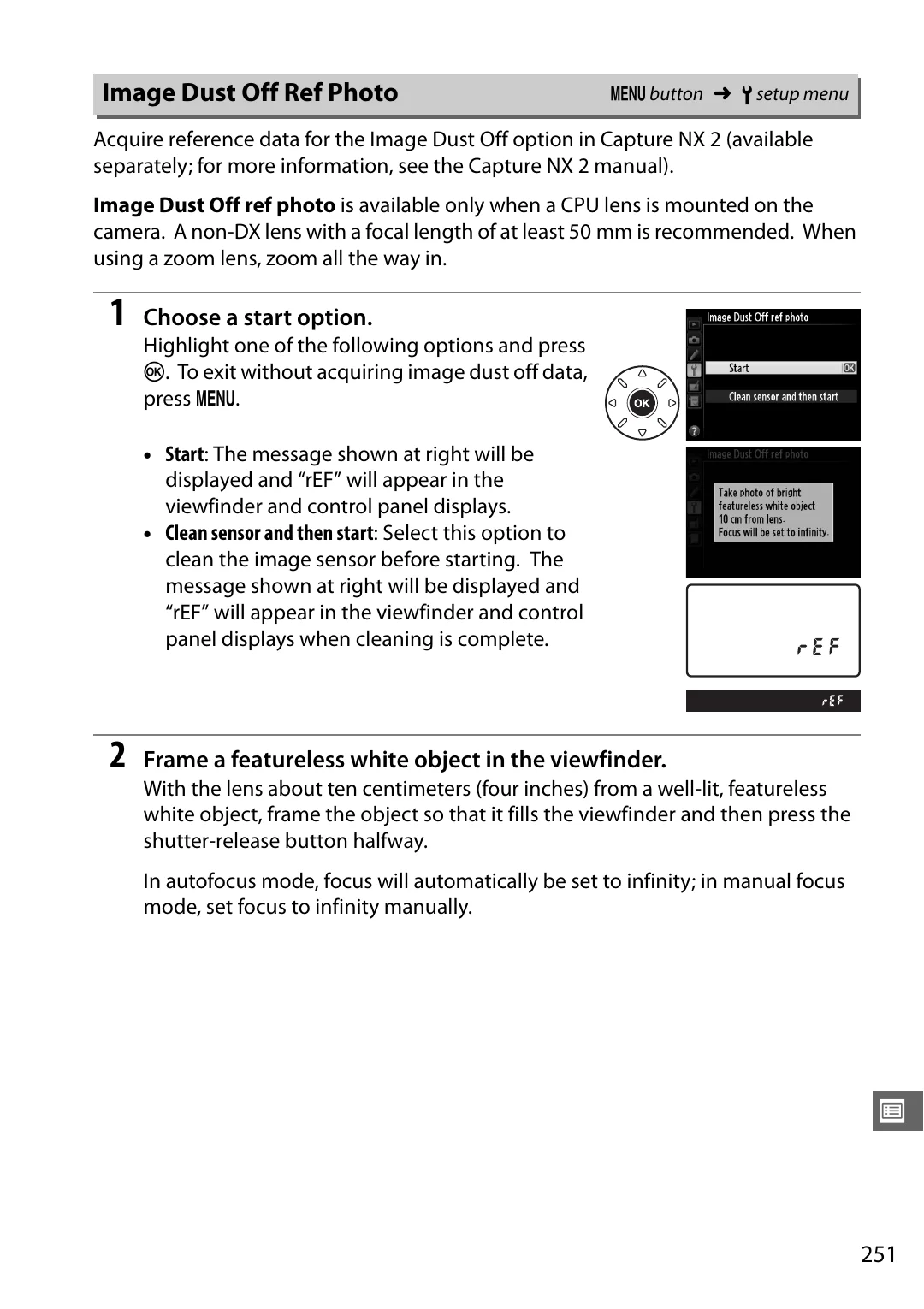
Highlight one of the following options and press
J
. To exit without acquiring image dust off data,
press
G
.
•
Start
: The message shown at right will be
displayed and “rEF” will appear in the
viewfinder and control panel displays.
•
Clean sensor and then start
: Select this option to
clean the image sensor before starting. The
message shown at right will be displayed and
“rEF” will appear in the viewfinder and control
panel displays when cleaning is complete.
2
Frame a featureless white object in the viewfinder.
With the lens about ten centimeters (four inches) from a well-lit, featureless
white object, frame the object so that it fills the viewfinder and then press the
shutter-release button halfway.
In autofocus mode, focus will automatically be set to infinity; in manual focus
mode, set focus to infinity manually.
Image Dust Off Ref Photo
G
button
➜
B
setup menu