247
U
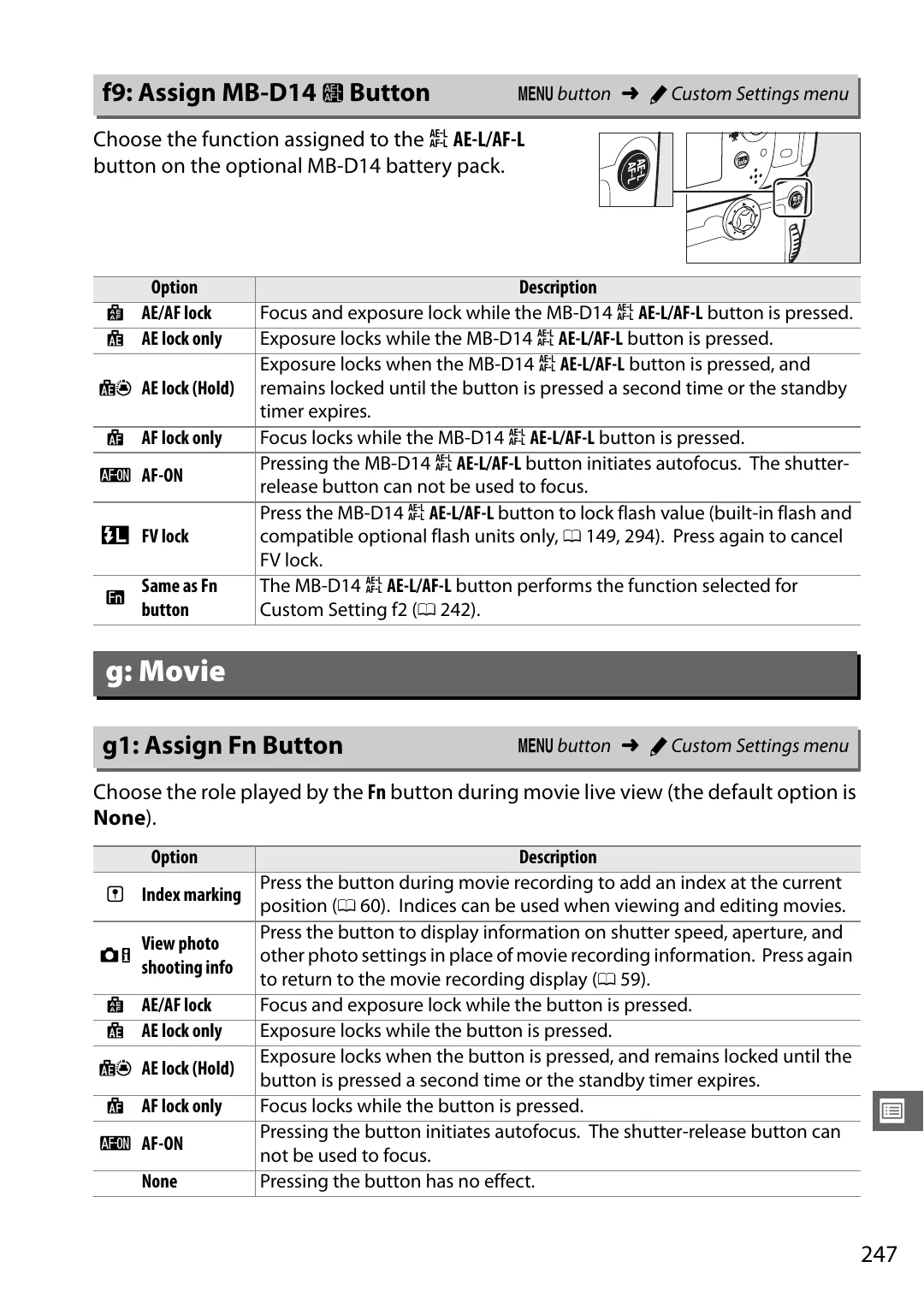
Choose the function assigned to the
A
AE-L/AF-L
button on the optional MB-D14 battery pack.
Choose the role played by the
Fn
button during movie live view (the default option is
None
).
f9: Assign MB-D14
4
Button
G
button
➜
A
Custom Settings menu
Option
Description
B
AE/AF lock
Focus and exposure lock while the MB-D14
A
AE-L/AF-L
button is pressed.
C
AE lock only
Exposure locks while the MB-D14
A
AE-L/AF-L
button is pressed.
E
AE lock (Hold)
Exposure locks when the MB-D14
A
AE-L/AF-L
button is pressed, and
remains locked until the button is pressed a second time or the standby
timer expires.
F
AF lock only
Focus locks while the MB-D14
A
AE-L/AF-L
button is pressed.
A
AF-ON
Pressing the MB-D14
A
AE-L/AF-L
button initiates autofocus. The shutter-
release button can not be used to focus.
r
FV lock
Press the MB-D14
A
AE-L/AF-L
button to lock flash value (built-in flash and
compatible optional flash units only,
149, 294). Press again to cancel
FV lock.
G
Same as Fn
button
The MB-D14
A
AE-L/AF-L
button performs the function selected for
Custom Setting f2 (
g: Movie
g1: Assign Fn Button
G
button
➜
A
Custom Settings menu
Option
Description
r
Index marking
Press the button during movie recording to add an index at the current
position (
60). Indices can be used when viewing and editing movies.
s
View photo
shooting info
Press the button to display information on shutter speed, aperture, and
other photo settings in place of movie recording information. Press again
to return to the movie recording display (
59).
B
AE/AF lock
Focus and exposure lock while the button is pressed.
C
AE lock only
Exposure locks while the button is pressed.
E
AE lock (Hold)
Exposure locks when the button is pressed, and remains locked until the
button is pressed a second time or the standby timer expires.
F
AF lock only
Focus locks while the button is pressed.
A
AF-ON
Pressing the button initiates autofocus. The shutter-release button can
not be used to focus.
None
Pressing the button has no effect.