256
U
Add copyright information to new photographs as they are taken. Copyright
information is included in the shooting data shown in the photo information display
182) and can be viewed as metadata in ViewNX 2 (supplied) or in Capture NX 2
(available separately;
298).
•
Done
: Save changes and return to the setup menu.
•
Artist
: Enter a photographer name as described on page 135. Photographer
names can be up to 36 characters long.
•
Copyright
: Enter the name of the copyright holder as described on page 135.
Copyright holder names can be up to 54 characters long.
•
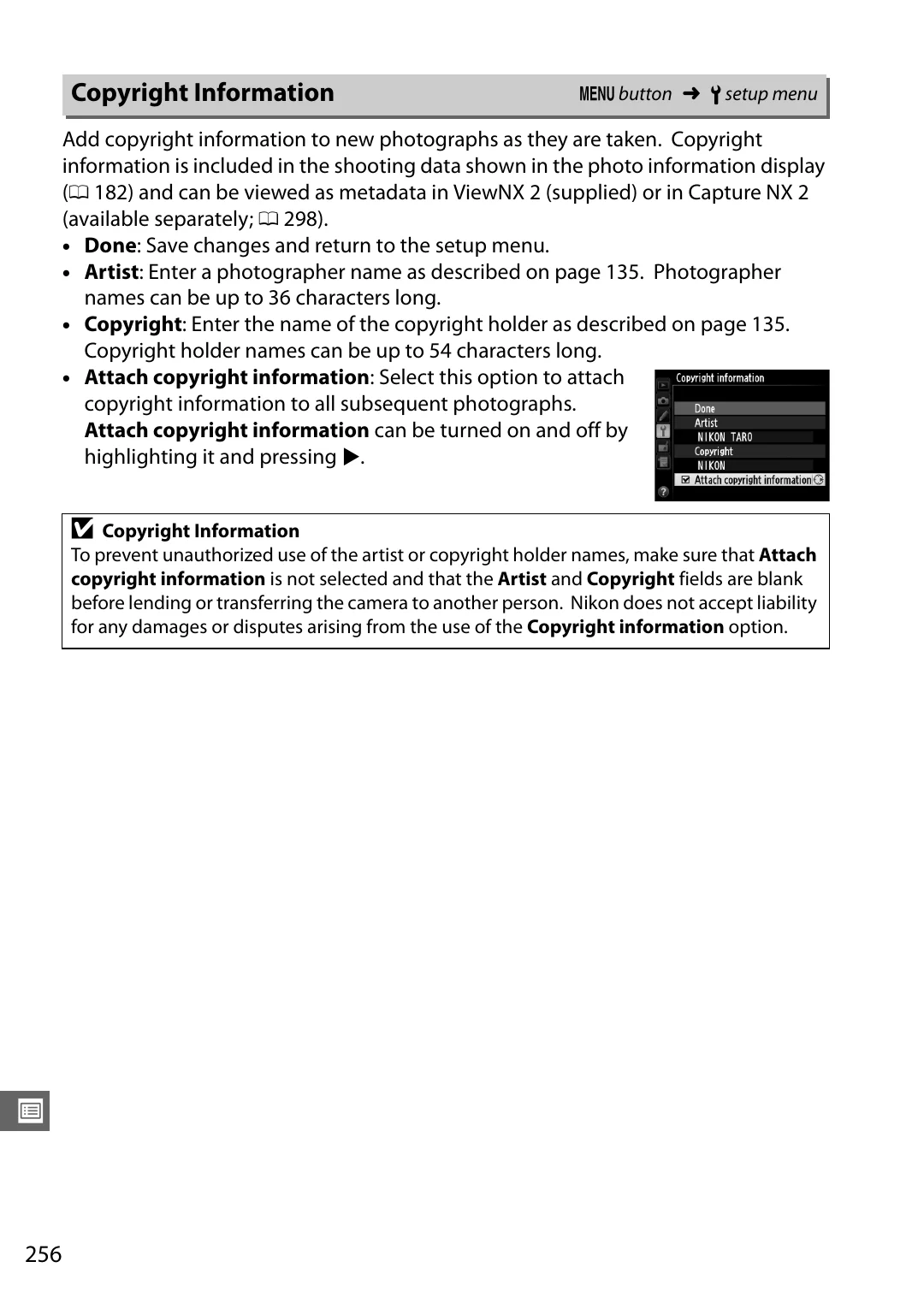
Attach copyright information
: Select this option to attach
copyright information to all subsequent photographs.
Attach copyright information
can be turned on and off by
highlighting it and pressing
2
.
Copyright Information
G
button
➜
B
setup menu
D
Copyright Information
To prevent unauthorized use of the artist or copyright holder names, make sure that
Attach
copyright information
is not selected and that the
Artist
and
Copyright
fields are blank
before lending or transferring the camera to another person. Nikon does not accept liability
for any damages or disputes arising from the use of the
Copyright information
option.