73
#
#
P, S, A, and M Modes
P
,
S
,
A
, and
M
modes offer different degrees of control over shutter
speed and aperture.
A
Lens Types
When using a CPU lens equipped with an aperture ring (
287), lock the aperture ring at the
minimum aperture (highest f-number). Type G and E lenses are not equipped with an
aperture ring.
Non-CPU lenses can only be used in modes
A
(aperture-priority auto) and
M
(manual), when
aperture can only be adjusted using the lens aperture ring. Selecting any other mode
disables the shutter release.
A
Non-CPU Lenses (
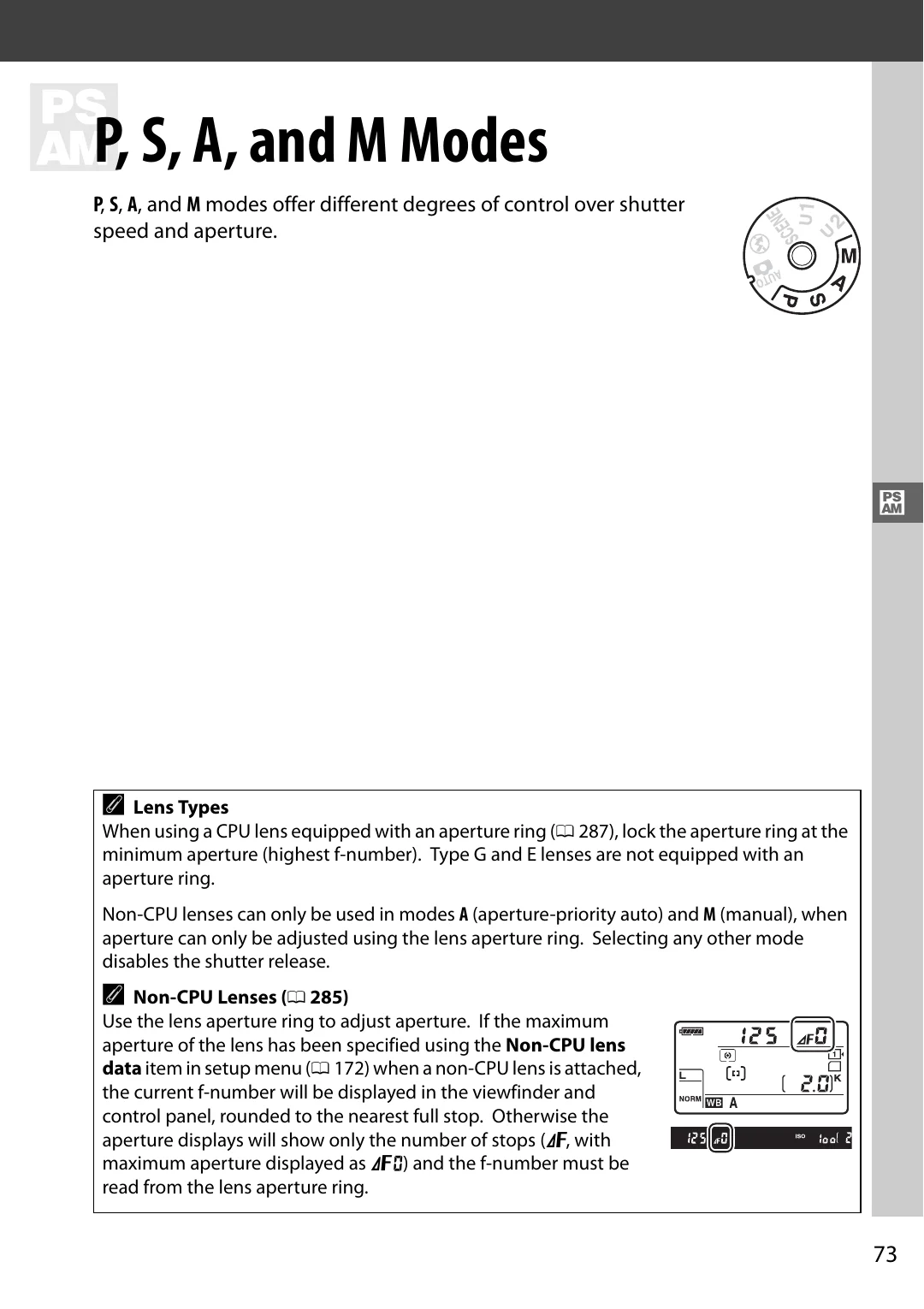
Use the lens aperture ring to adjust aperture. If the maximum
aperture of the lens has been specified using the
Non-CPU lens
data
item in setup menu (
172) when a non-CPU lens is attached,
the current f-number will be displayed in the viewfinder and
control panel, rounded to the nearest full stop. Otherwise the
aperture displays will show only the number of stops (
F
, with
maximum aperture displayed as
F
A
) and the f-number must be
read from the lens aperture ring.