66
y
1
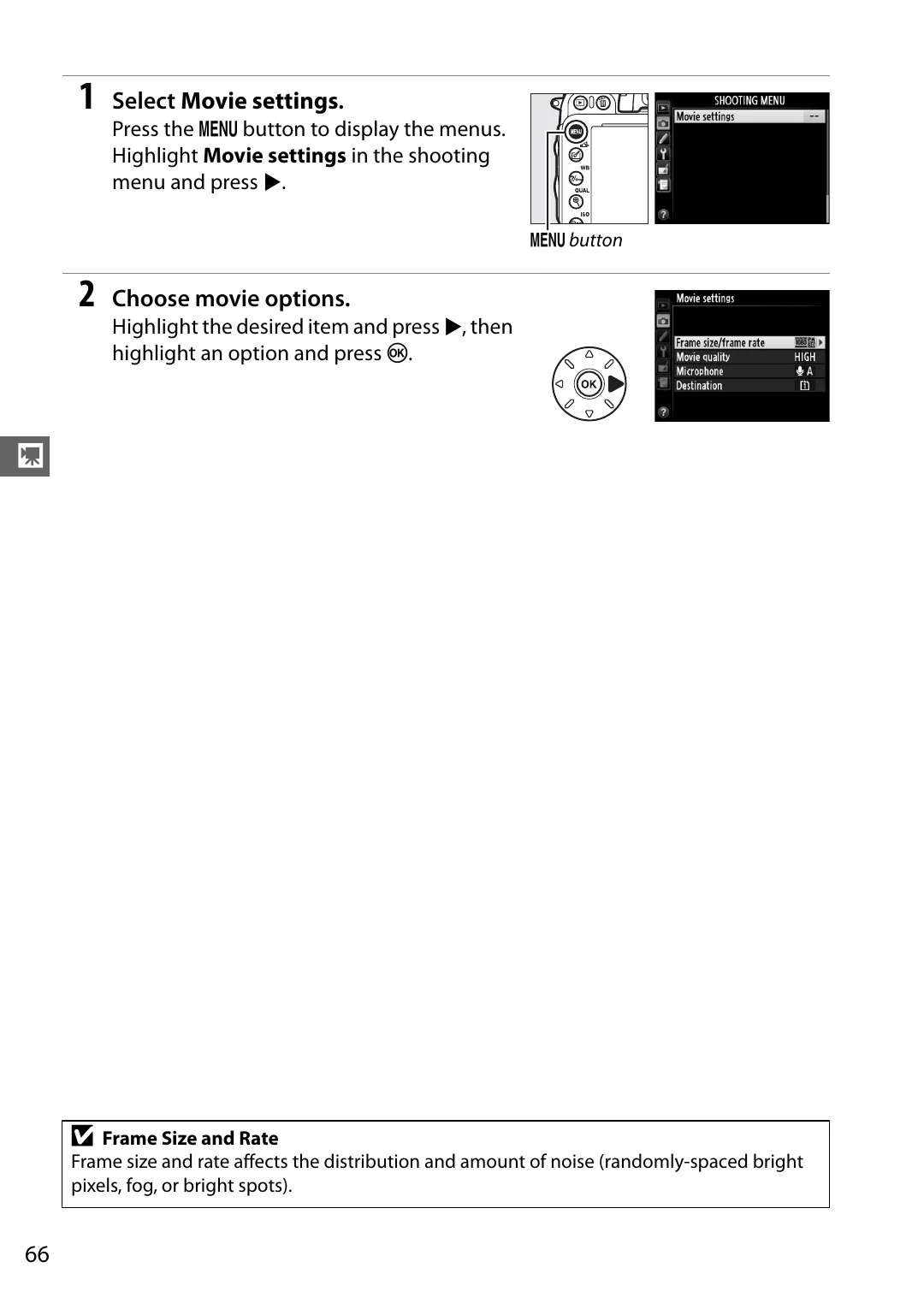
Select
Movie settings
.
Press the
G
button to display the menus.
Highlight
Movie settings
in the shooting
menu and press
2
.
2
Choose movie options.
Highlight the desired item and press
2
, then
highlight an option and press
J
.
D
Frame Size and Rate
Frame size and rate affects the distribution and amount of noise (randomly-spaced bright
pixels, fog, or bright spots).
G
button