60
y
Indices
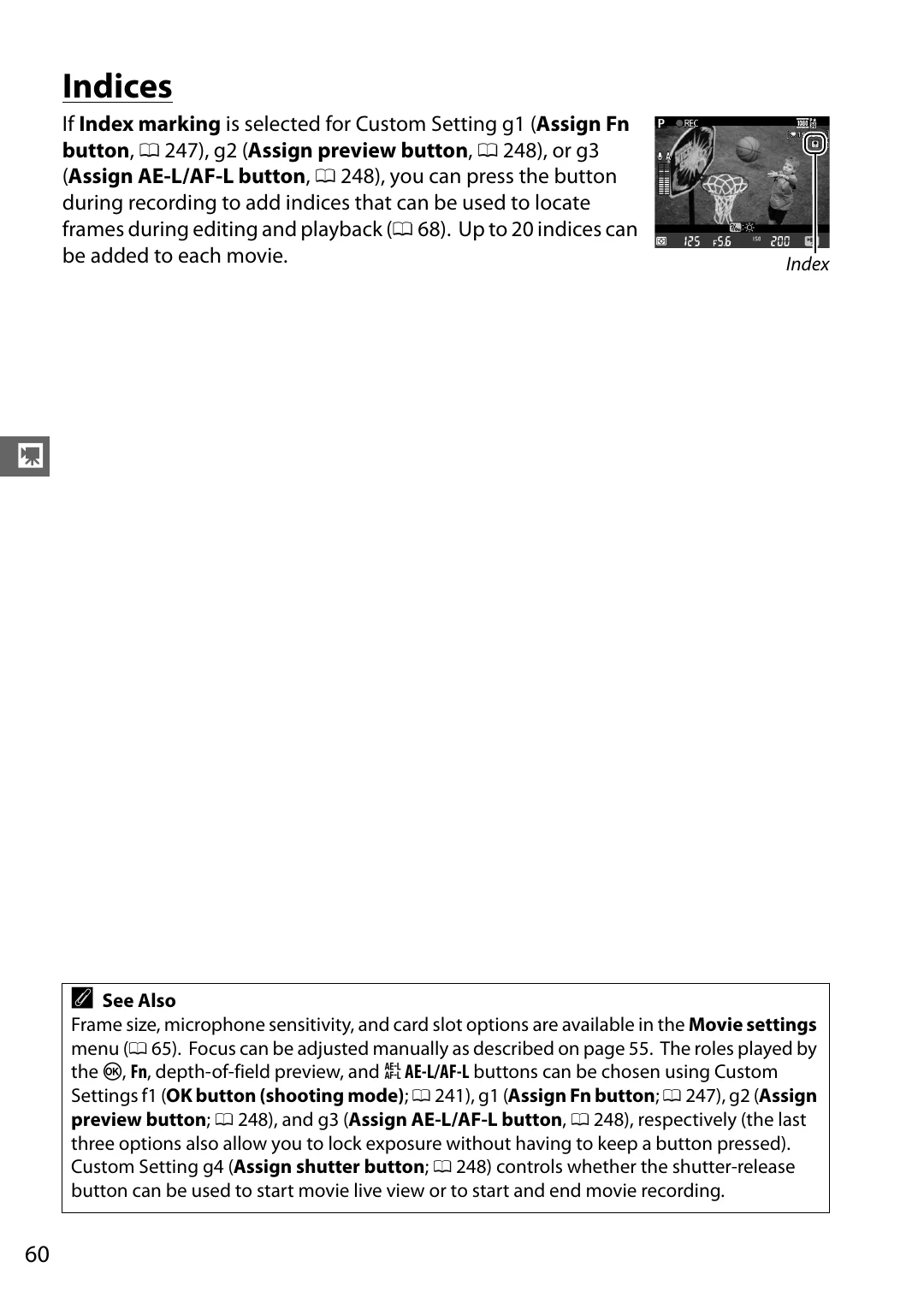
If
Index marking
is selected for Custom Setting g1 (
Assign Fn
button
,
247), g2 (
Assign preview button
248), or g3
(
Assign AE-L/AF-L button
248), you can press the button
during recording to add indices that can be used to locate
frames during editing and playback (
68). Up to 20 indices can
be added to each movie.
A
See Also
Frame size, microphone sensitivity, and card slot options are available in the
Movie settings
65). Focus can be adjusted manually as described on page 55. The roles played by
the
J
,
Fn
, depth-of-field preview, and
A
AE-L/AF-L
buttons can be chosen using Custom
Settings f1 (
OK button (shooting mode)
Assign Fn button
Assign
preview button
248), and g3 (
Assign AE-L/AF-L button
248), respectively (the last
three options also allow you to lock exposure without having to keep a button pressed).
Custom Setting g4 (
Assign shutter button
248) controls whether the shutter-release
button can be used to start movie live view or to start and end movie recording.
Index